



How to Sync Office 365 Meetings with Profit.co as an End User?
Category: General
Profit.co provides a built-in Office 365 integration that allows you to seamlessly sync your meetings between Profit.co and your Office 365 Calendar.
Why Use Office 365 Meeting Sync in Profit.co?
-
Eliminate duplicate work by avoiding manual meeting creation in multiple tools
-
Ensure consistency between Profit.co meetings and your Office 365 calendar
-
Never miss a meeting, as updates are automatically reflected in both platforms
Step 1
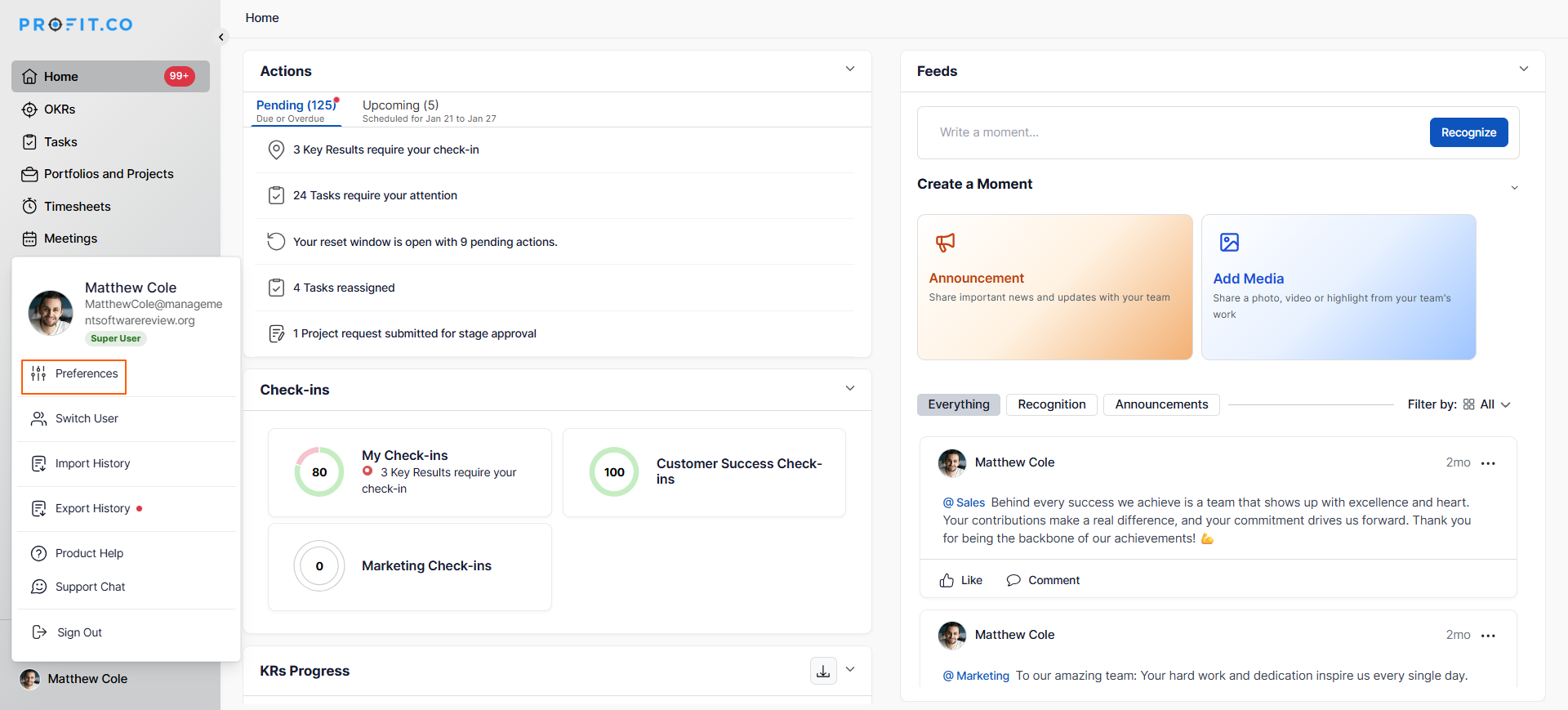
Navigate to Preferences from the left navigation panel.
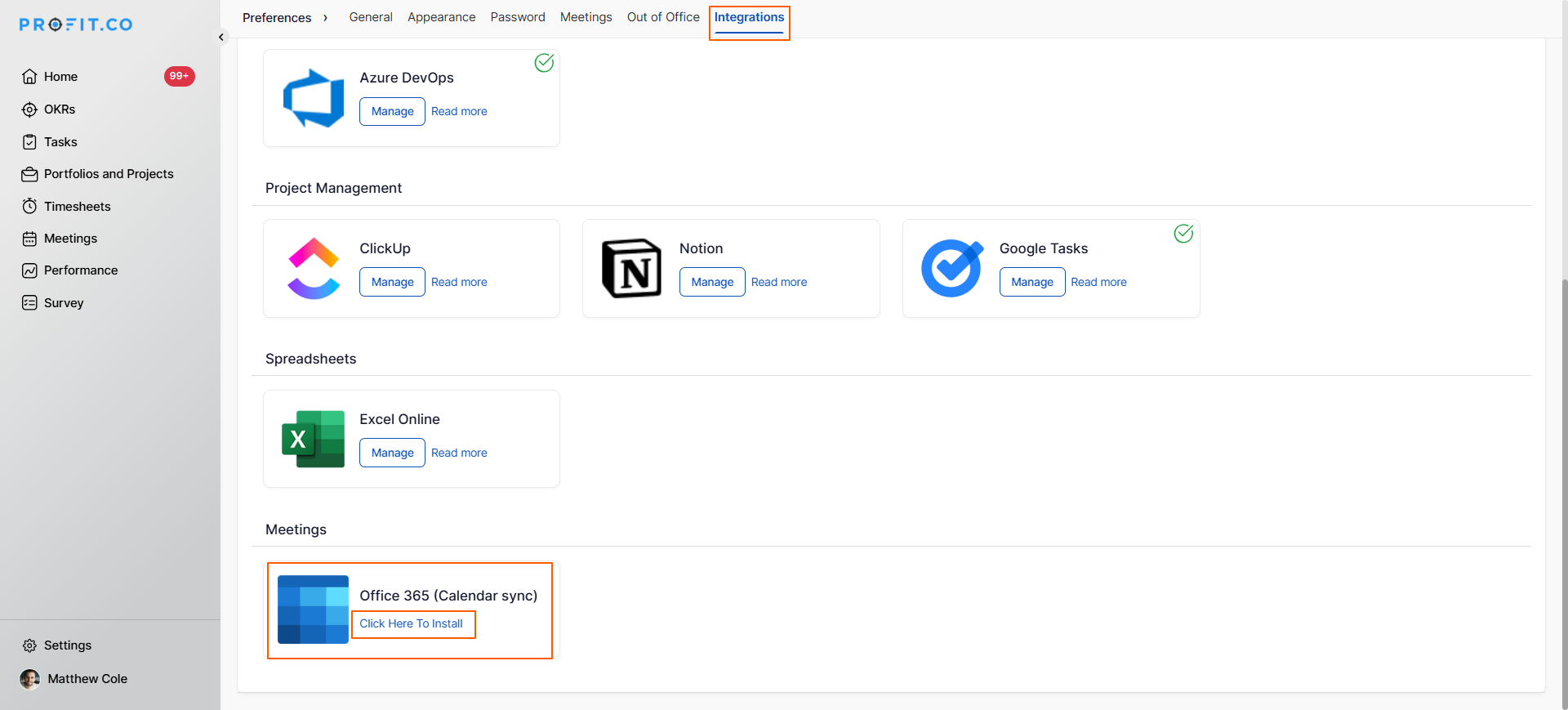
On the Preferences page, select the Integrations tab and click the Click here to install button.
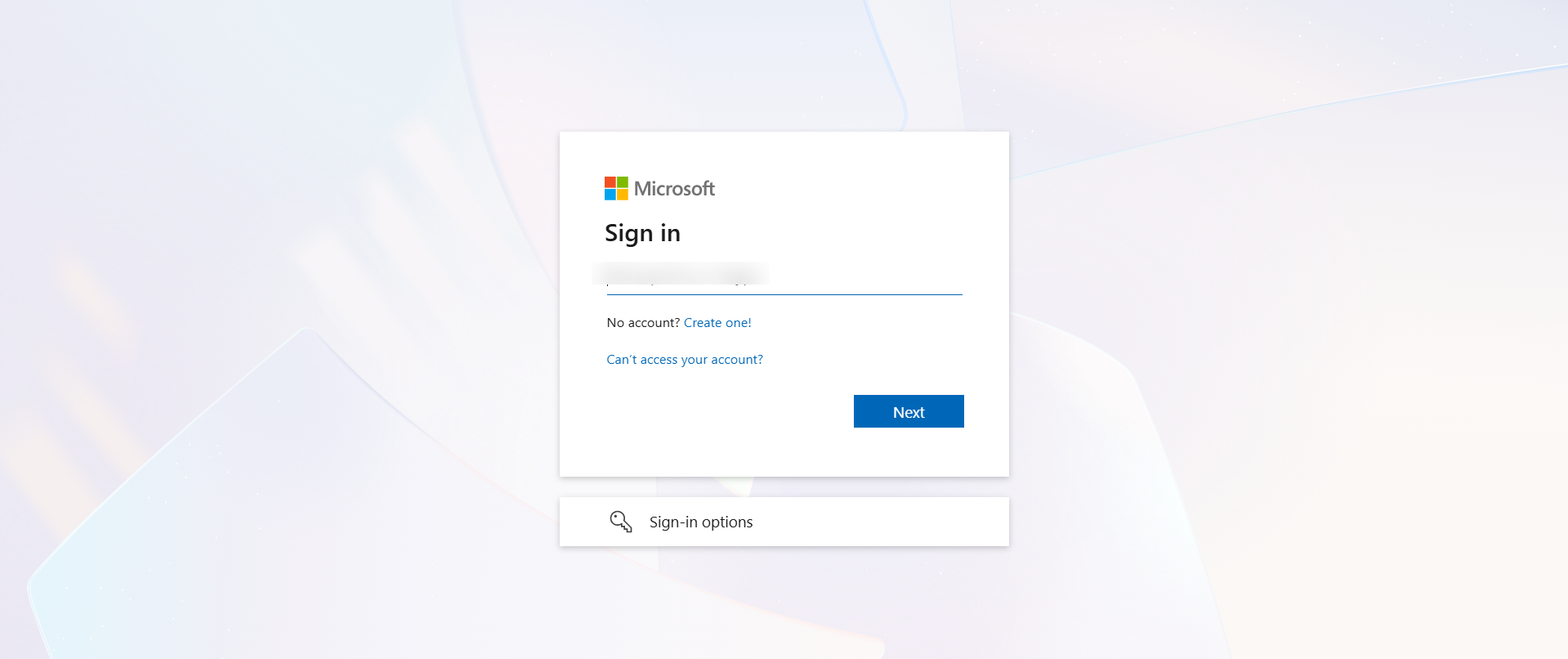
You will be redirected to the Office 365 sign-in page. Enter your Office 365 email ID and click Submit.
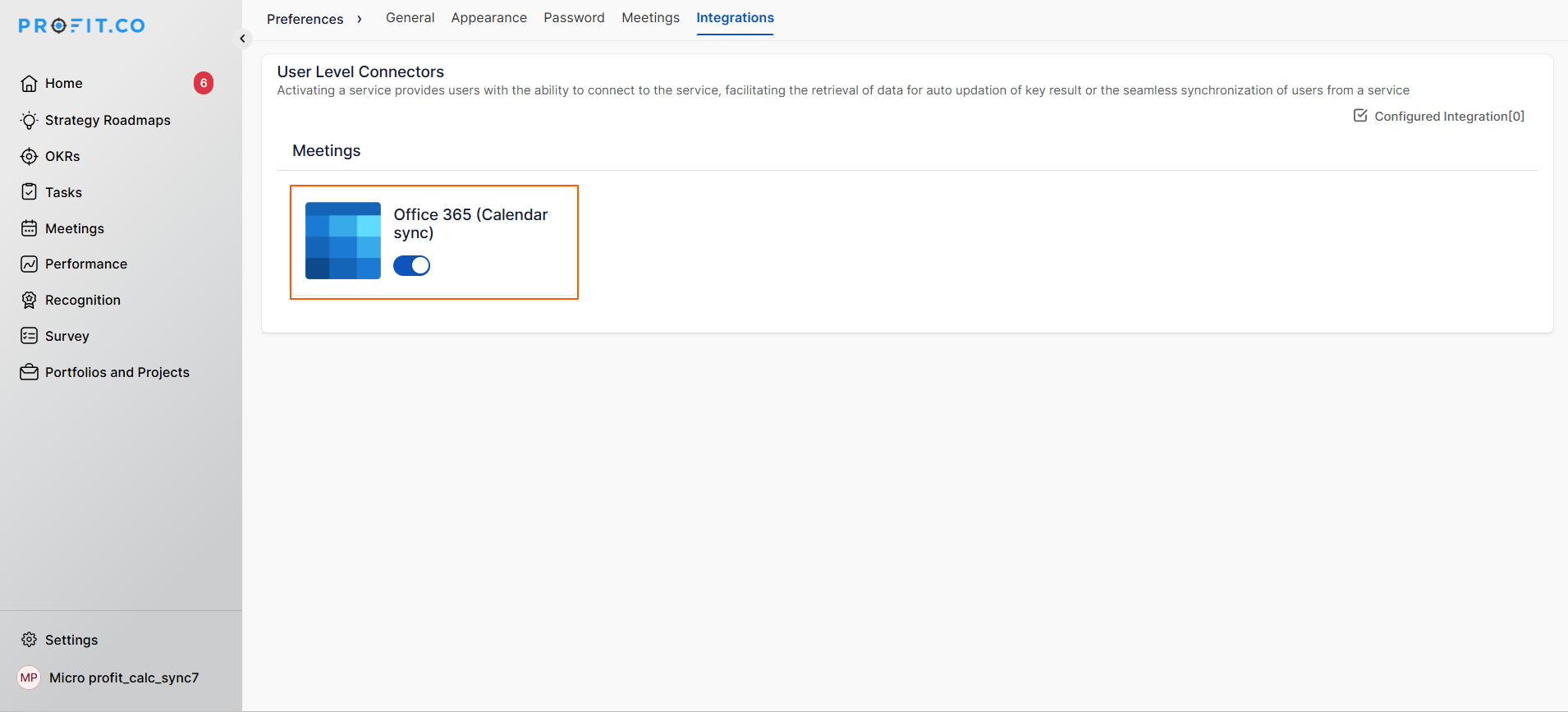
After granting permission, you will be redirected back to the Profit.co page.
Step 2
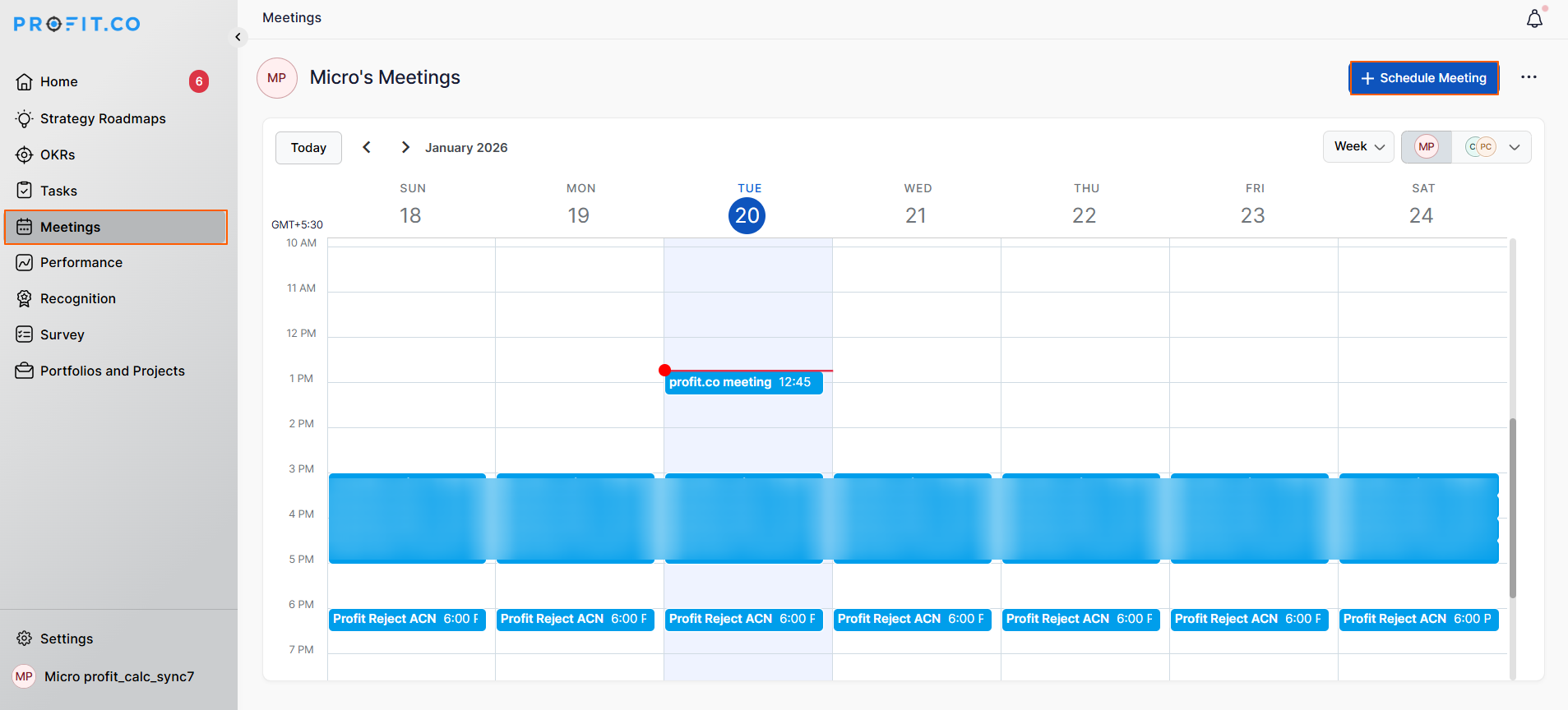
Navigate to Meetings from the left navigation panel and initiate a meeting.
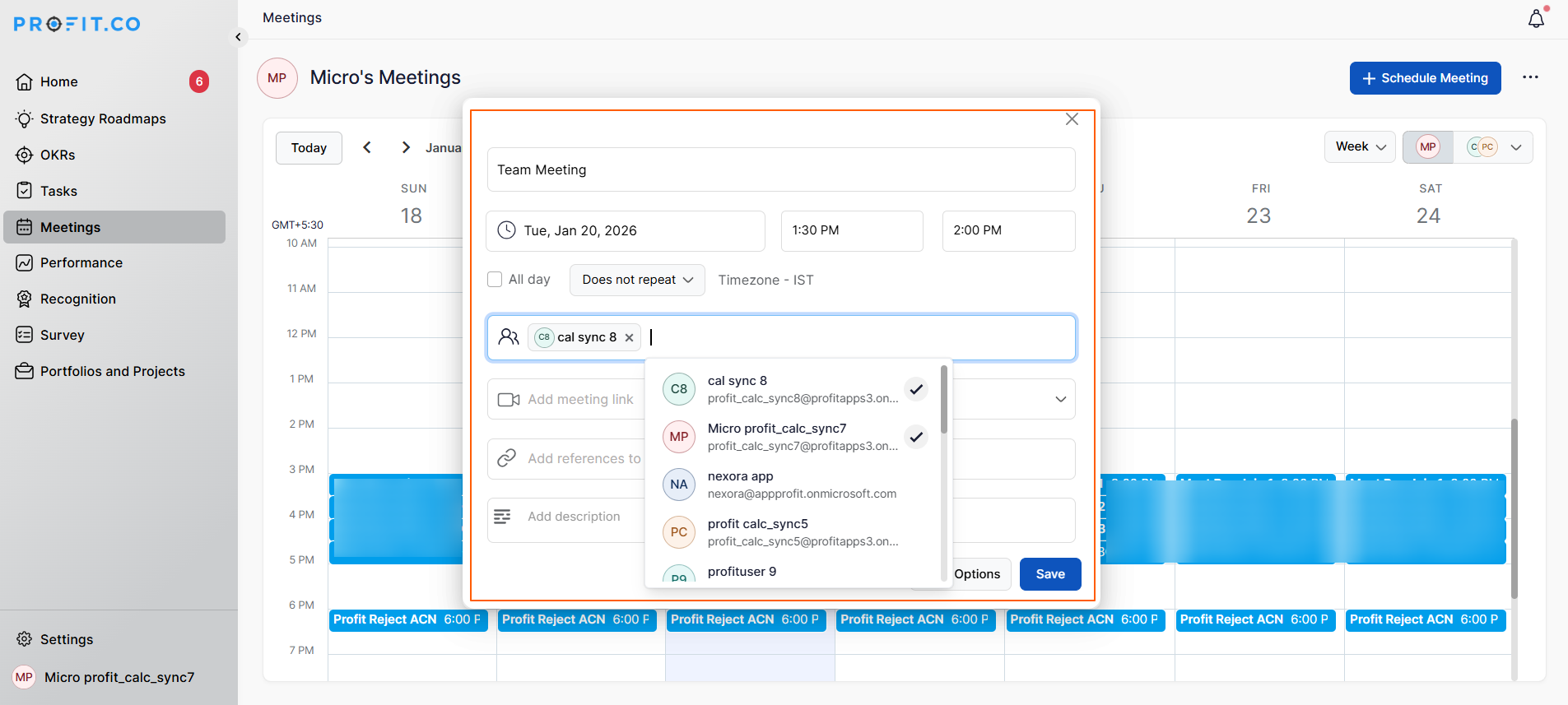
Enter the Meeting Title, Date and Time, and Participants, and finally click Save.
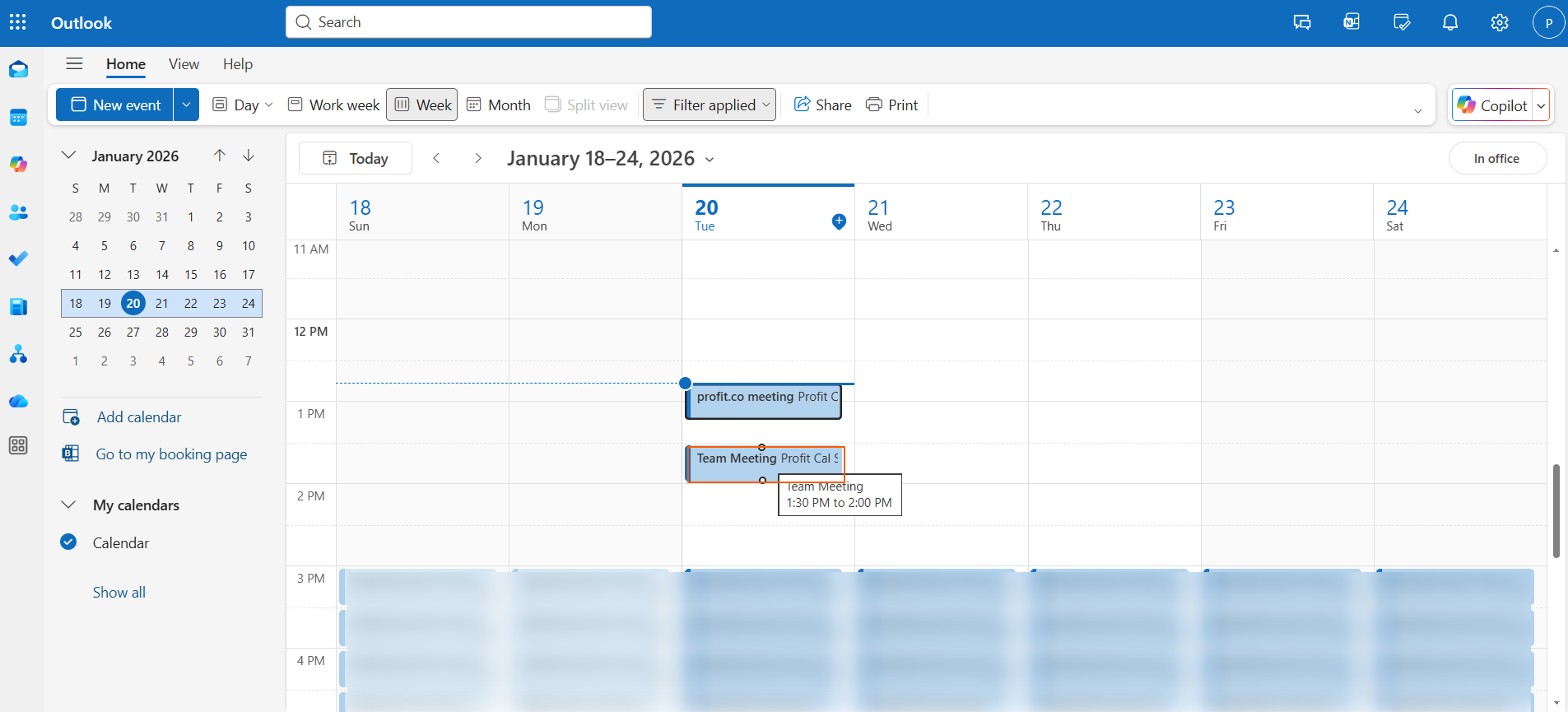
When a user schedules a meeting within Profit.co, it seamlessly syncs with their Office 365 Calendar.
Likewise, meetings created in Office 365 Calendar will automatically reflect in the user’s Profit.co account
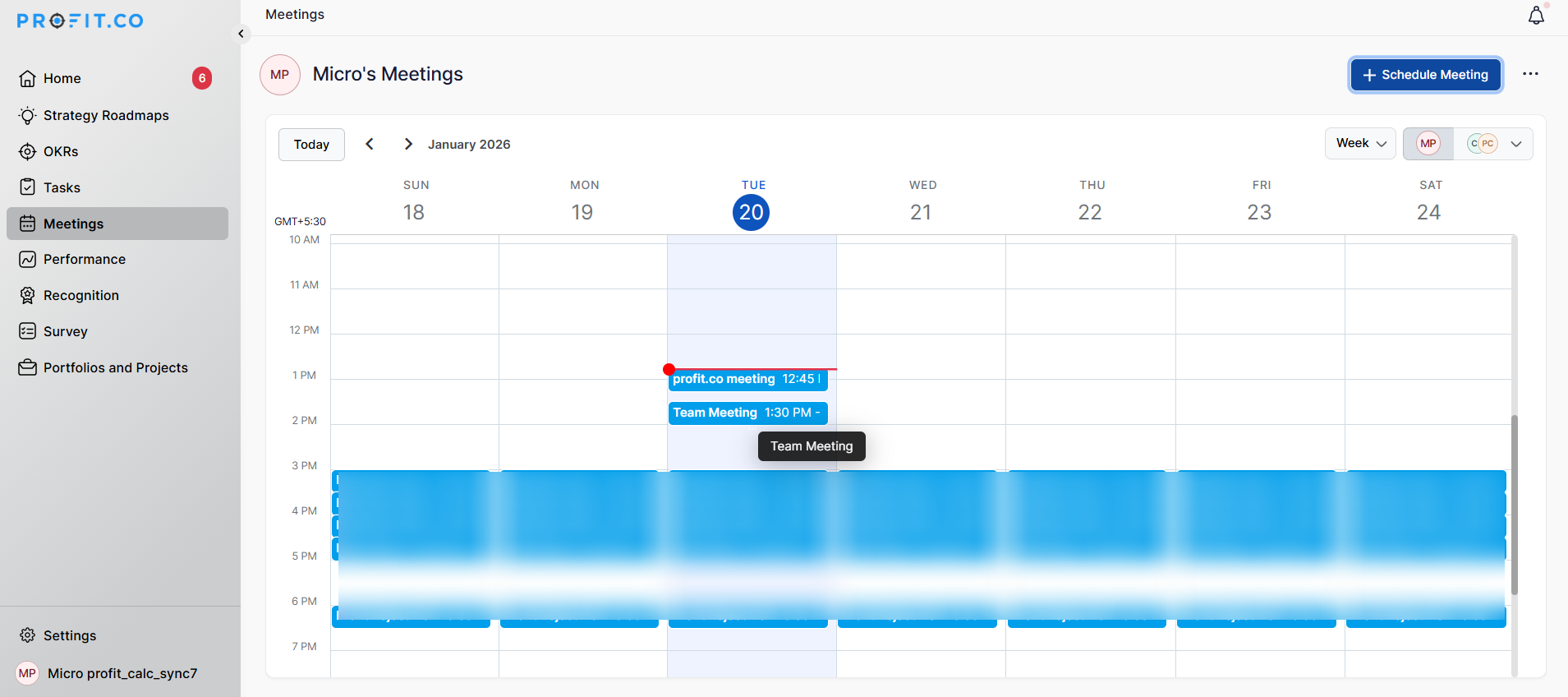
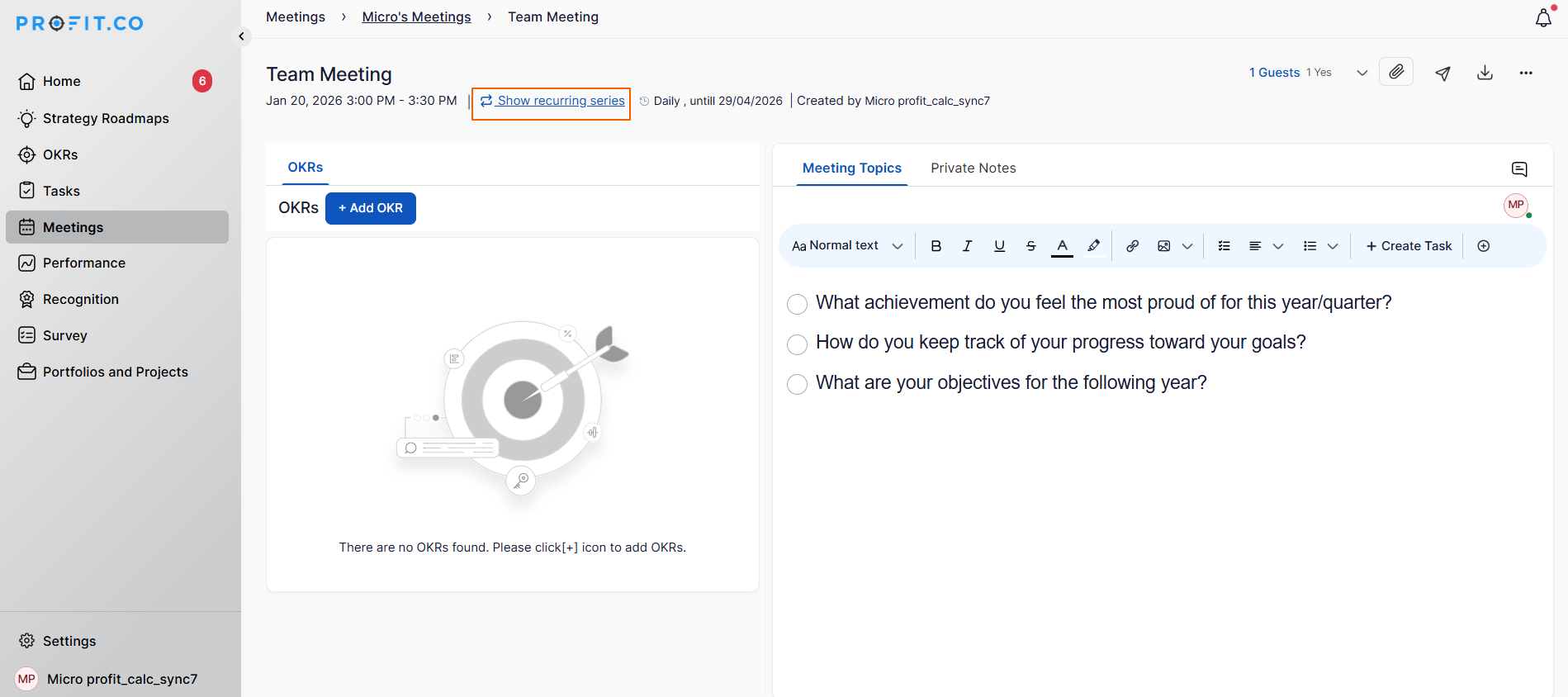
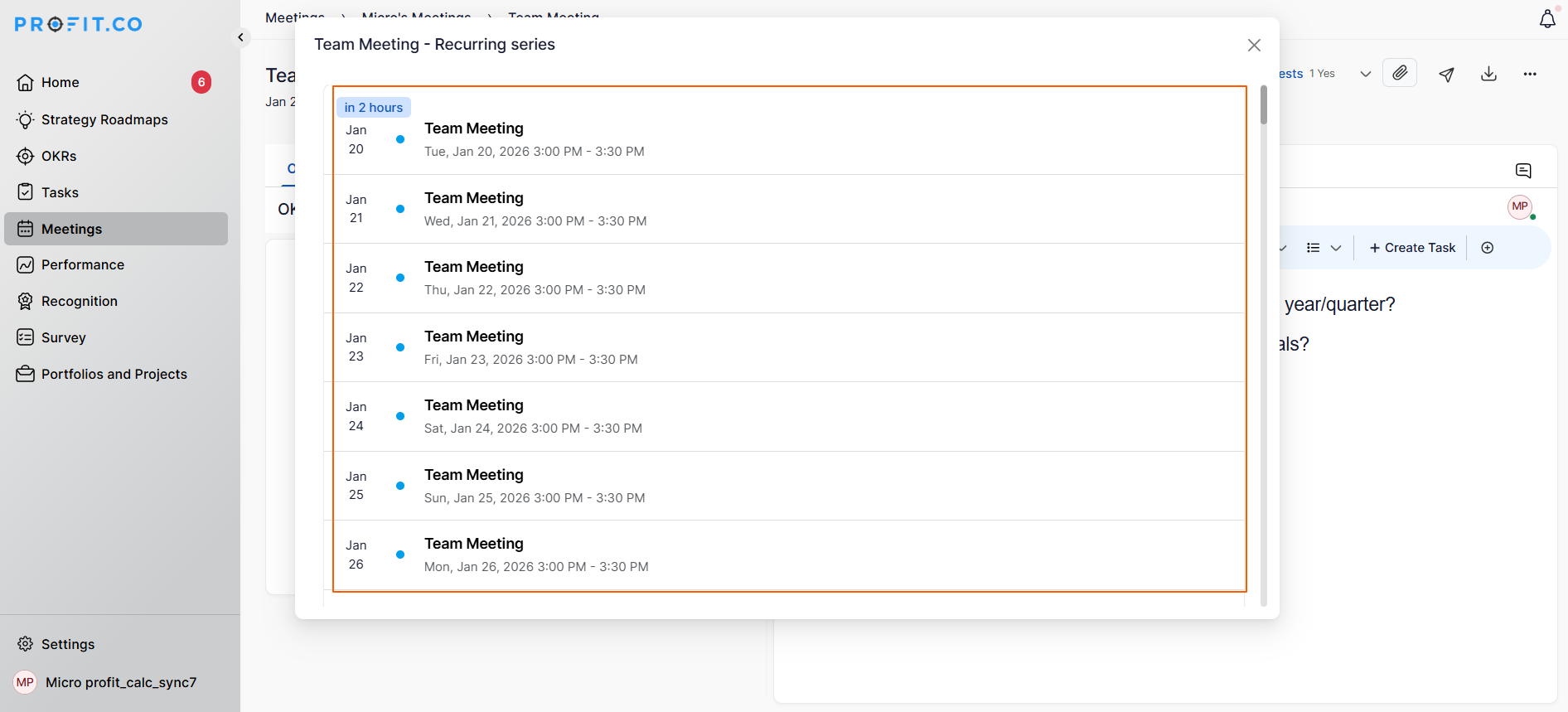
You can also easily view and manage recurring event series.
Related Questions
-
How to Initiate Meetings through Mobile Application?
Profit.co’s mobile application allows users to quickly initiate and schedule different types of meetings, such as ...Read more
-
What is the Notes app in Profit.co mobile application?
The Notes app in the Profit.co mobile application lets you create, organize, and manage notes on the go. It helps you ...Read more
-
What options are available in the 'Settings' section of the Profit.co mobile application?
The Settings section in the Profit.co mobile application lets you manage your account, preferences, users, and app ...Read more
-
What is the Use of Strategy Roadmaps Cockpit Dashboard in Profit.co?
The Strategy Roadmaps Cockpit is a visual analytics dashboard in Profit.co that provides structured, executive-level ...Read more