
Table of Contents
Profit.co offers 24/7 live customer support from real agents to help you during onboarding, setup, and ongoing usage. If you face issues or have questions, you can quickly connect with the support team through in-app chat.
When should I contact Support?
- Use the Support Chat when you need:
- Help with module setup (OKRs, Tasks, PMS, PPM, etc.)
- Guidance on product configuration
- Clarification on features or best practices
- Troubleshooting assistance
How to connect with Profit.co Support?
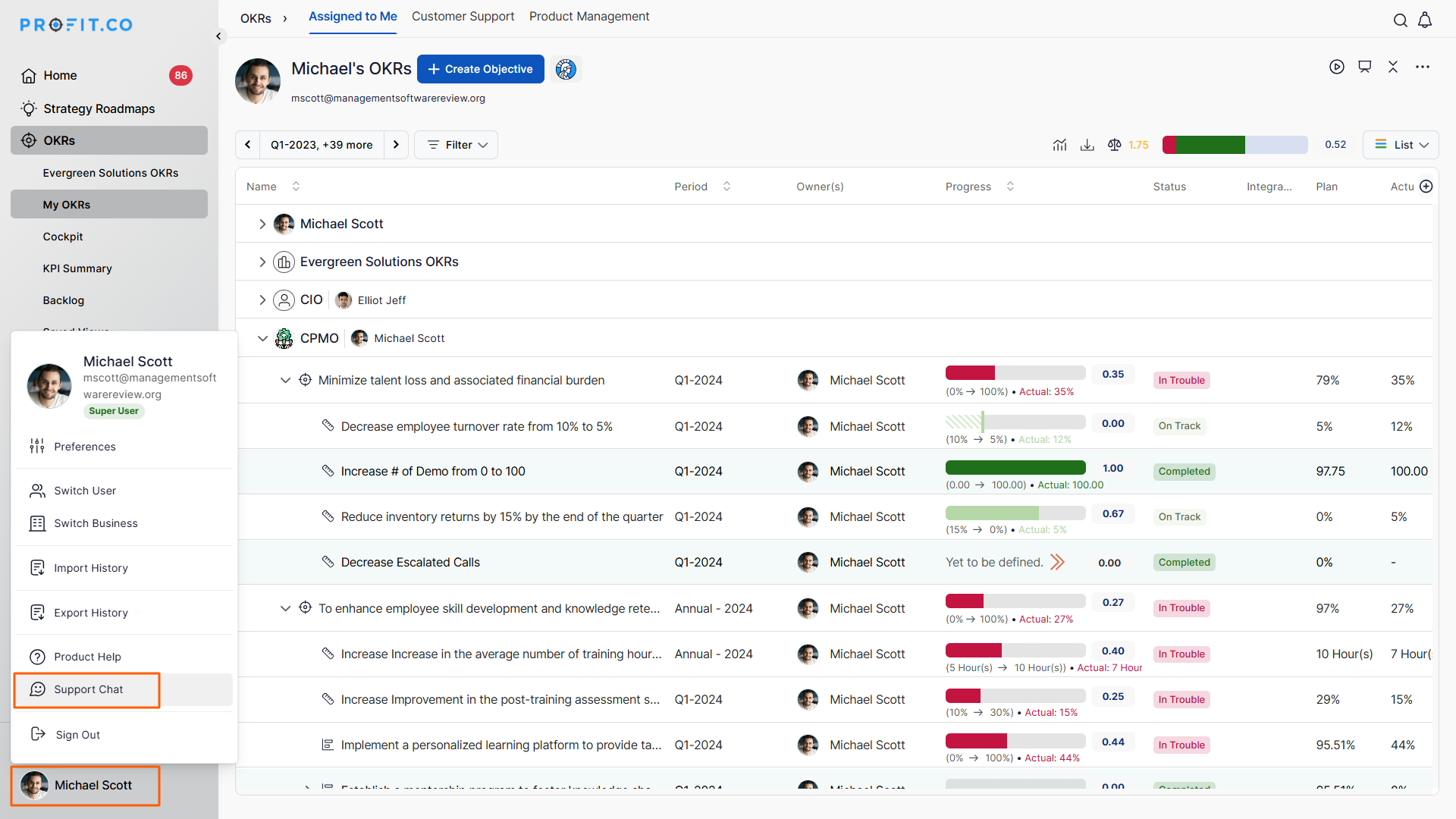
Step 1: Open Support Chat
- Click your User Profile icon on the bottom-left corner.
- Select Support Chat from the dropdown.
Step 2: Start a conversation
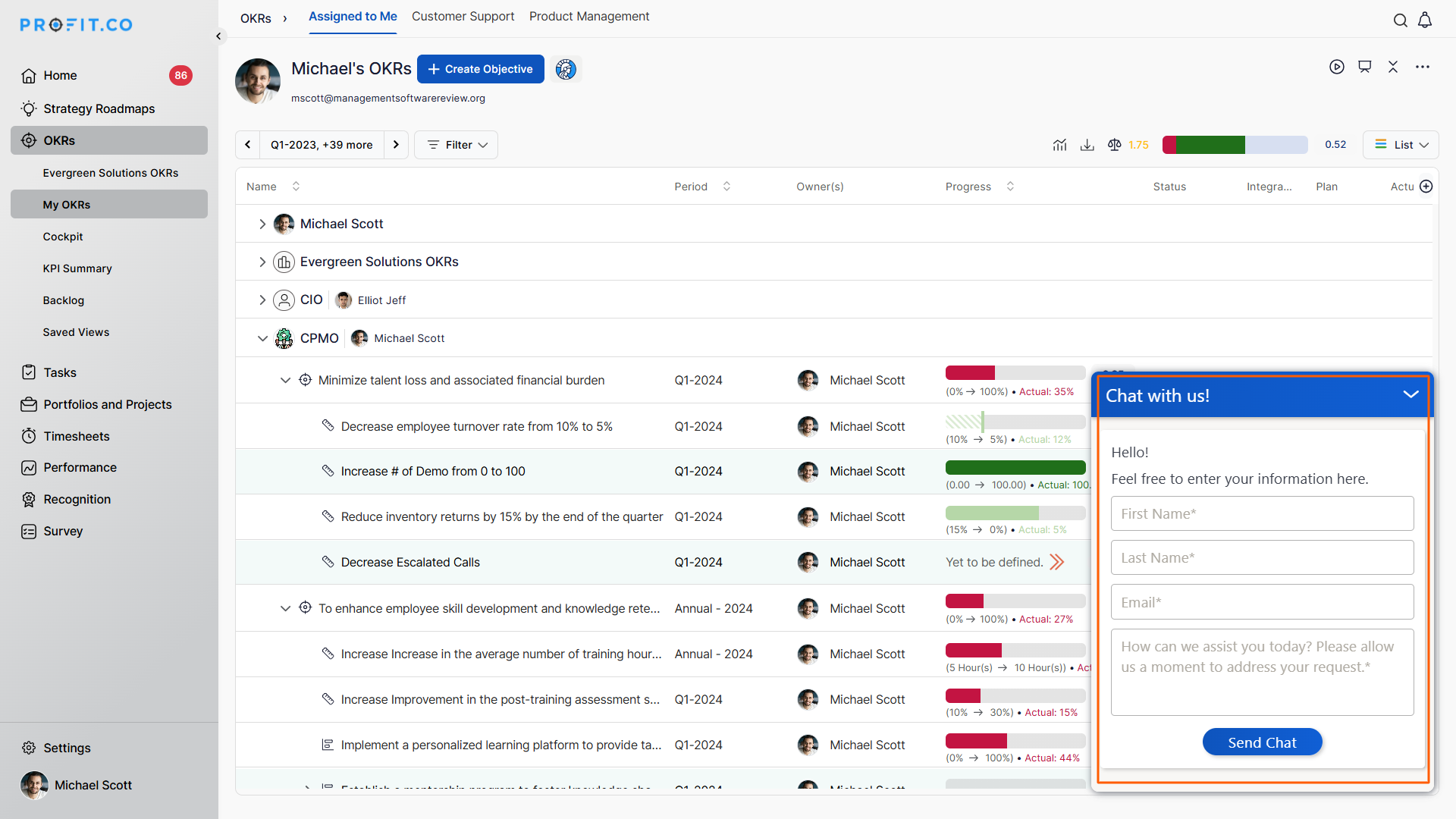
- A chatbot window opens at the bottom of the screen.
- Type your query and receive instant assistance.
Best Practices for Using Profit.co Support
- Use Support Chat for quick troubleshooting and guidance.
- Share clear context and screenshots to speed up issue resolution.
- Use the chatbot for simple, navigation-related queries.
- Switch to a live support agent for complex or multi-module issues.
Related Questions
To learn more about what support channels do Profit offer to help their customers, click here
Frequently Asked Questions
Q1. Is Profit.co support really 24/7?
Yes, Profit.co offers 24/7 live support chat.
Q2. How can I reach support if I’m not using chat?
You can email support at support@profit.co.
Q3. What support modes are available?
Profit.co offers live chat, email support, phone support (as needed), onboarding support, and access to documentation.
