



How to schedule a Meeting?
Category: General
Profit.co offers the ability for users to conveniently schedule meetings with individuals, teams, and departments within their organization.
Why this feature?
- Scheduling a meeting in Profit.co streamlines collaboration by centralizing agendas and notes.
- It enables efficient tracking of objectives and key results, and fosters enhanced communication among team members.
- They can also detect potential roadblocks that can impede progress and course correction.
Note: Only Super Users can enable the meetings.
Step 1
Navigate to Settings → General → Apps from the left navigation panel.
Enable the Meetings Module

Step 2
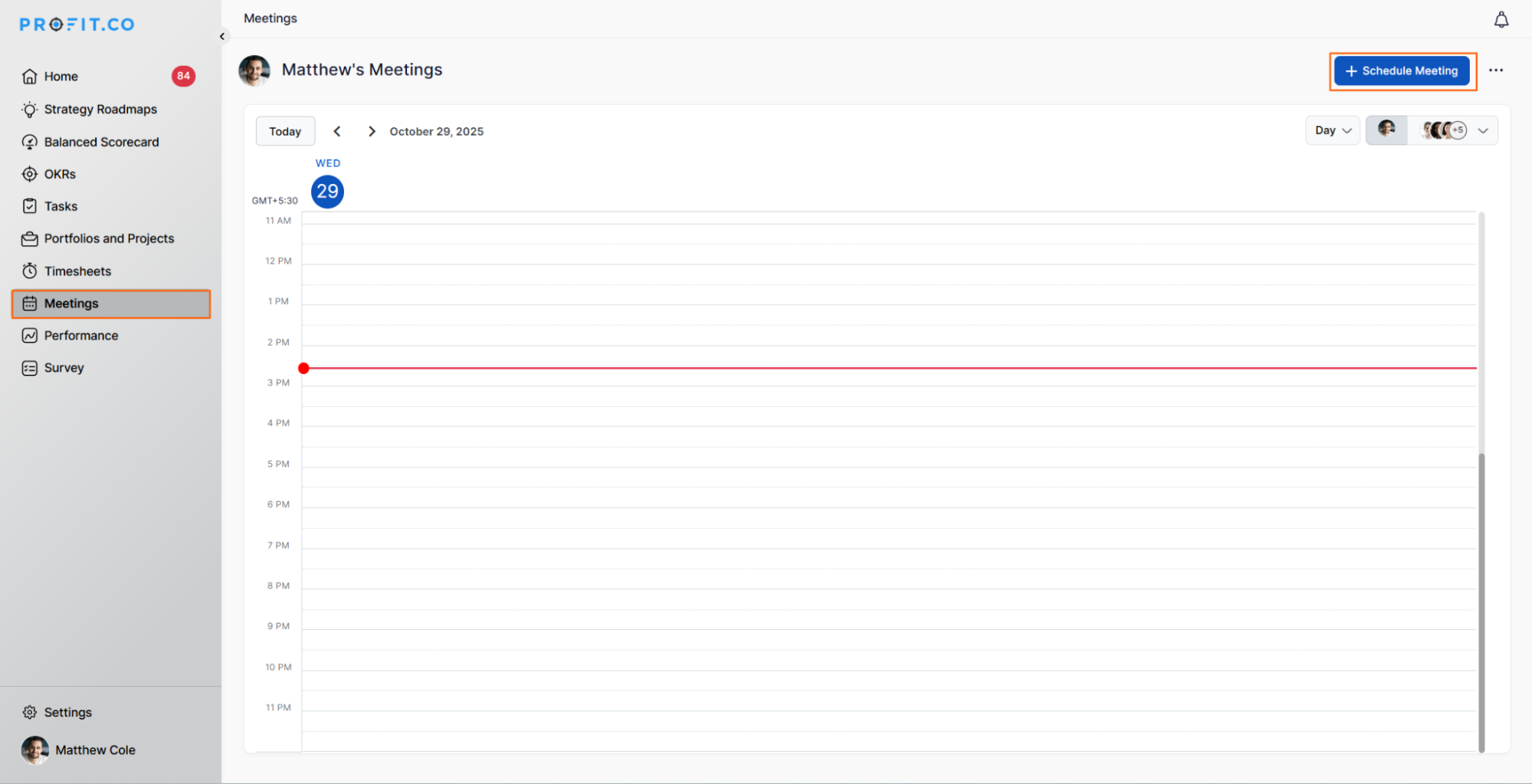
Navigate to Meetings from the left navigation panel. On the Meetings page, click Schedule Meeting to initiate a new meeting.
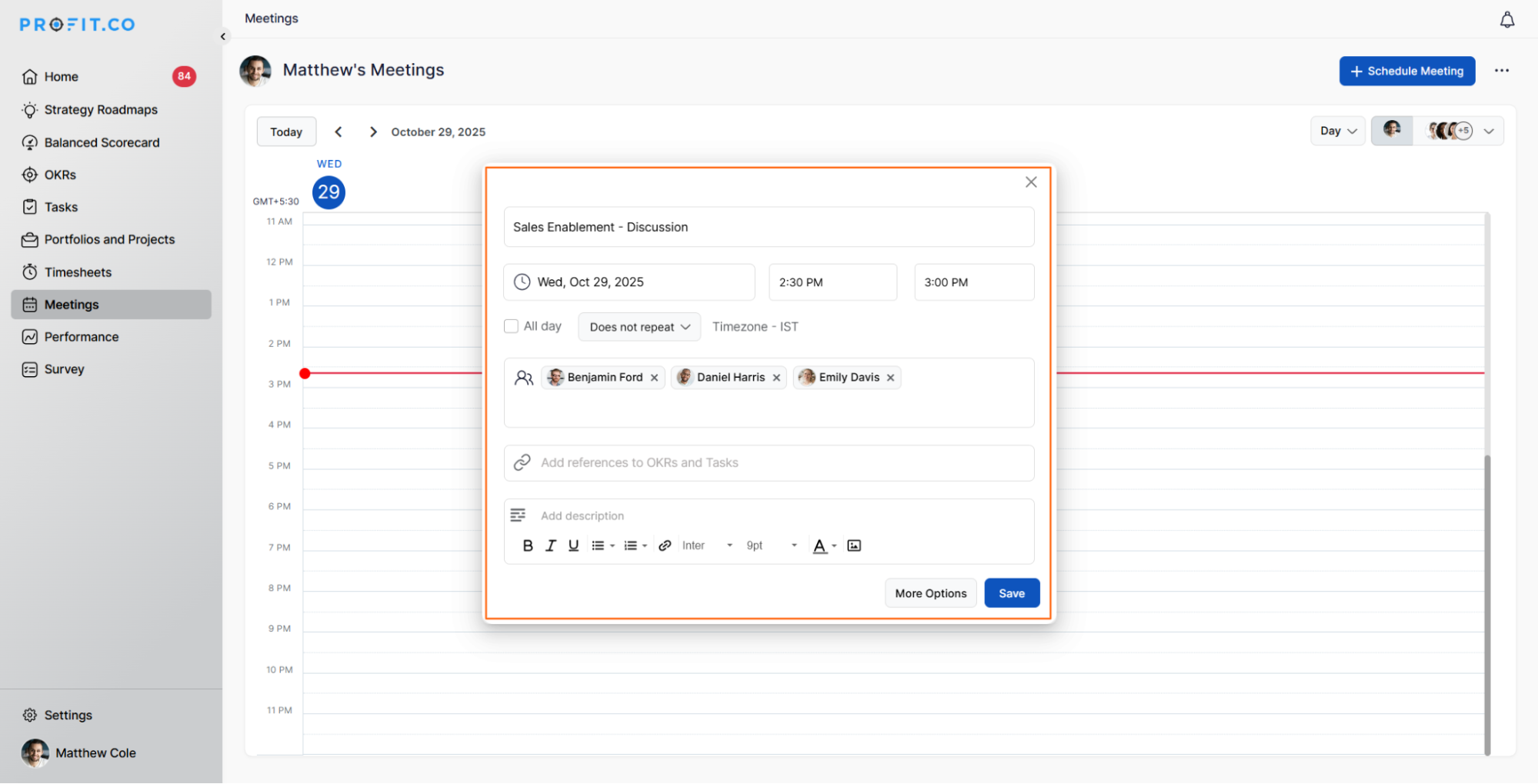
Enter the meeting name, set the time and date (using the Dynamic Time Range option), and optionally schedule the meeting at the departmental level.
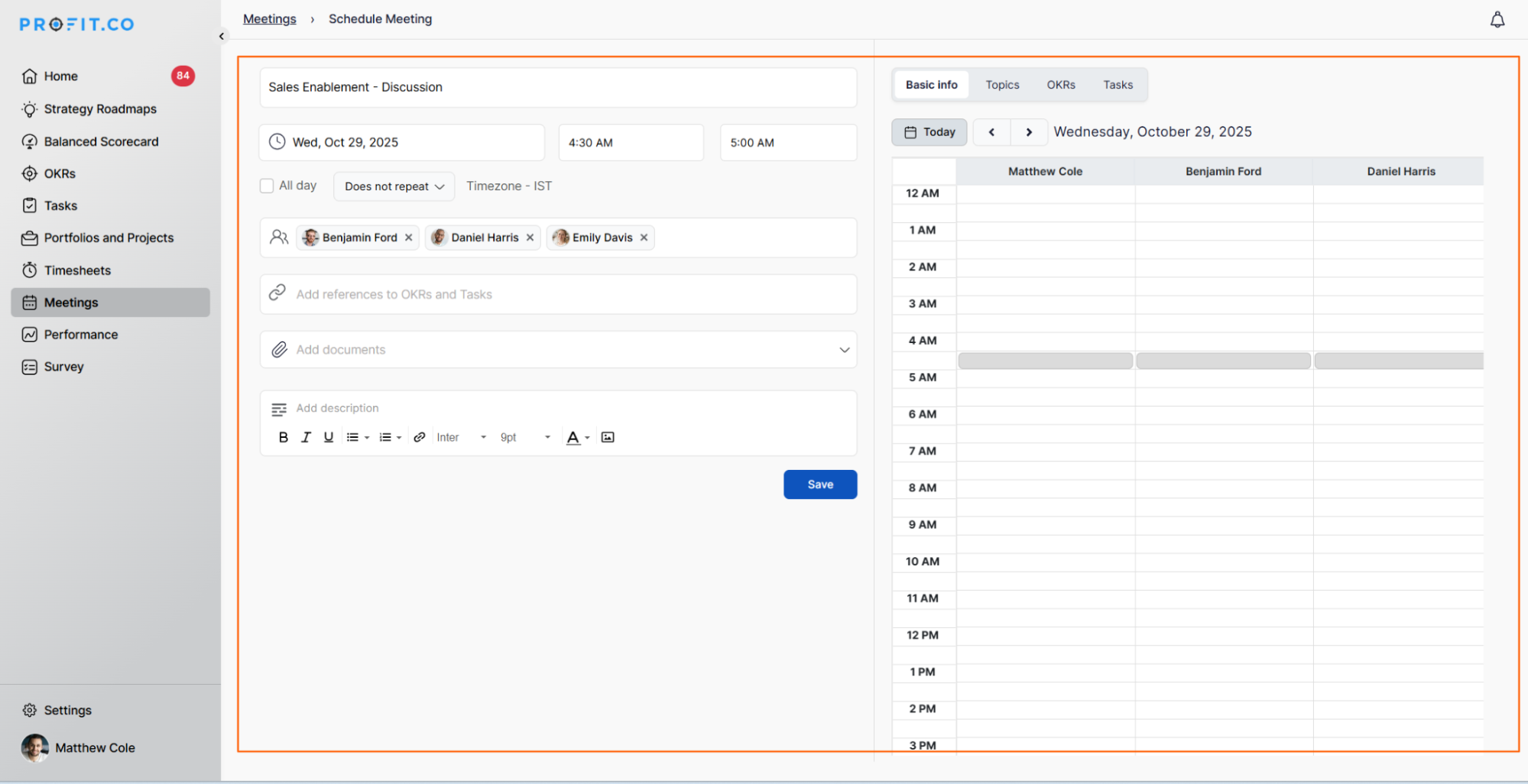
Under More Options, you can:
- View participants’ availability.
- Choose the default meeting template or create a new one.
- Select the OKRs you wish to present.
Finally, click on Save.
Note: You can now add external users when creating a meeting.
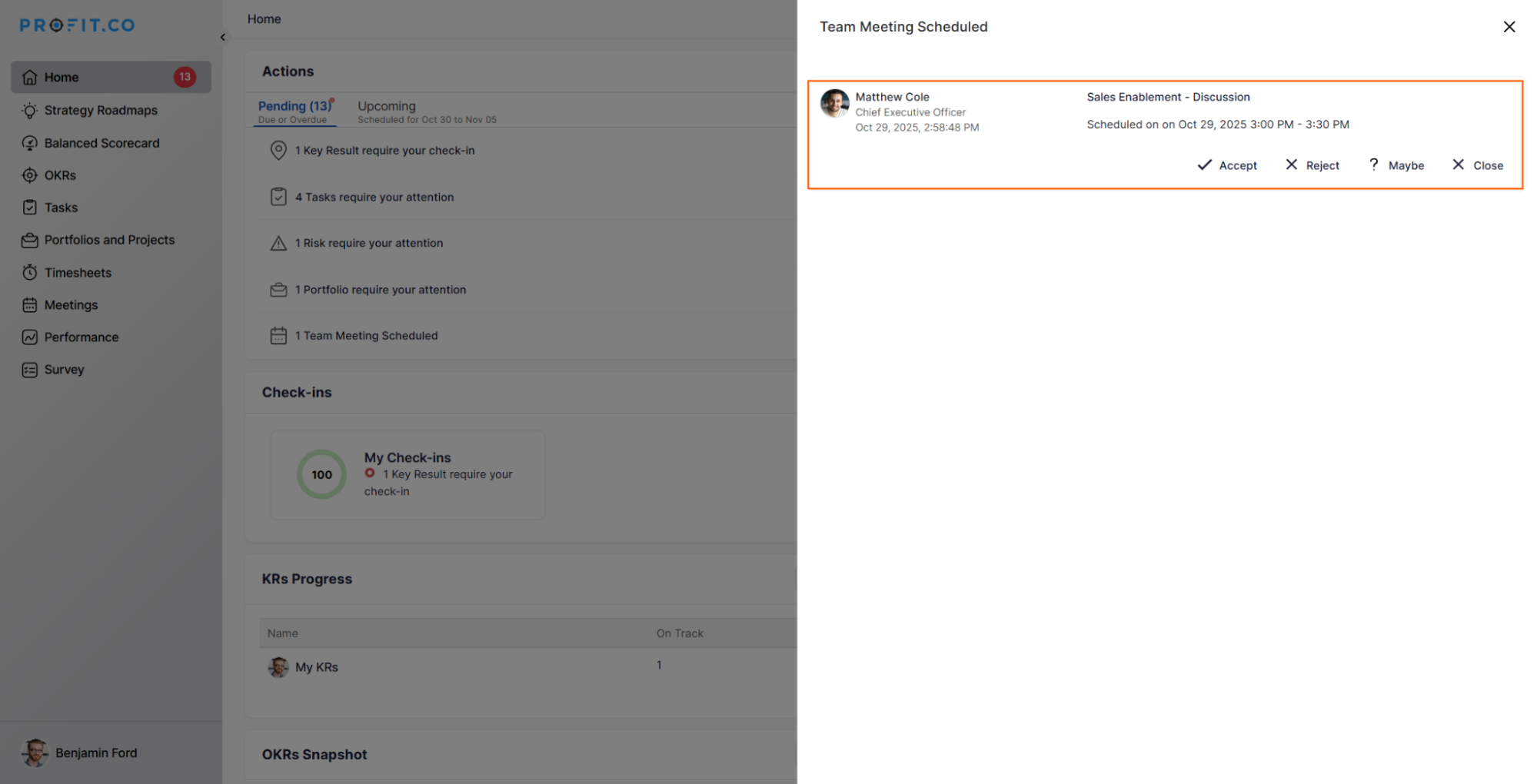
Once the meeting is scheduled, the user will get the meeting request through the Action Center.
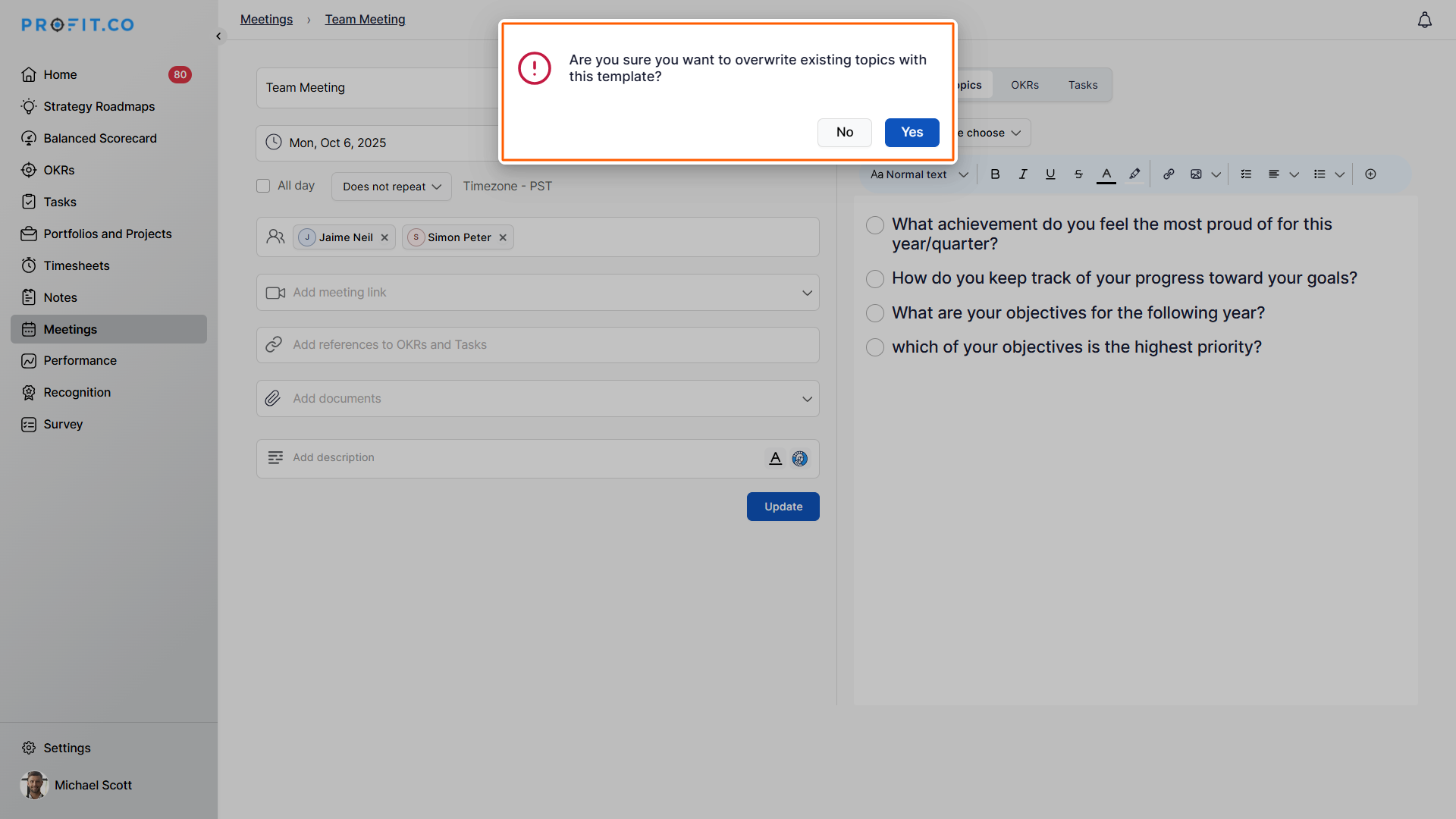
Note:When organizers edit a meeting and apply a new meeting template, the system now displays a confirmation alert before overwriting existing topics. This ensures users are aware that existing topics will be replaced by the template’s predefined ones.
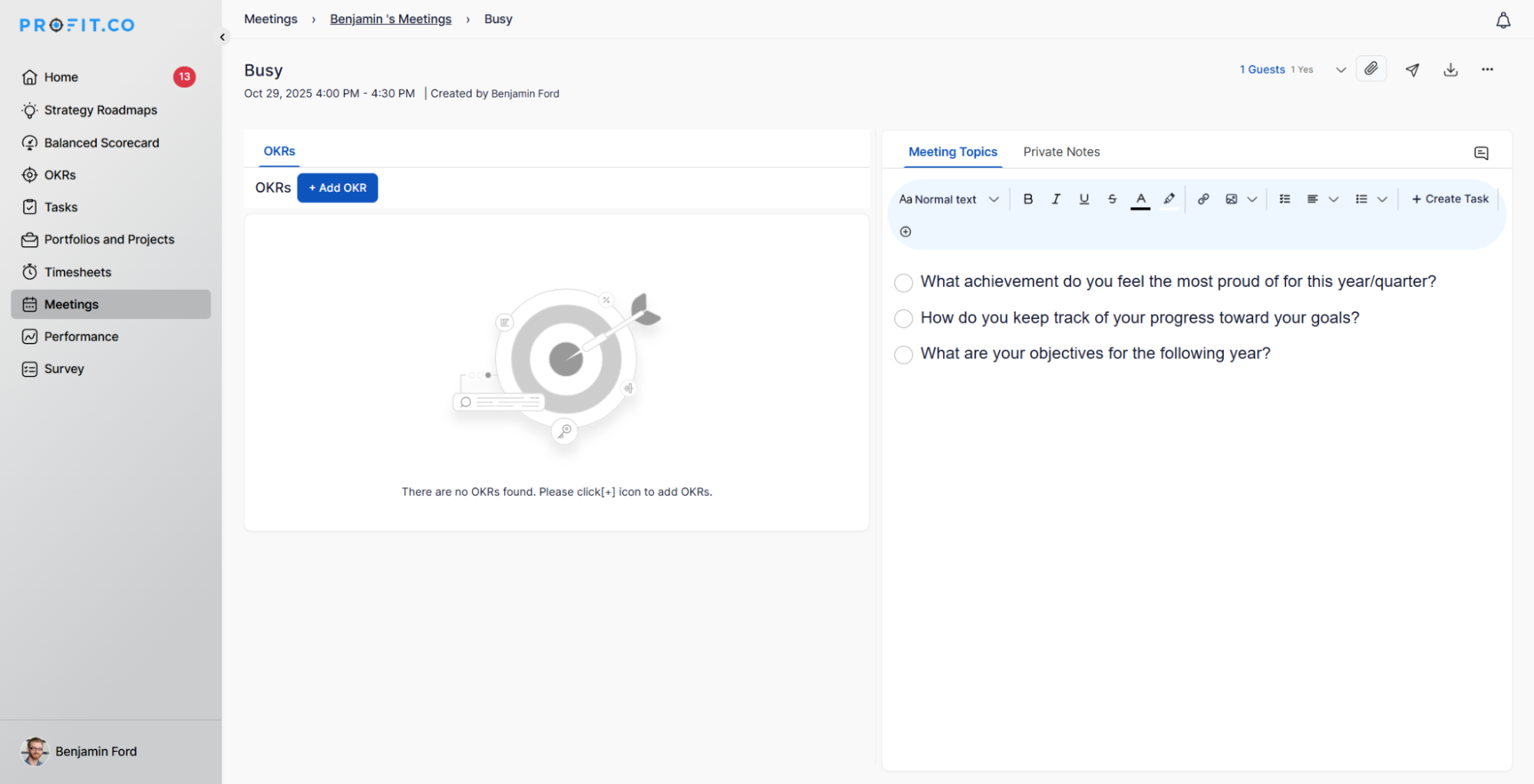
Users can now schedule meetings without adding participants in Profit.co, enabling them to create meetings solely for calendar blocking or personal planning, thereby providing greater flexibility in managing their time.
Related Answer Post
To learn about the process of adding tasks to a meeting, click here.
Related Questions
-
How can I edit user information?
Table of Contents What does editing user information mean in Profit.co? Why should you use this feature? How to ...Read more
-
How can I create OKRs for one of my peers?
In Profit, there is a feature called Proxy users which allows you to login as a peer and create OKRs for them. If you ...Read more
-
What are the unique features of Profit?
From the outset, Profit.co understood the common issues, challenges, and dysfunctions around OKR implementation. We ...Read more
-
Do I get a task notification in the action center?
Profit.co allows you to get email notifications for all the pending tasks and tasks due. Why this feature? By using ...Read more