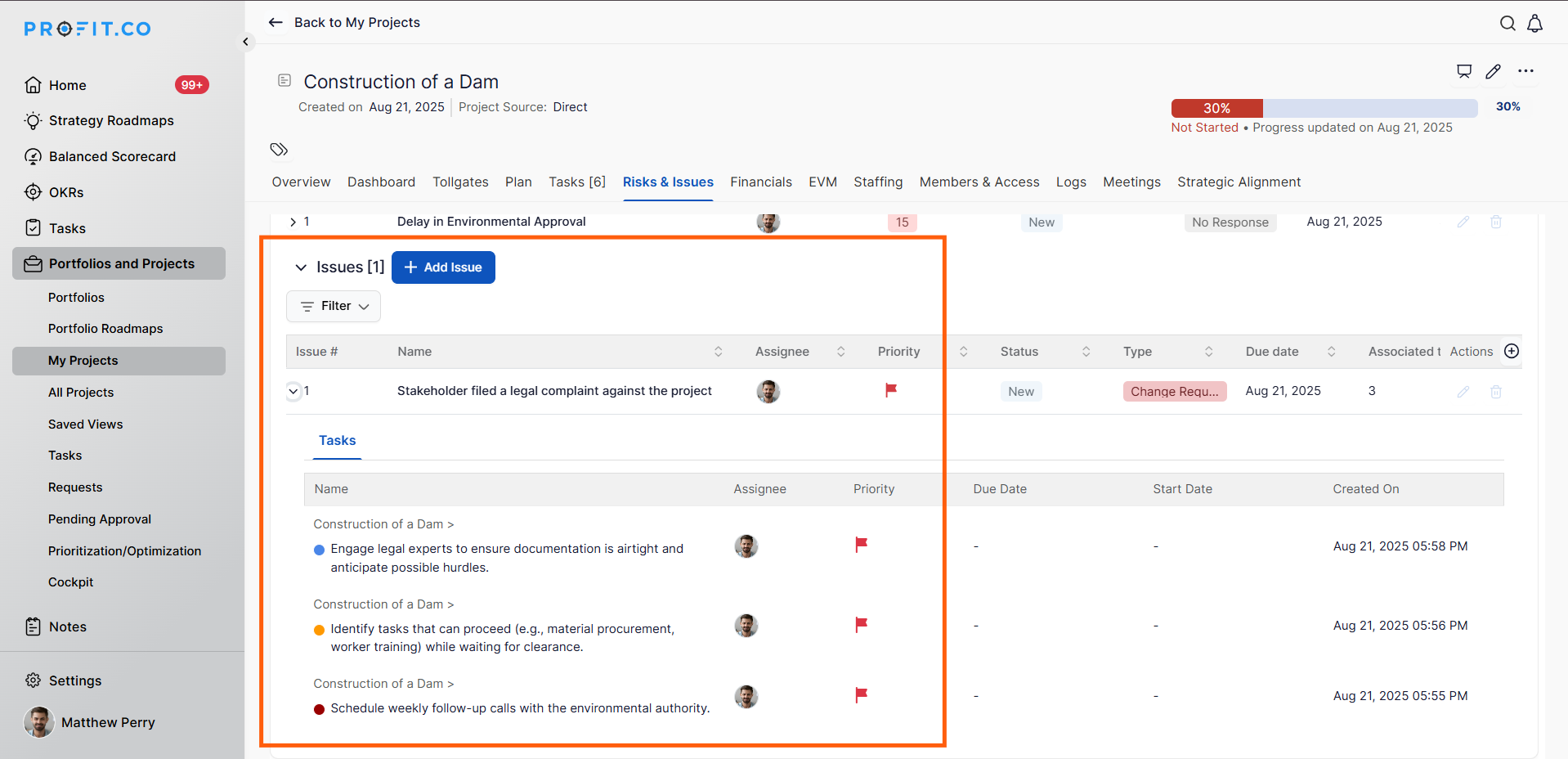
Profit.co now offers users the ability to manage project uncertainties with the new Risks & Issues option in the Project and Portfolio Management (PPM) module.
Why this feature?
- A Risk in PPM is a potential event or uncertainty that may occur in the future and could negatively impact project objectives if not managed.
- An Issue in PPM is an event or problem that has already occurred and is currently affecting the project.
By tracking both proactively (Risks) and reactively (Issues), teams can improve project predictability, reduce disruptions, and maintain alignment with objectives.
Step 1
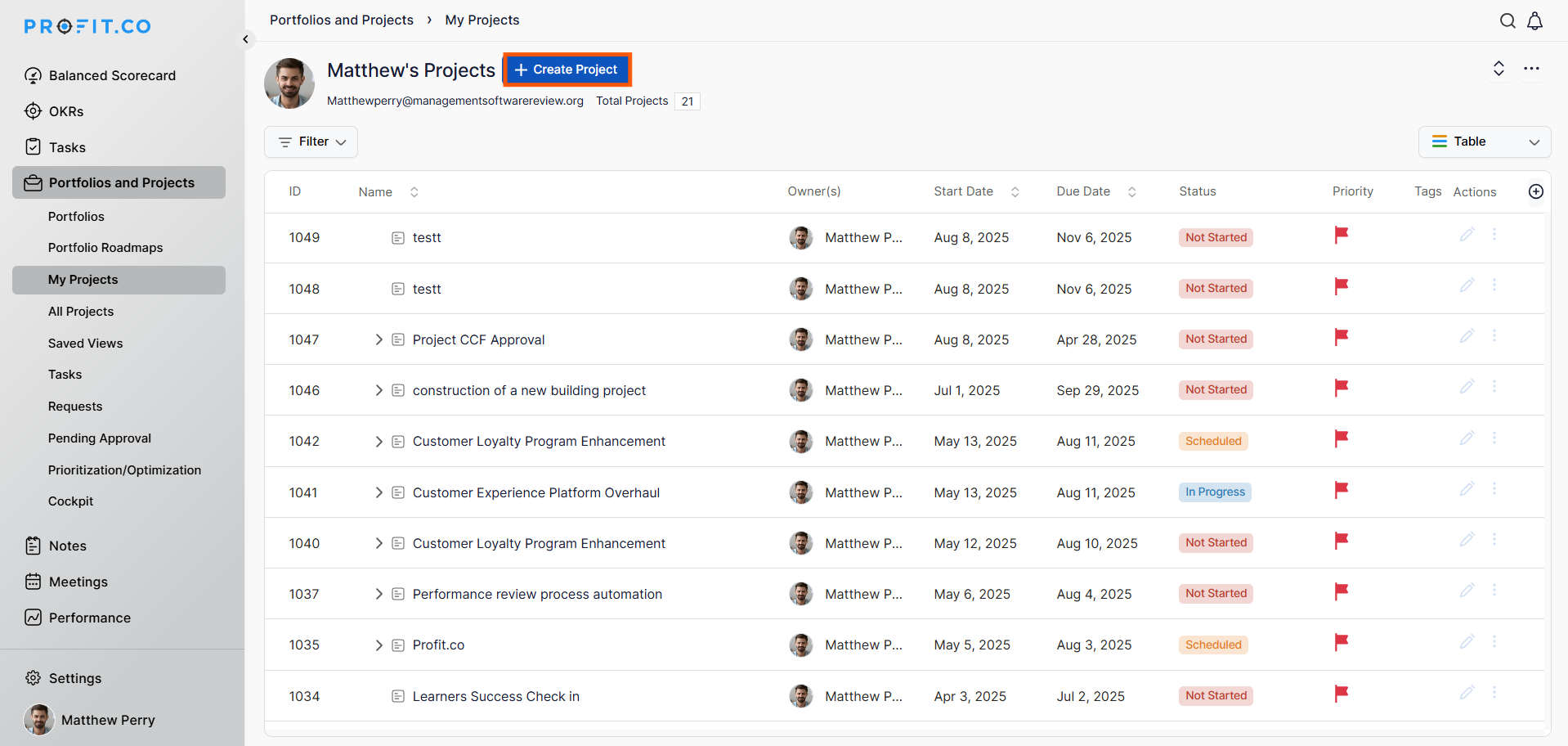
Navigate to Portfolios and Projects → My Projects → Create Project from the left navigation panel.
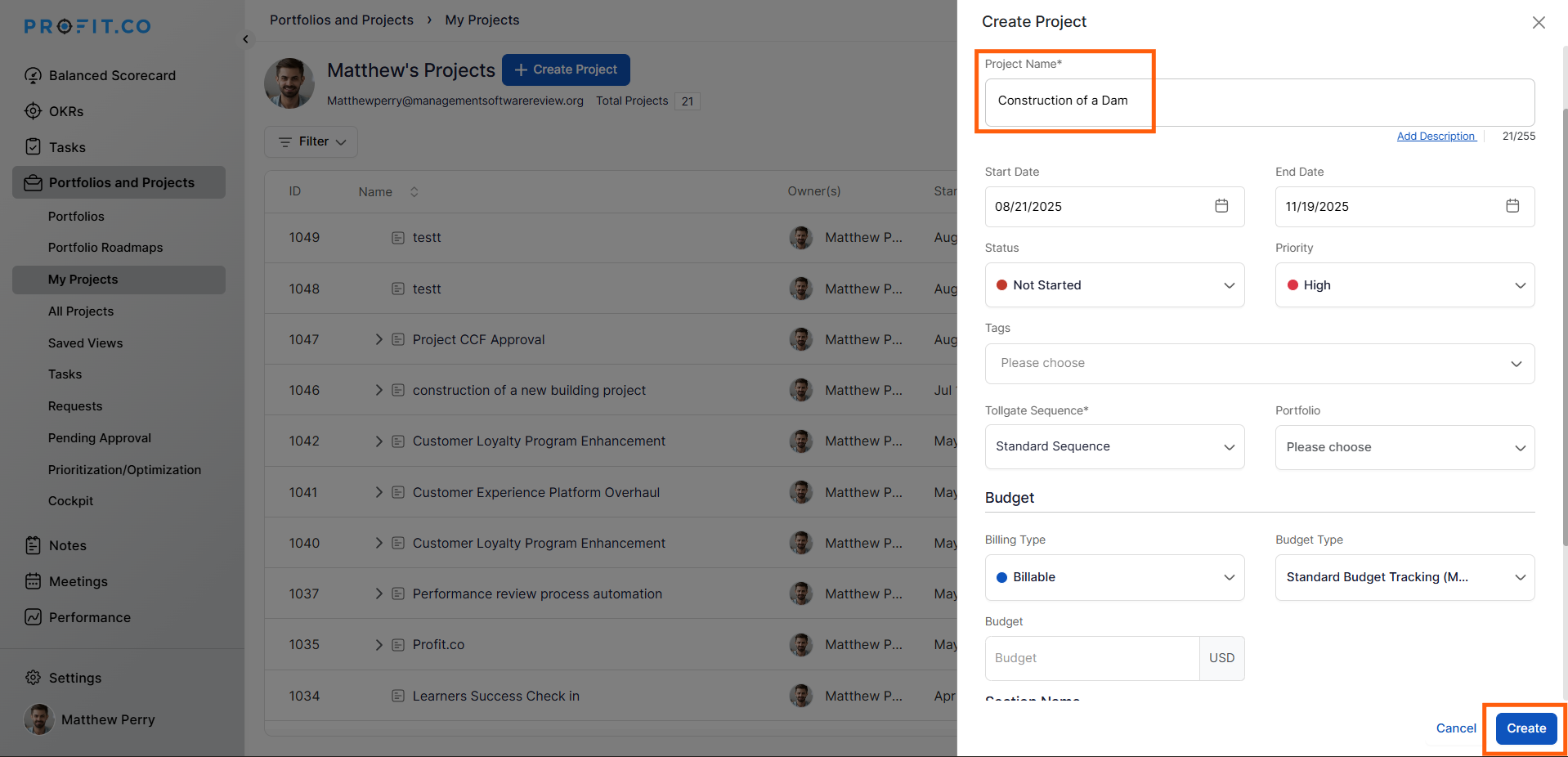
Enter the project name and required details, then click Create.
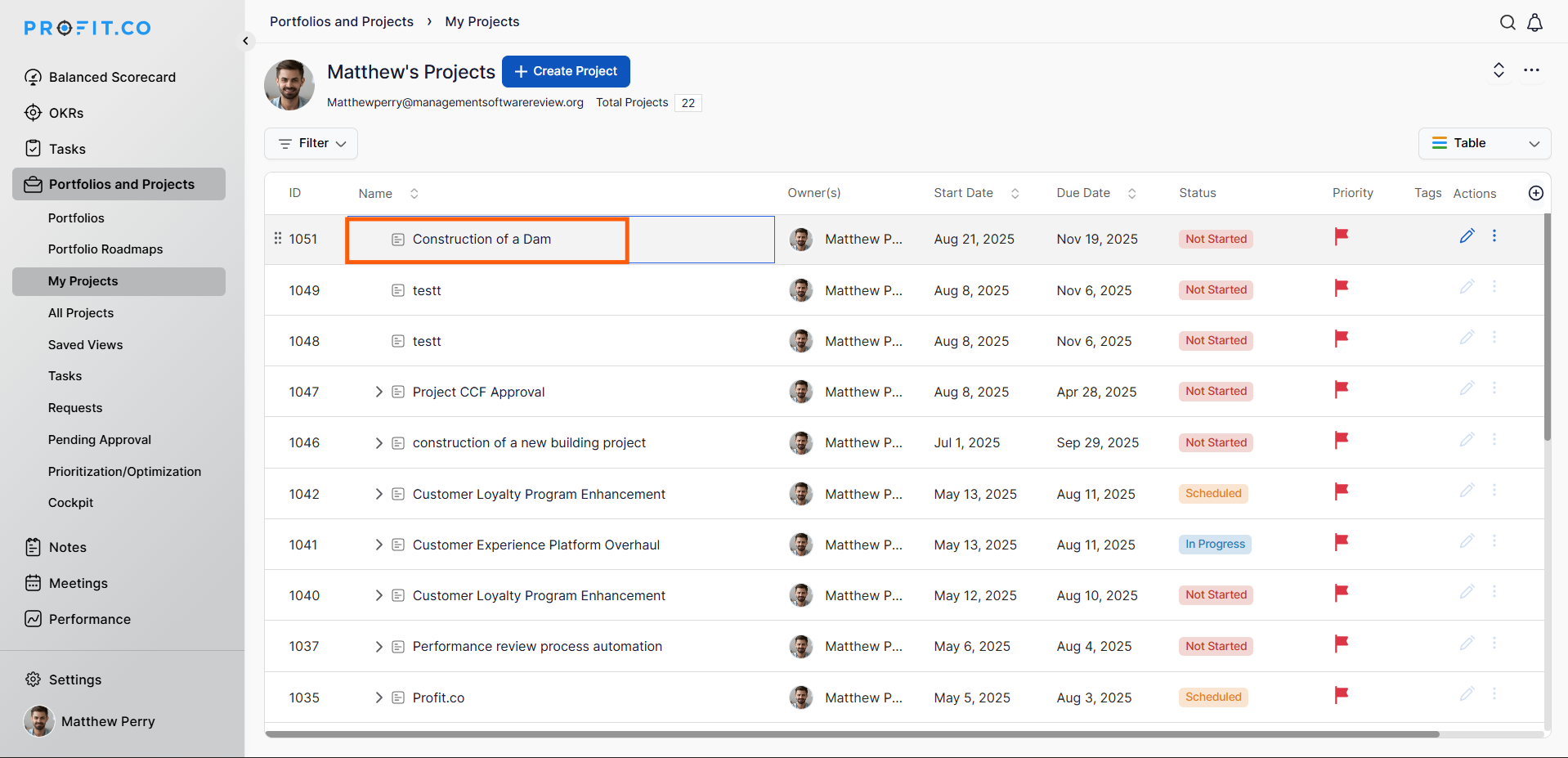
Select your project (e.g., Construction of a Dam) to open the Project Overview page.
Step 2
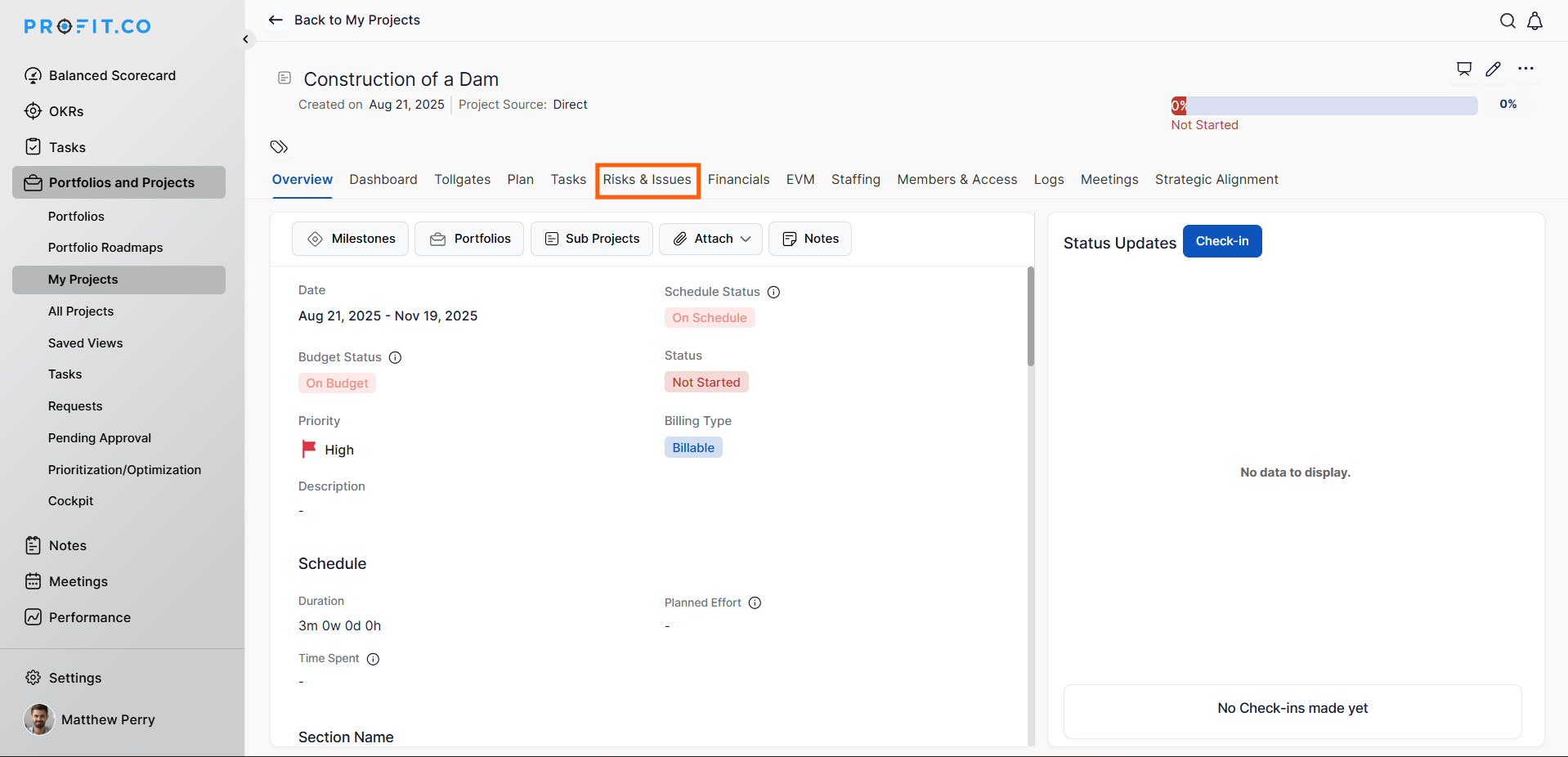
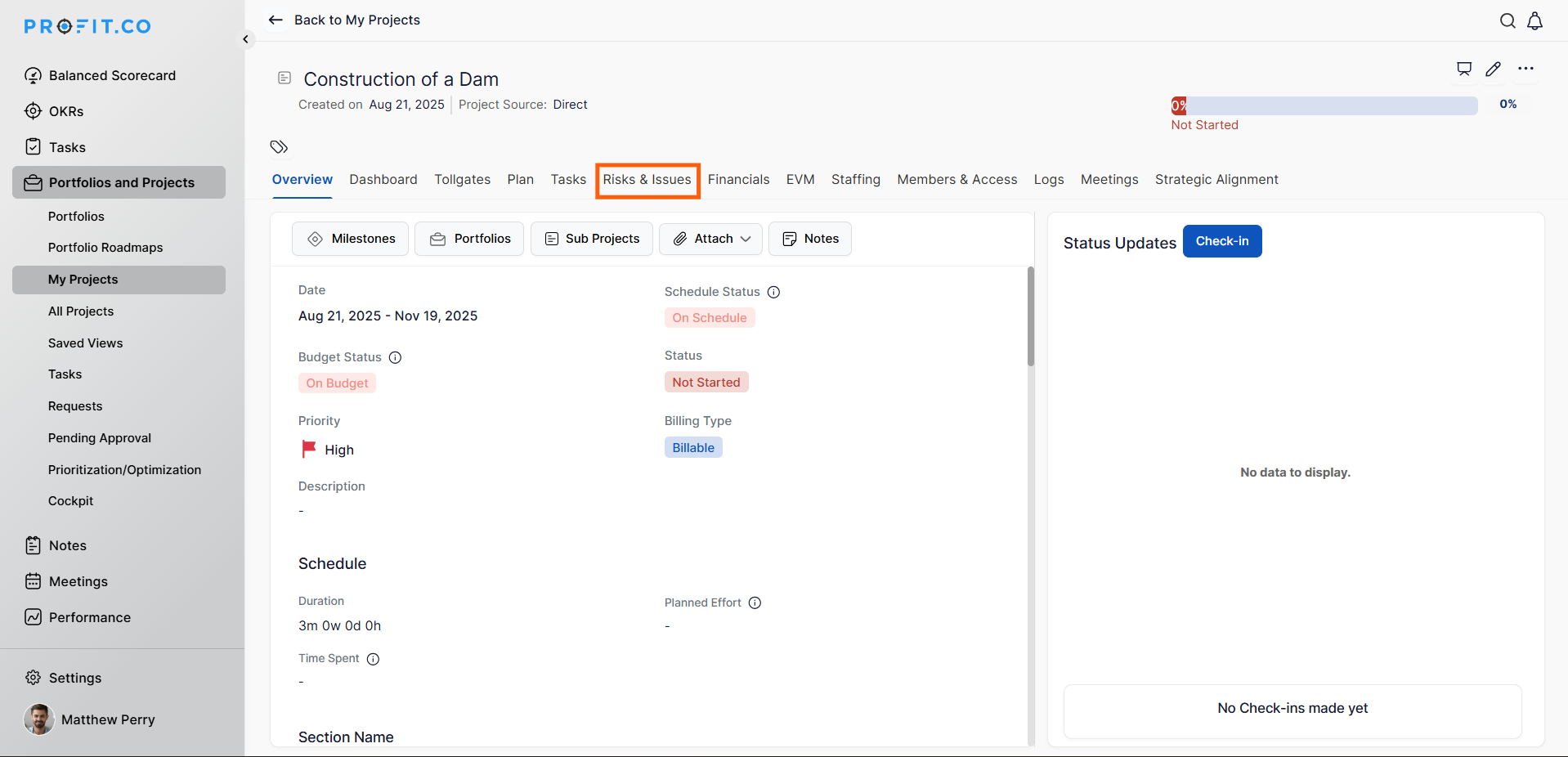
From the Project Overview, click the Risks & Issues tab.
Step 3:
From the Project Overview, click the Risks & Issues tab.
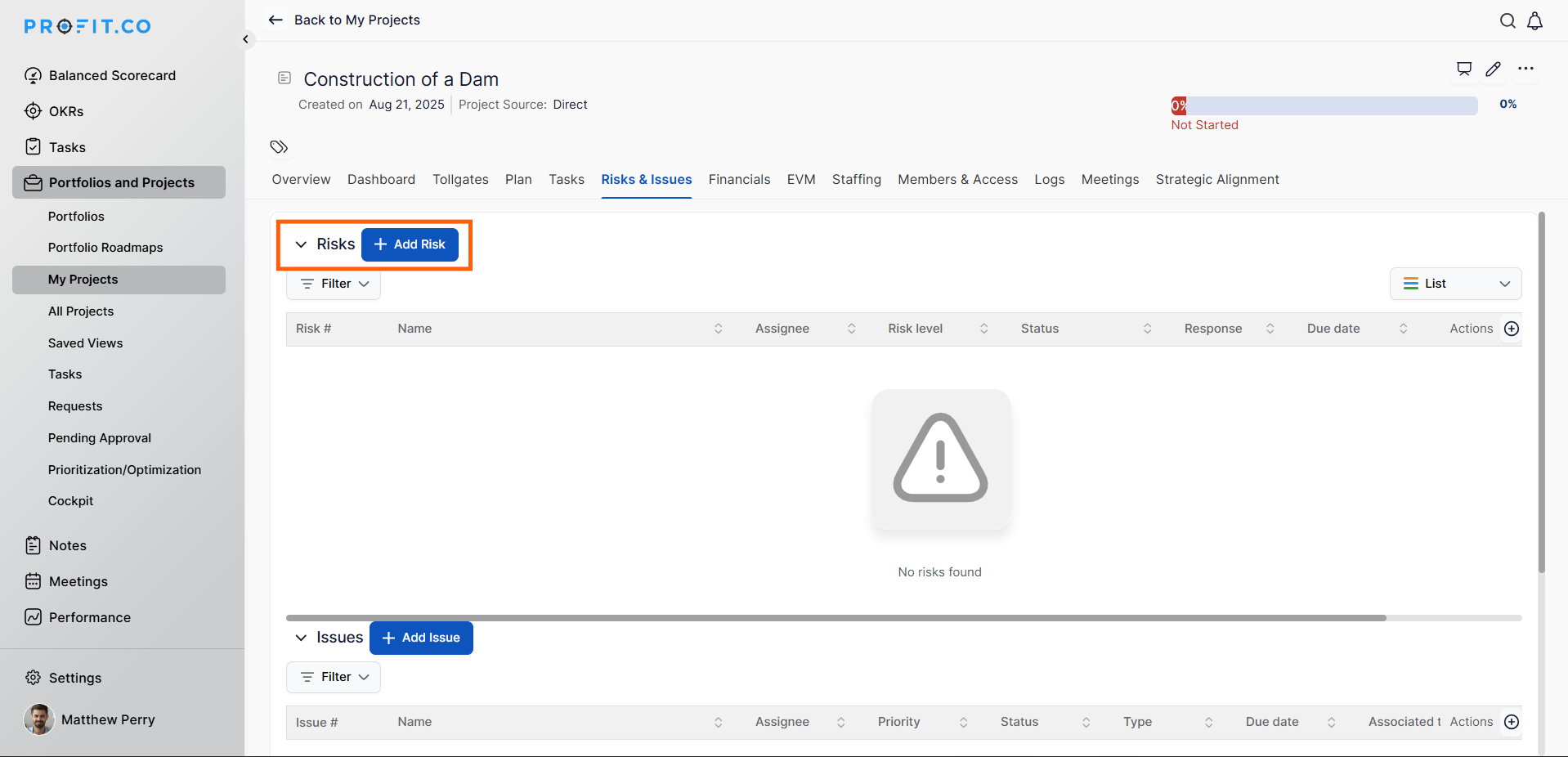
To add the Risk, follow the steps below:
Step 3:
Enter the risk name, select its impact and probability, then click Create.
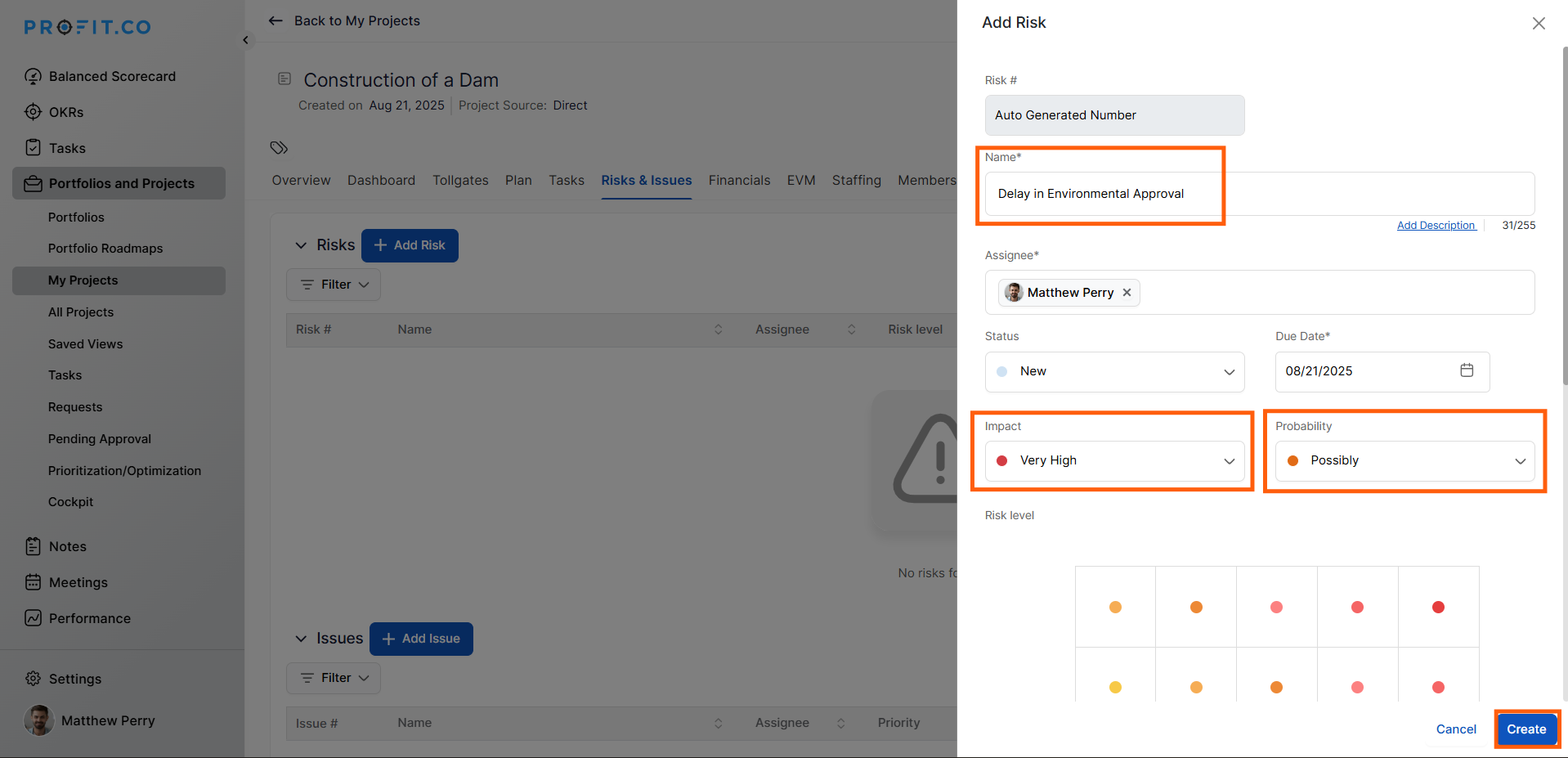
To associate tasks, click the +Add near Associate Task, choose the relevant tasks, and click Add.
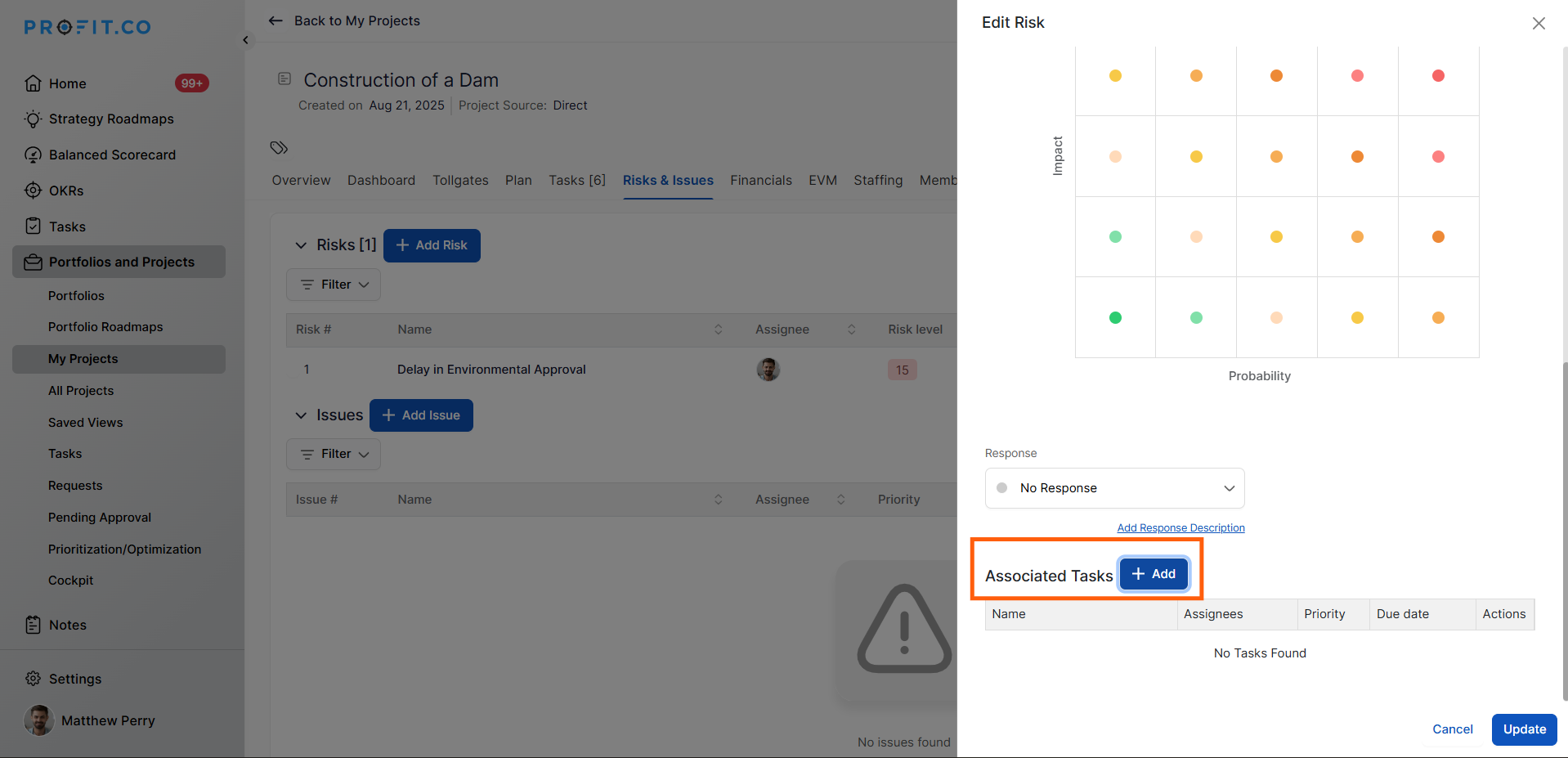
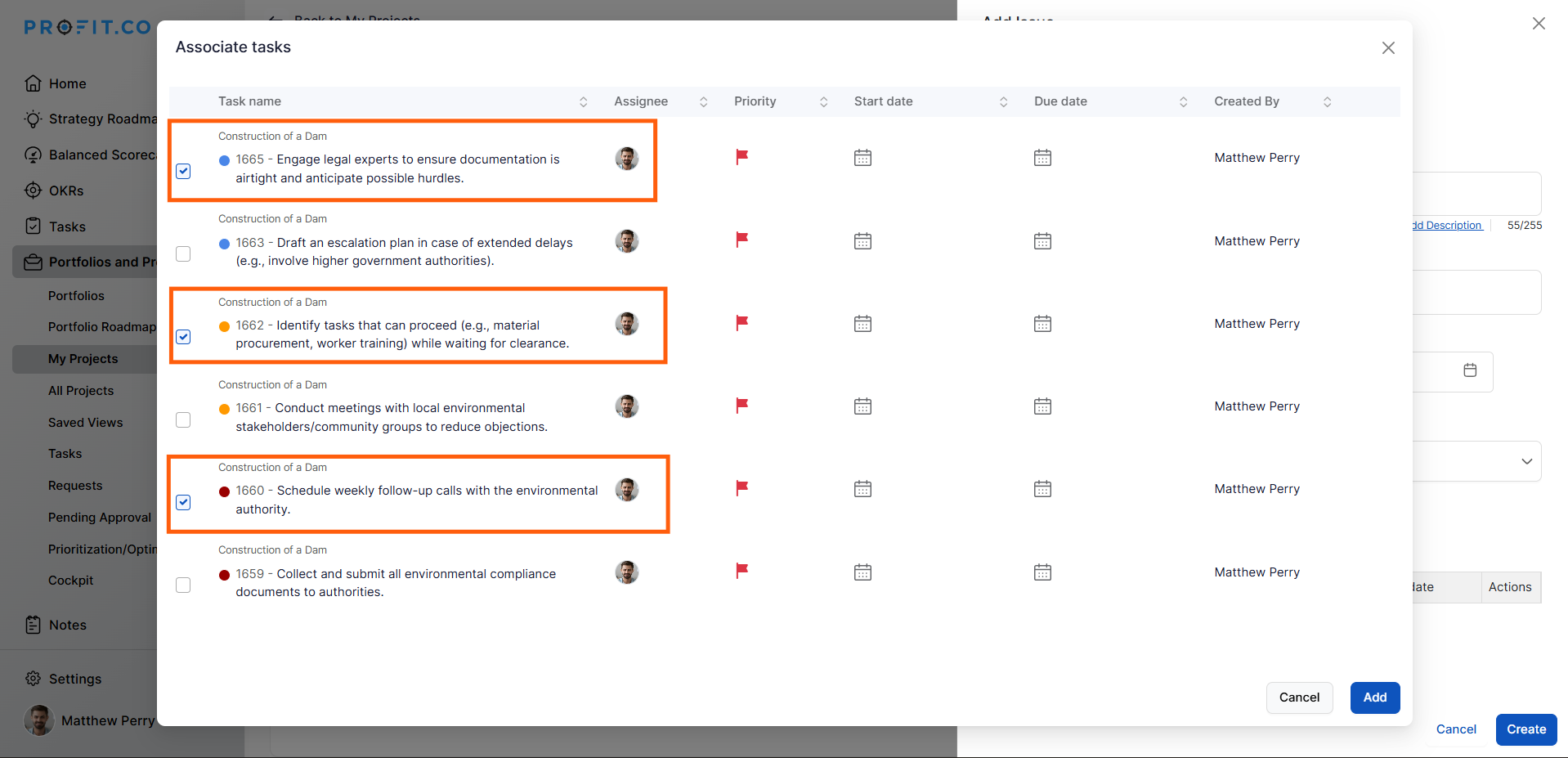
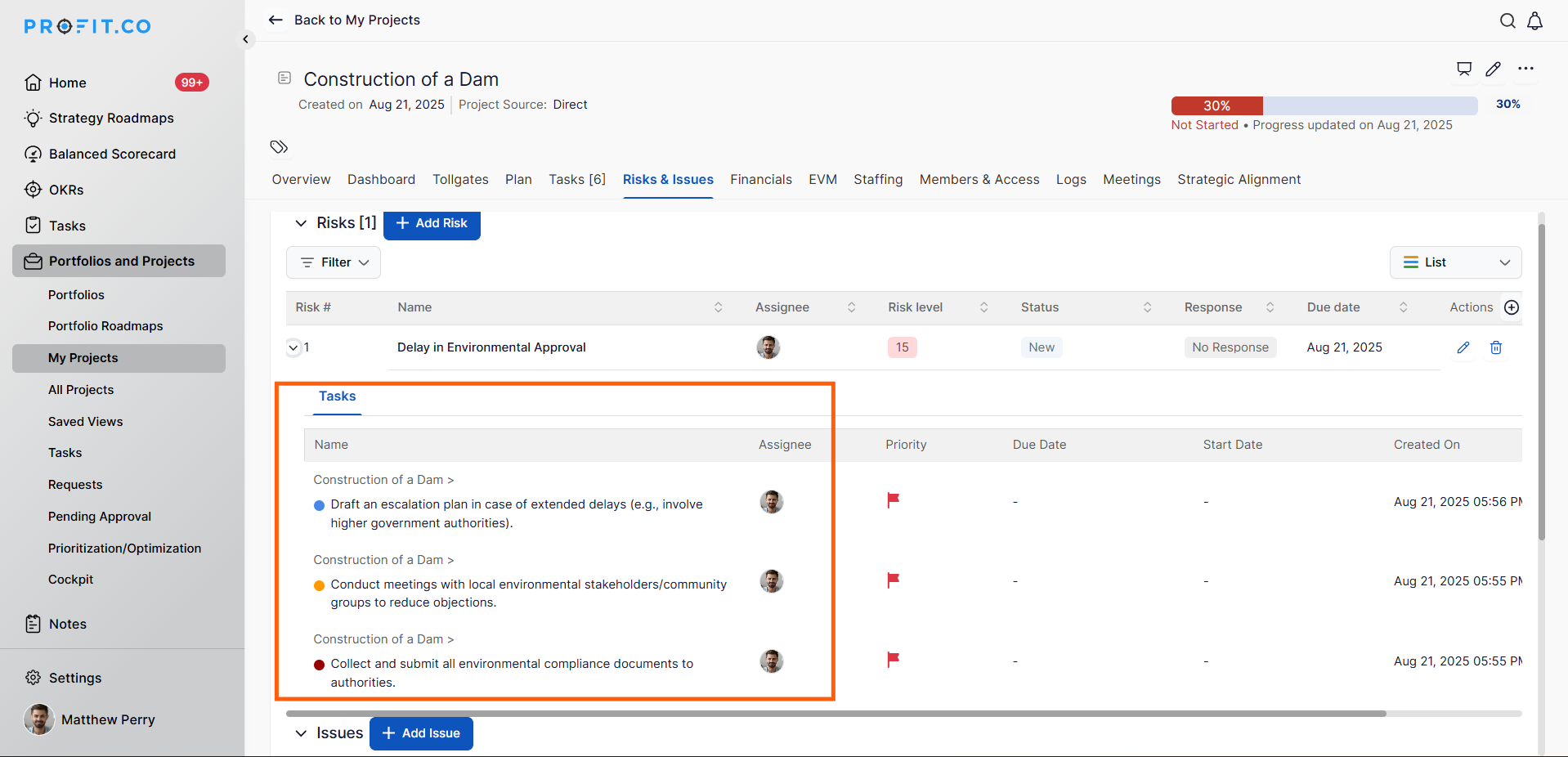
The associated tasks will now appear in the Risk Dashboard for visibility and tracking.
To add the Issue, follow the steps below:
Step 4
Enter the issue name, select the type and priority, then click Create.
To associate tasks, click the +Add near Associate Task, select tasks, and click Add.
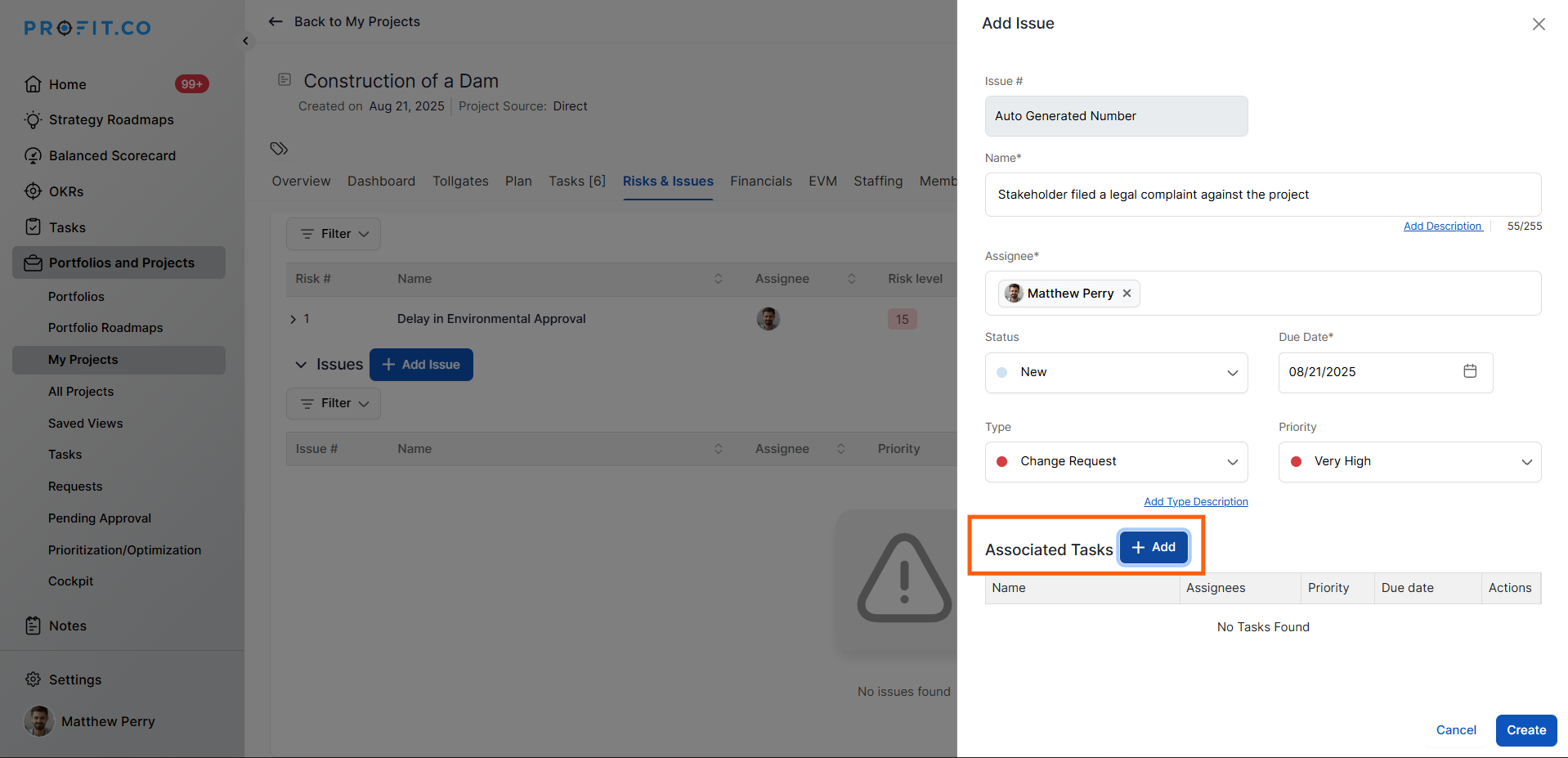
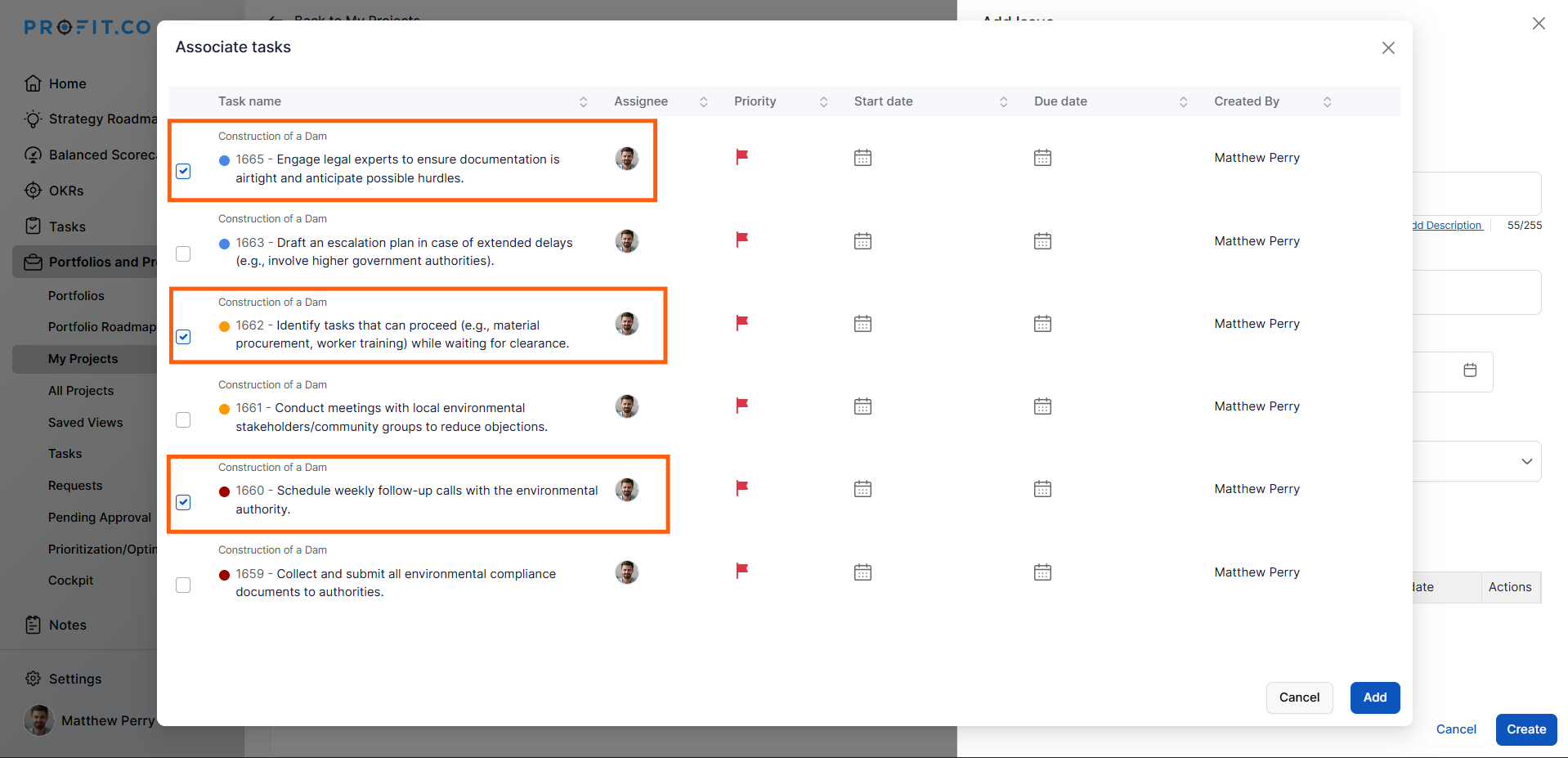
The associated tasks will now appear in the Issue Dashboard for ongoing management.