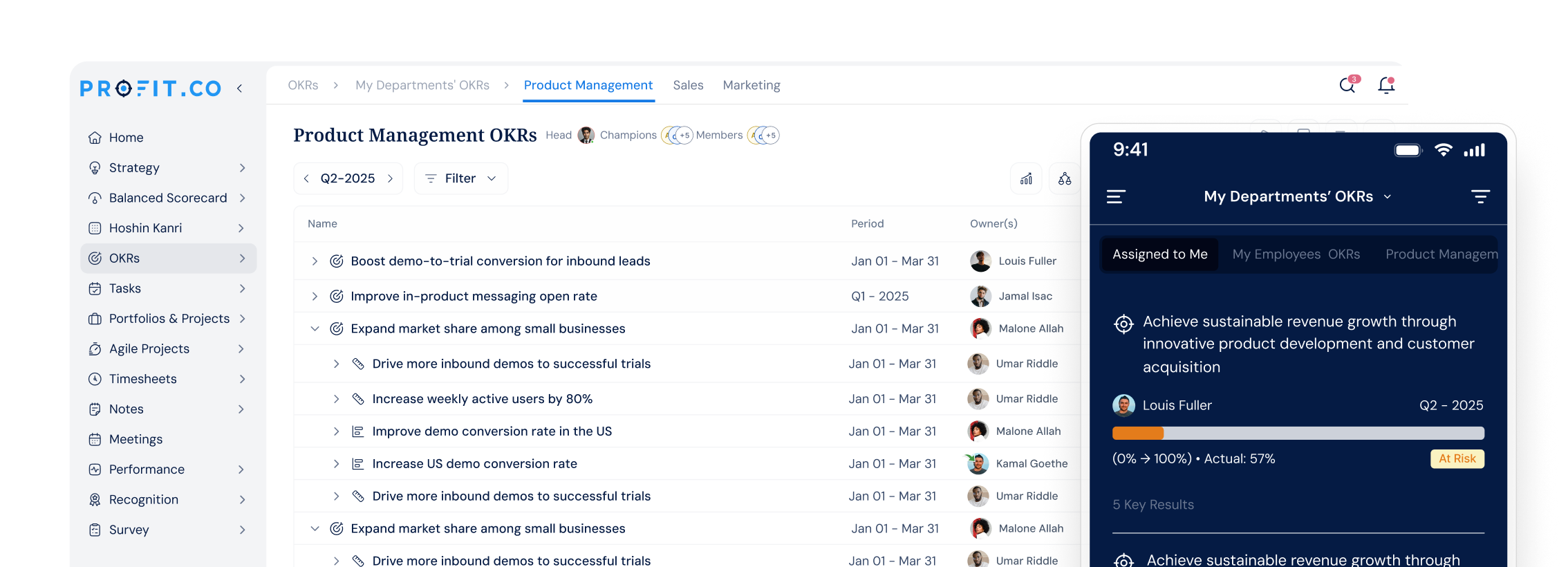
Trusted by 1,500+ Organizations worldwide

Trusted by 2,000+ companies worldwide

The core problem

Your organization keeps executing the plan long after the plan stops being right

Plans don’t fail at the planning stage. They fail when execution continues unchanged after the assumptions that justified them have already shifted.

Strategy gets set once, then reality changes three times before the quarter ends.

Annual priorities get set against one set of assumptions. When a competitor moves or a market shifts, those plans keep running — with no mechanism to trigger a recalibration until the next formal review.
Scenario outputs live in slide decks that no one opens after the planning session.

Scenario sessions produce documented futures that get filed after the workshop. When conditions shift mid-quarter, those outputs have no connection to live portfolio priorities. Teams rebuild from scratch every time.

Portfolio investments continue against initiatives that no longer map to the current environment.

Projects continue consuming budget against plans approved for a context that has since changed. Identifying what to pause or replace requires rebuilding a consolidated view by hand before any governance decision can be made.

How scenario planning works

Your strategic options — visible before you need them.

Scenario planning identifies the uncertainties your organization cannot control, builds 2–4 plausible future states, and maps a specific response to each. Profit.co connects those responses to live portfolio data — so when early signals indicate which future is unfolding, your team acts on a pre-built plan, not a blank page.

stage-gate-process

How Profit.co solves this

How Profit.co makes scenario planning work the way it should

Most scenario planning tools produce documents. Profit.co connects scenarios to the place where execution actually happens — your live portfolio priorities, strategy roadmaps, and team’s weekly check-ins. Learn more about Profit.co’s portfolio management capabilities.

All active scenarios connected to live execution data

When conditions change, Profit.co surfaces which projects and initiatives remain aligned to your current scenario — and which need to be reconsidered. Your governance team sees the full picture without rebuilding a consolidated view by hand.

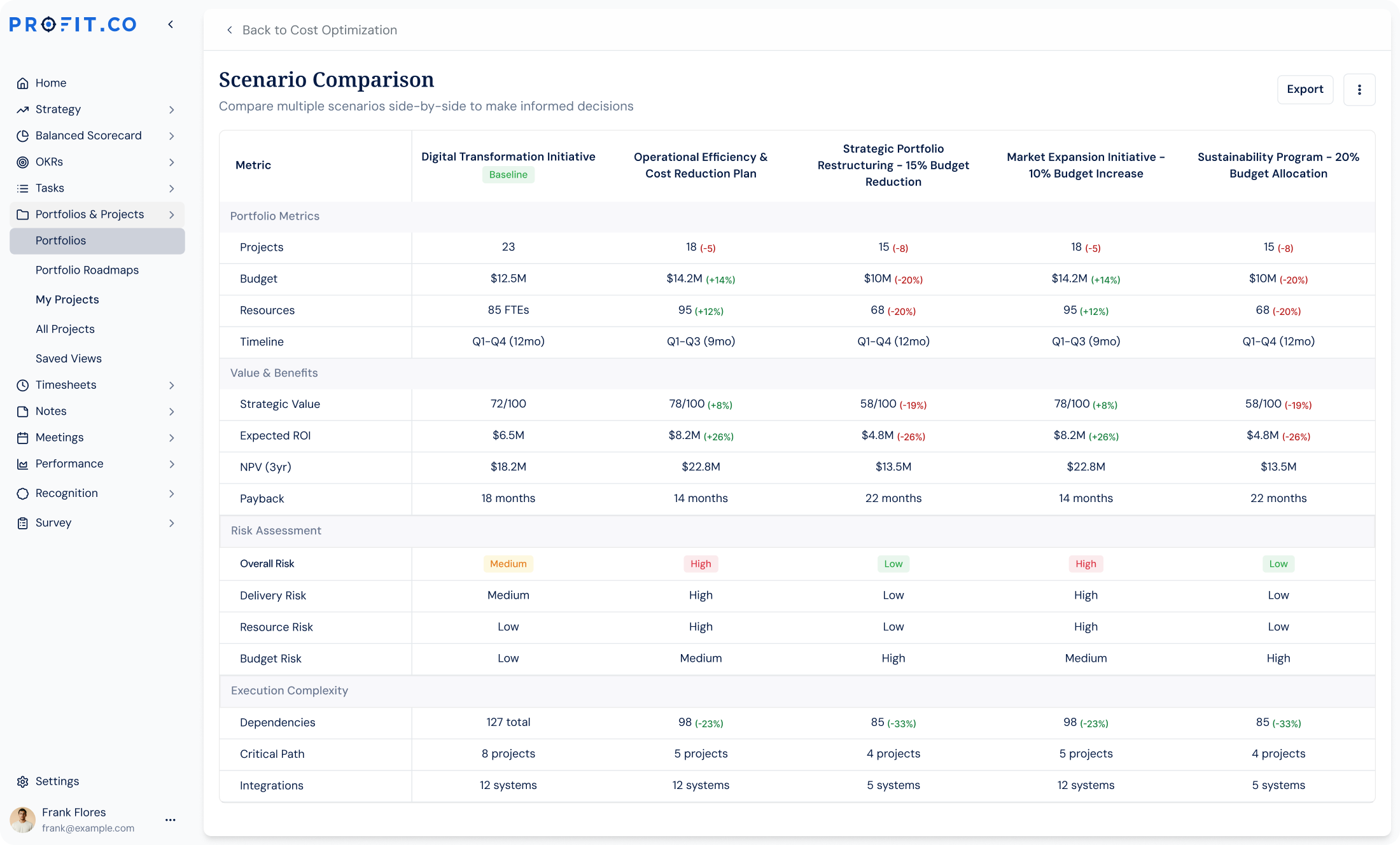
Every scenario’s portfolio impact visible in one view

Profit.co surfaces which projects remain aligned across all active scenarios in a single adaptive planning view — so your governance team identifies what to continue, pause, or replace as conditions evolve, without rebuilding by hand.

Scenario triggers surface before the next strategy review

Profit.co’s AI Agents monitor progress data against predefined scenario thresholds — surfacing early signals for leadership before the next strategy review cycle. Teams respond in days, not at the next quarter-close.

Platform comparison

Why standalone scenario planning tools are not enough

Profit.co is the only strategy execution platform that connects scenario planning directly to live portfolio management — updated as your team logs progress, with no separate planning tool or offline spreadsheet cycle required. Standalone scenario planning tools document futures but cannot connect them to active execution. General strategy platforms track projects without any scenario-switching capability. Only Profit.co does both, in one view.

Capability Standalone EVM tools General PM platforms Profit.co
Multiple scenario building (2–4 futures)
Scenarios connected to live execution data Partial / manual
Portfolio rebalancing per scenario
Built-in quarterly scenario review
AI Agents surfacing early scenario signals
No offline planning cycle required Partial

Scenario Planning Resource Library

Deep dives on Scenario Planning

Frameworks, definitions, comparisons, and practical guides — one article per question.

Quick Implementation

Get Started in 3 Simple Steps

Our proven implementation process gets your team running its first scenario planning session within weeks, not months.

Discovery & Setup

We understand your strategic planning cadence, configure your workspace, and connect existing portfolio data so your first scenario session has real execution context to work from.

Guided Onboarding

Hands-on training for strategy leads and portfolio managers, with dedicated customer success support through your first scenario planning session and quarterly planning review.

Go Live

Launch to your full leadership and planning team with 24/7 support. Run your first structured scenario planning cycle connected to your active portfolio priorities and strategy roadmaps.

Customer stories

The results speak for themselves

View all customer stories →
“We accomplished nearly 90% of our high-level objectives that we set out at the beginning of the year. And these objectives are our direct lead indicators to the success of the business.”
90% of objectives achieved
Mark Hudoba, Executive VP at REHAU Building Solutions

Mark Hudoba

Executive VP · REHAU Building Solutions

“Just in the last year, we saved over $300,000. That made it easy to pitch to the owners to implement OKRs throughout the company.”
Over $300K saved in one year
Deena Giordano Ullom, VP of People Operations at United Technical Support Services

Deena Giordano Ullom

VP of People Operations · United Technical Support Services

“After implementing Profit.co, our employee participation in goal setting jumped from 60% to 80%, and review cycles became 40% faster. Leaders now have clear, real-time visibility into progress.”
75% less time on reviews
Suganya R., Senior HR at Toyota Connected India

Suganya R.

Senior HR · Toyota Connected India

“One of the significant benefits we found was reduced time spent on reviews - 75% reduction of time spent in reviews and 84% reduction in time spent in PPTs for Executives.”
80% goal participation
Gerardo Haro, CI Manager at Intuitive Surgical

Gerardo Haro

CI Manager · Intuitive Surgical

Integrations ecosystem

Connects to the tools your teams already use

100+ native integrations with bi-directional sync. Progress in Jira automatically moves OKRs. Slack bots enable check-ins without leaving your workflow.

Browse all 100+ integrations →

Enterprise Grade Security

Keep your company’s data secure and compliant with industry-leading security standards and certifications.

SOC 2 TYPE II

ISO 27001

GDPR

HIPAA

FAQ

Frequently asked questions.

What is scenario planning? +
Scenario planning is a structured process for preparing organizations to operate across multiple possible futures. Teams identify critical uncertainties, build 2–4 plausible future states, and define pre-built responses — so strategy can adapt when conditions change, not only after a crisis has already developed.
How does scenario planning work in practice? +
Organizations identify high-impact uncertainties, build 2–4 distinct scenarios, evaluate which goals and projects remain valid in each, and pre-define responses. The process integrates most effectively on a quarterly cadence — each planning cycle becomes a checkpoint for assessing which scenario is unfolding and recalibrating portfolio priorities accordingly.
What makes Profit.co different from standalone scenario planning tools? +
Profit.co connects scenario planning directly to live portfolio management and strategy execution — updated as your team logs progress. Standalone tools document scenarios but cannot connect them to active projects or portfolio priorities. Profit.co is the only platform where scenario planning and execution management live in the same view, with no separate tool required.
How long does it take to set up scenario planning in Profit.co? +
Your team runs its first structured scenario planning session within 2–3 weeks of onboarding, with portfolio priorities, strategy roadmaps, and scenario maps configured through guided setup — and dedicated customer success support included throughout.
Does Profit.co integrate with Jira or Salesforce for scenario planning data? +
Profit.co connects to 100+ tools including Jira, Salesforce, Azure DevOps, Microsoft Teams, and Google Sheets. Project progress and sales data flow in automatically so scenario signals update without manual input. See the full integrations list.

Still have questions?

Ask Questions →
Athena

Welcome to Profit.co 👋

How can I help you today?