Profit.co allows users to record check-in audio/videos and attach them as comments.
Why this feature?
- Audio and video comments provide a clear and visual explanation of progress, making it easier for stakeholders to understand the status of key results.
- Screen recordings and voice messages can convey information more efficiently than text, saving time for both the person recording and those reviewing the check-in.
Step 1
Navigate to OKRs from the left navigation panel. Select the desired Key Result for which you want to perform a check-in.

Slide the progress bar to update your check-in, then click Record to capture a video or audio of your check-in.

To check in on your progress using the audio recording option, follow these steps:
Click on the Record Audio option to check in on your progress.


After recording, click the Insert Audio button to include your audio as a comment for your check-in.

Finally, click the "Update" button, and your audio comment will be visible in the history option.

To check in on your progress using the video recording option follow these steps:
Click on the Record Video option to check in on your progress.

Once you click on this, you'll see the screen below. Click Allow and start recording.

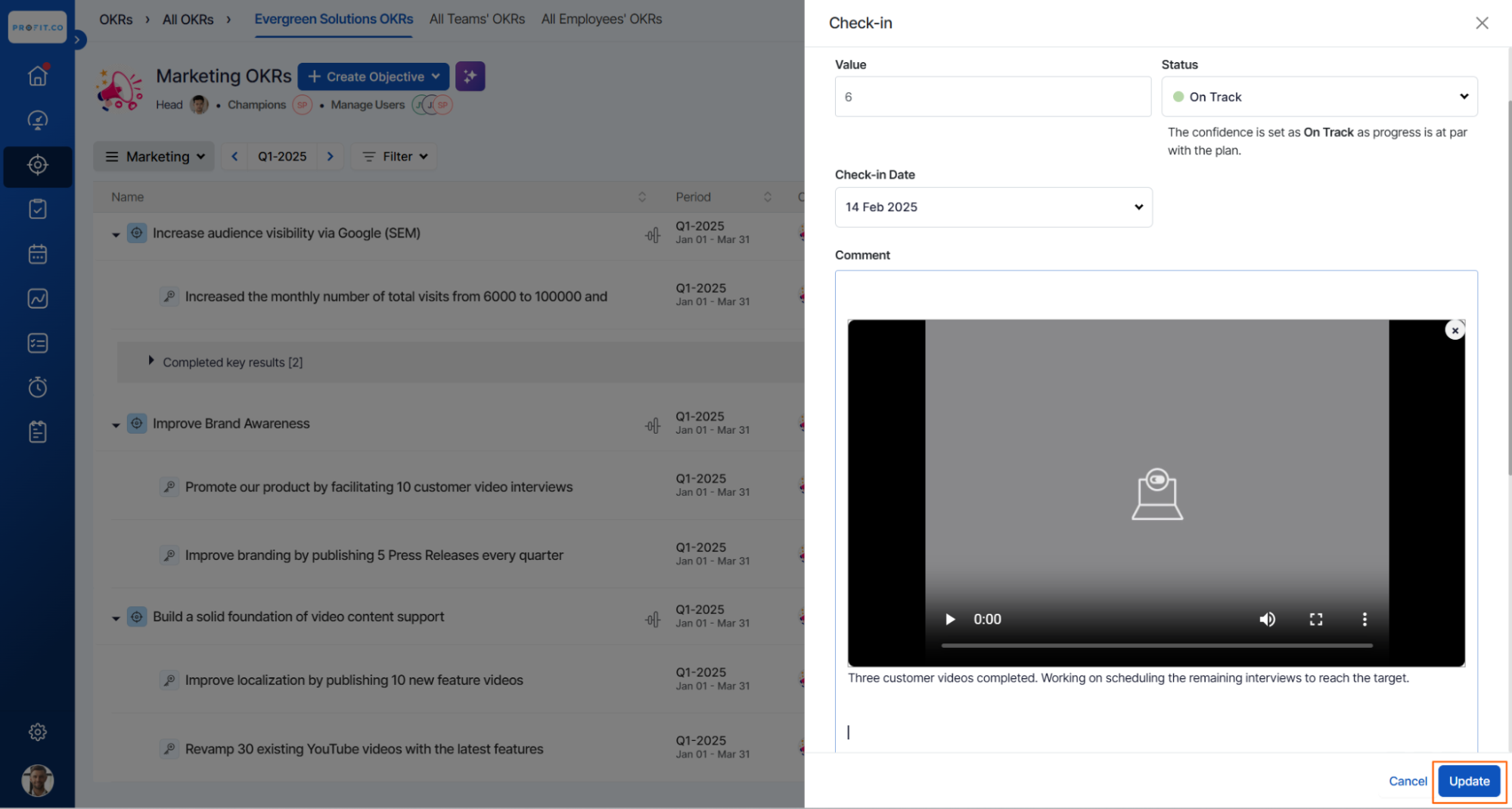
After recording, click the Insert Video button to include your video as a comment for your check-in.


Finally, click the "Update" button, and your Video comment will be visible in the history option.