

Profit.co provides an option to add new fields in the creation page of Objectives and Key Results.
Why this feature?
- By adding additional fields to the creation page, you can add more information related to the Objectives and Key Results which will be helpful for your reference in the future.
- Enhanced tracking, analysis, and alignment of objectives, fostering better decision-making and progress evaluation for improved organizational performance.
Step 1
Navigate to Settings → OKRs → Authoring → Objectives → Master Layout.

Step 2
On the Master Layout: Objectives page, Add the attributes in the column. Enable the conditional toggle under the Visibility option and click Save.

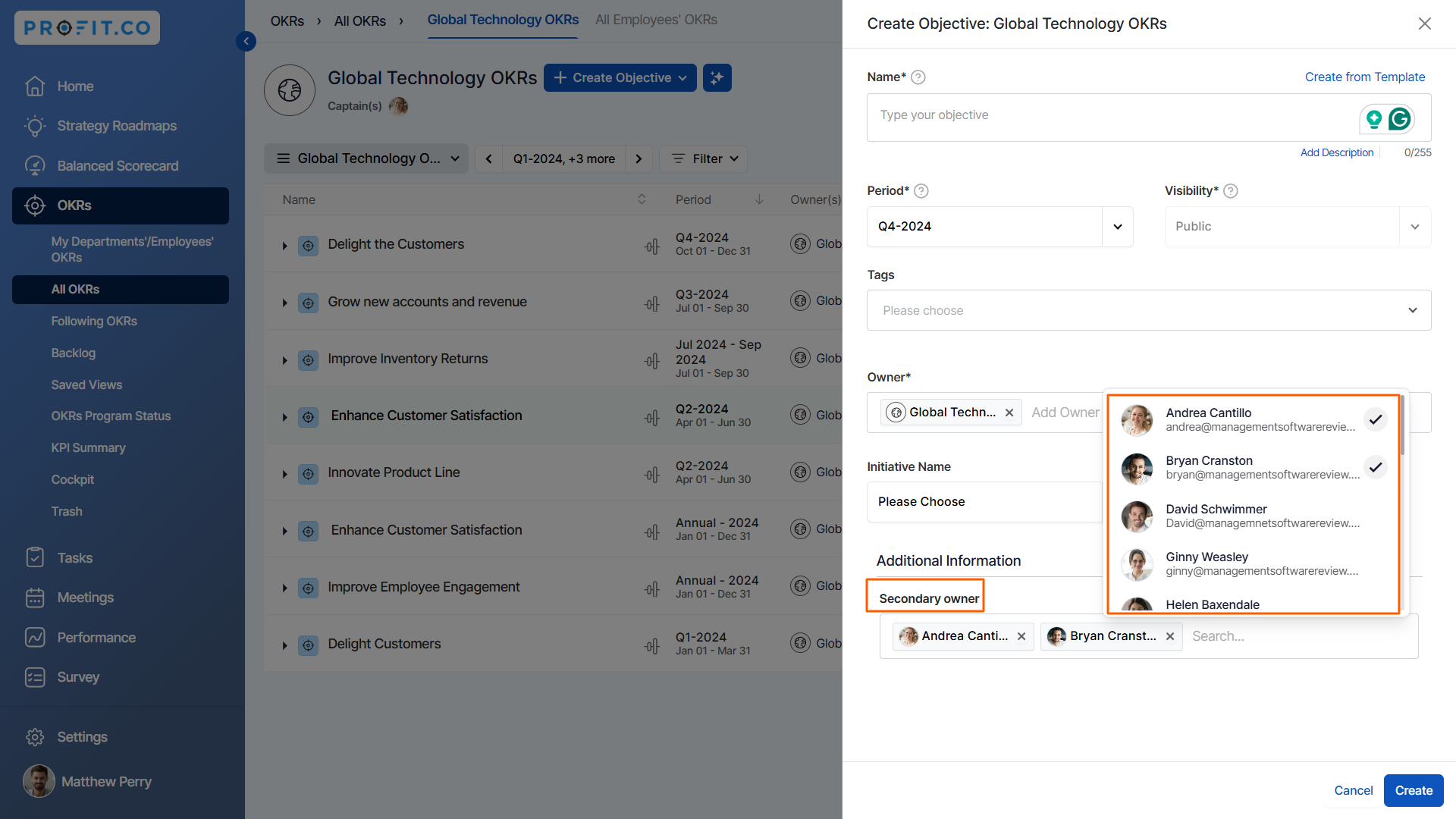
Note: Search attribute, when added to the master layout, allows for the convenient selection of employees, departments, or teams, with the added flexibility of choosing between single or multi-select options.

Similarly, to add new fields in the Key Result creation page navigate to Settings → OKRs → Authoring → Key results → Master Layout.

Step 3
While creating the OKRs using the form or step-by-step guide you will be getting the new field.


Related Blog Post
To learn the process of creating key results using the form, click here.
