

Yes, you can delete notes that are created under key results in Profit.co.
Why this feature?
The Notes tab in the key result page will store all the notes that are created and saved under the particular key results, once the notes are created you can Edit/Delete/Copy them to your Clipboard.
Step 1:
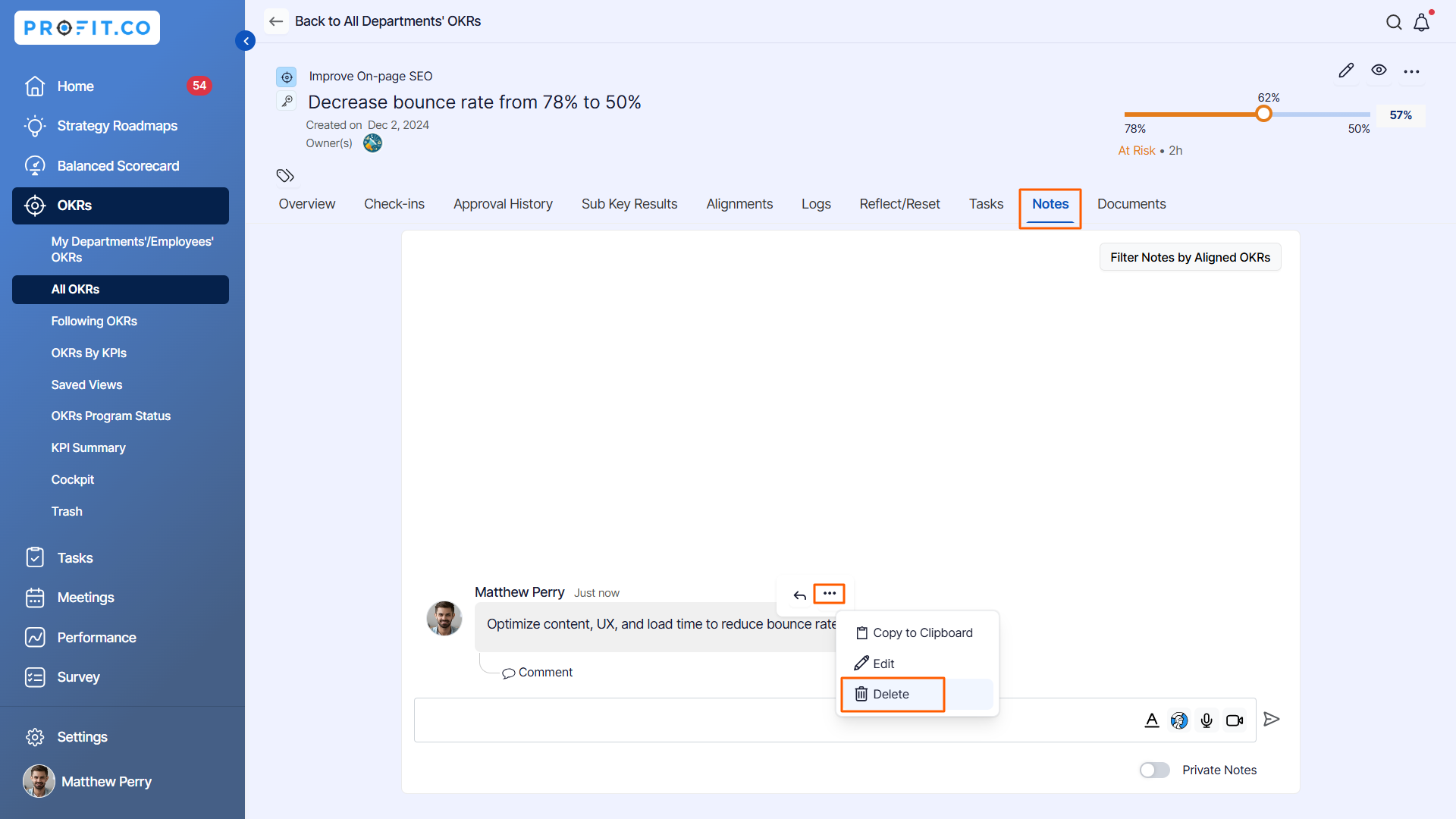
In the Key Result Overview Page, Hover over the notes, click on the More icon, and click Delete to delete the notes added to that key result.
Step 2
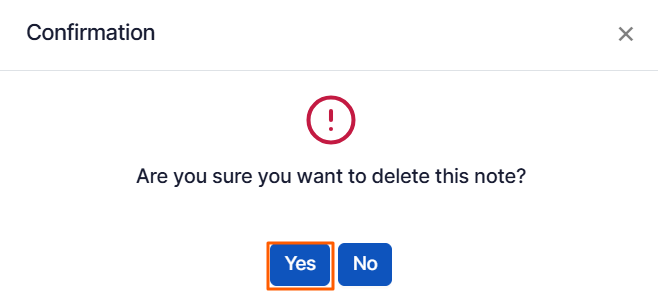
You will get a confirmation message asking “Are you sure you want to delete this Note?” click on Yes.
Step 3:
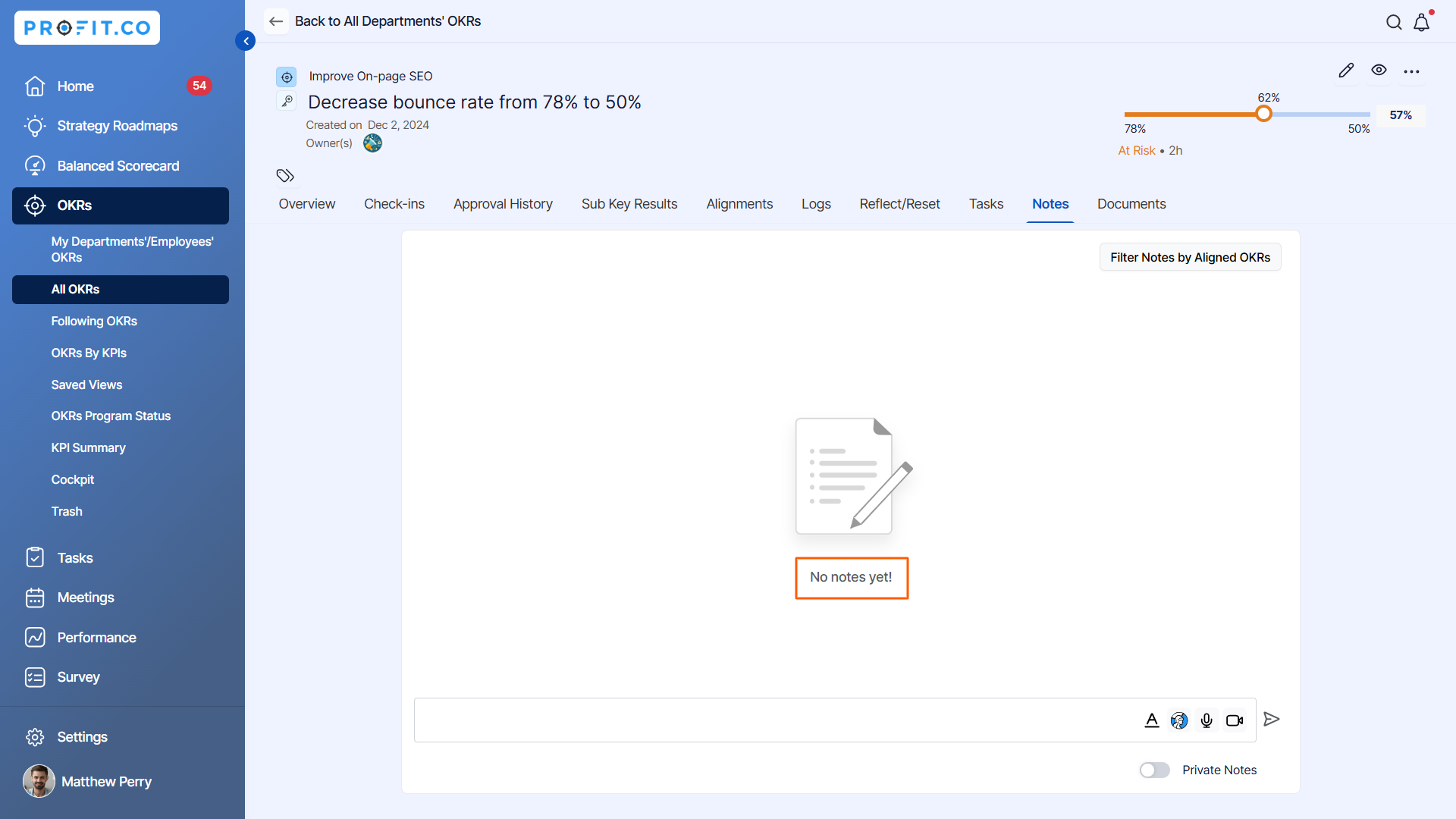
The Notes will be deleted from the key result.
Related Answer Post:
To know more about How to create notes for the key result, click here
