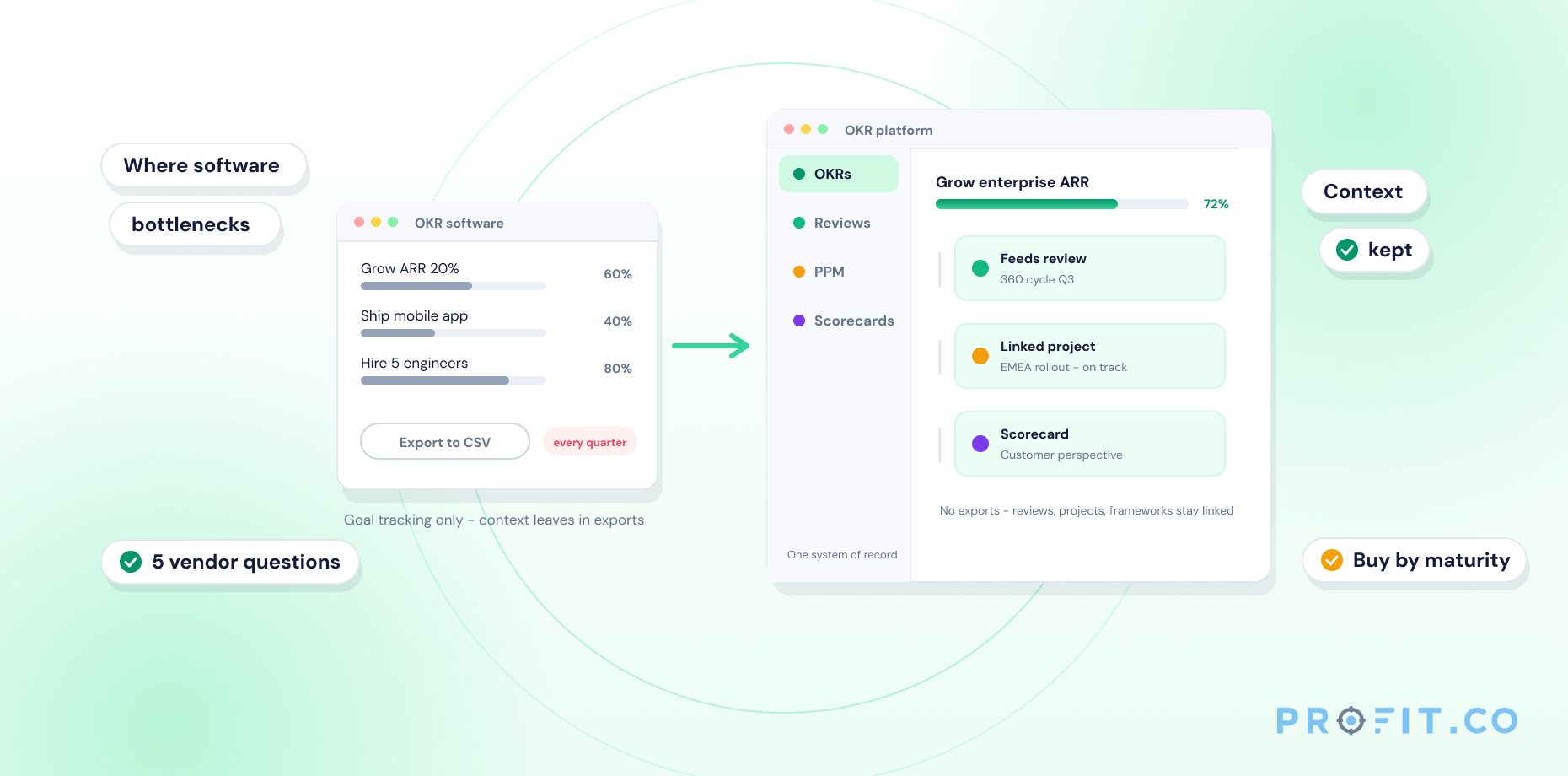
Using an OKR tool effectively means running it as a live system, not a quarterly filing exercise: set key results as numbers or percentages, run weekly check-ins inside the tool instead of spreadsheets, review dashboards at team and company level, tie 1:1s to OKR progress, and course-correct instead of abandoning goals that fall behind.
In this guide
- Set Clear, Measurable Key Results
- Run Weekly Check-Ins Inside the Tool
- Use Dashboards for Alignment Reviews
- Tie 1:1s to OKR Progress
- Course-Correct Instead of Abandoning Goals
- Common Mistakes to Avoid
- Quick Reference Checklist
- Frequently Asked Questions
An OKR tool only works as well as the habits built around it.
Buying an OKR tool and using it well are two different projects. Most teams get the first one right and stall on the second: the software goes live, the first quarter of goals gets typed in, and by week four half the team has quietly gone back to tracking status in Slack. Not because the tool is wrong, but because nobody built the habits around it that make an OKR system self-sustaining. The five practices below are what separates teams that keep the habit past the first quarter from teams that let it lapse.
Best Practice 01
Set Clear, Measurable Key Results
Key results need to be numbers or percentages, not restated tasks: “increase trial signups from 1,200 to 1,800” is measurable, while “improve signup process” is not. Writing them this way inside Profit.co’s OKR management workspace forces the specificity that makes auto-scoring possible in the first place: a vague key result can’t be scored by a tool, only guessed at by a person. Profit.co’s Athena AI can also flag a key result that’s phrased as a task rather than a measurable outcome while it’s still being drafted, before it ever reaches a check-in.
A useful test: if two different people could read a key result and disagree on whether it was achieved, it isn’t measurable yet. “Launch the new onboarding flow” is a task with a finish line, not a key result: a rewritten version might read “increase Day-7 activation rate from 34% to 50%,” which the launch is expected to cause. The launch might still show up in the tool, just as a linked initiative under the key result rather than as the key result itself.
Best Practice 02
Run Weekly Check-Ins Inside the Tool
A weekly check-in cadence only keeps scoring accurate if it happens inside the OKR tool itself, not in a spreadsheet cell or a Slack message that never gets transcribed. Check-ins logged directly against the key result update the score in real time, so a dashboard reviewed on Monday reflects Friday’s actual progress instead of a stale estimate from three weeks ago.
The habit is easiest to keep when a check-in takes under two minutes: update the number, add a one-line comment on what changed, and flag a confidence level if the tool supports it. Teams that build in a 10-minute recurring calendar block for check-ins — rather than relying on someone remembering — see far higher completion rates than teams that treat check-ins as an optional extra. In Profit.co, that two-minute check-in can happen from the web app, the mobile app, or directly inside Slack with the /checkin command, and automated reminders nudge anyone who hasn’t logged an update yet rather than leaving it to a manager to chase down.
Best Practice 03
Use Dashboards for Alignment Reviews
Cascading dashboards let managers see which OKRs are on track, at risk, or behind before a status meeting ever happens: the review becomes a conversation about the at-risk items instead of a slow read-through of every goal. Profit.co’s AI Agents surface these at-risk signals automatically as check-in data comes in, so alignment reviews start with the exceptions, not the full list. The same cascading view rolls all the way from an individual key result up to a company-level scorecard, so the at-risk signal a manager sees in a team review is the same one leadership sees at the company level, without a separate report being built for either audience.
Best Practice 04
Tie 1:1s to OKR Progress
A 1:1 that runs separately from OKR data tends to drift into status updates and scheduling: a 1:1 that opens with the employee’s current key results grounds the conversation in what actually matters to their quarter. Pulling up the same dashboard both people can already see removes the need to re-explain progress from scratch, leaving more time for the parts a dashboard can’t capture: blockers, support needed, and what’s realistic for the rest of the quarter. Profit.co’s performance management tools connect review conversations to the same OKR data, so a manager walks into a 1:1 already knowing where things stand.
Best Practice 05
Course-Correct Instead of Abandoning Goals
An OKR that’s clearly off track by mid-quarter has two honest outcomes: revise the target with a documented reason, or keep it and build a specific recovery plan. What doesn’t work is letting it quietly disappear from conversation until the quarter ends and nobody mentions it in the review. A dedicated OKR tool makes this visible by design: an OKR sitting at 15% progress in week nine shows up in red on every dashboard it appears on, which is exactly the pressure that prompts a course-correction conversation instead of a silent write-off. Whether that pressure is fair depends on how the goal was classified in the first place: Profit.co’s guide to stretch goals vs. committed goals covers why a 60% result reads as a strong outcome for one goal type and a missed commitment for the other.
Run Your OKR Program the Right Way From Day One
Common Mistakes to Avoid
Setting too many OKRs
A team tracking 12 objectives is tracking none of them well. Limit to 3–5 objectives per level to keep focus intact and check-in quality high. Profit.co’s alignment view makes this visible early — when a cascading dashboard shows a dozen barely-related objectives under one team, that’s usually the first sign focus has already slipped.
Treating key results as a to-do list
A key result measures an outcome, not a checklist of tasks completed. “Launch the feature” is a task. “Increase Day-7 retention from 34% to 50%” is a key result.
Skipping check-ins
A missed week doesn’t just create a gap in the data — it breaks the habit that makes the whole system work. One skip leads to two, and by week six the tool is effectively abandoned. Profit.co’s automated check-in reminders, sent by email or Slack, catch this early by nudging anyone who hasn’t logged an update before the week closes out, rather than leaving it to a manager to notice the gap.
Tying OKRs directly to compensation
Profit.co’s own OKR guide recommends unlinking stretch-goal achievement from compensation entirely and basing pay decisions on effort toward OKRs instead, since goals tied too tightly to pay push teams toward sandbagging targets rather than setting ambitious ones.
Setting OKRs once and never revisiting them
An OKR tool only pays off when check-ins and dashboard reviews actually happen every week, not just at kickoff. A goal set and forgotten isn’t an OKR — it’s a slide deck nobody opens.
Copy-pasting the same OKRs quarter after quarter
Key results that never change stop being a measurement of progress and become a formality nobody reads. Each quarter should reflect what the team is actually trying to move right now.
Quick Reference Checklist
A fast way to audit whether an OKR program is actually running well, not just technically live:
| Practice | What Good Looks Like | Status |
|---|---|---|
| Measurable key results | Every key result is a number or percentage with a start and target value. | ✓ |
| Weekly check-ins | Logged inside the tool every week, not reconstructed from memory before a review. | ✓ |
| Dashboard reviews | Managers open cascading dashboards before status meetings, not during them. | ✓ |
| 1:1s tied to OKRs | Manager 1:1s reference live OKR data instead of running as a separate conversation. | ✓ |
| Course-correction | At-risk OKRs get a revised plan mid-quarter instead of being silently dropped. | ✓ |
Put These Practices to Work in Profit.co
Frequently Asked Questions
Using an OKR tool effectively means setting key results as measurable numbers, running weekly check-ins inside the tool rather than a spreadsheet, reviewing dashboards at team and company level, tying 1:1s to OKR progress, and course-correcting off-track goals instead of quietly abandoning them. In Profit.co, that workflow is backed by Athena AI for drafting and flagging vague key results, automated check-in reminders, and AI Agents that surface at-risk OKRs on cascading dashboards automatically.
Most best-practice guidance recommends 3–5 objectives per team or individual, each with 2–4 key results. Beyond that range, focus dilutes and check-in quality tends to drop as the list grows too long to review meaningfully each week.
OKR progress can inform a performance review as context, but compensation decisions should weigh effort and execution alongside attainment — not attainment alone — since goals tied too tightly to pay push teams toward setting easier targets.
A key result trending toward a miss should trigger a course-correction conversation, not silence: either the team documents a revised target with a reason, or agrees on a specific recovery plan before the quarter ends.
A committed OKR is expected to be fully achieved, so a partial score signals a real miss, while a stretch OKR is intentionally ambitious and a score of around 60–70% counts as a strong outcome. Declaring which type a goal is before the quarter starts — not after — is what makes scoring fair. Profit.co’s stretch vs. committed goals guide covers how to classify and grade each type correctly.