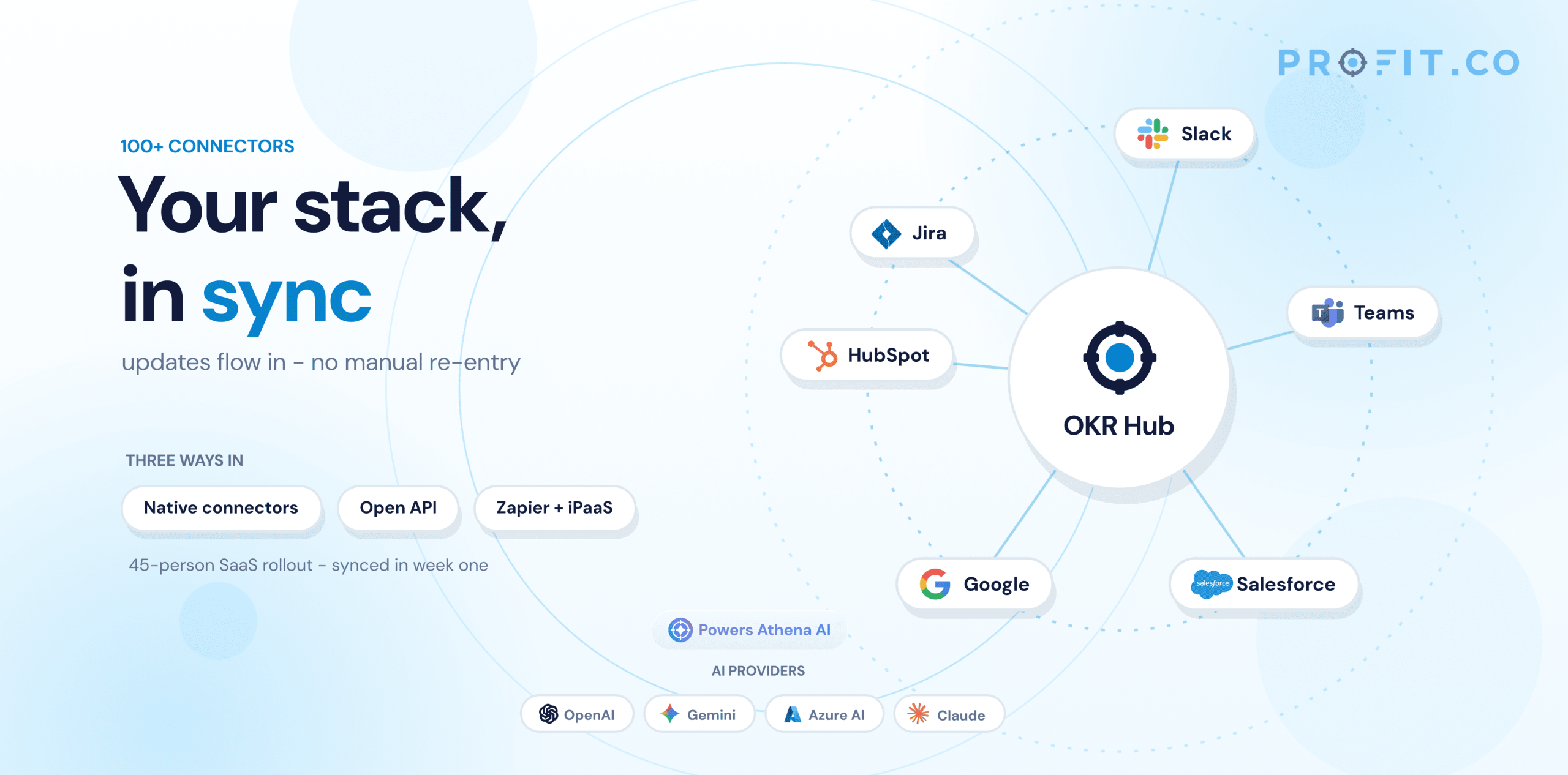
How does OKR software integrate with other tools? OKR software integrates with other tools through native connectors, APIs, and platforms like Zapier. Profit.co connects to 100+ tools, including Jira, Slack, Salesforce, Microsoft Teams, and Google Workspace, so check-ins, task status, and progress updates sync automatically into key results, without manual data entry.
“The best OKR software doesn’t ask people to change how they work — it meets them in the tools they already use.”
Table of Contents
- Why integrations matter for OKR software
- Types of integration: native connectors vs API vs Zapier
- Profit.co’s 100+ native integrations
- AI integrations: OpenAI, Gemini, Azure AI, Claude
- How syncing works day-to-day
- Integrations across roles and industries
- FAQ
Most teams don’t run their work inside a single tool. Engineering lives in Jira, sales in Salesforce, day-to-day conversation in Slack or Microsoft Teams, and reporting in Excel or Power BI. If OKR software sits apart from all of that, keeping it updated becomes another chore layered on top of the actual work, which is exactly why so many OKR rollouts quietly stall after the first quarter.
Integrations are what solve this. When OKR software connects directly to the tools a team already lives in, progress updates happen as a side effect of normal work, not as a separate task someone has to remember to do.
Why integrations matter for OKR software
An OKR program lives or dies on whether check-ins actually happen every week. The single biggest reason they don’t is friction: logging into a separate tool to manually update a number that’s already sitting in Jira, Salesforce, or a spreadsheet somewhere else.
Integrations remove that friction in three concrete ways:
Fewer logins: Updates can happen from Slack, Teams, or Jira directly, without opening a separate OKR tool.
Fresher data: Progress reflects what’s actually happening in source systems in near real time, instead of whatever someone remembered to type in last.
Higher check-in compliance: When updating a key result takes one click inside a tool people are already in, they’re far more likely to actually do it.
Types of integration: native connectors vs API vs Zapier
Native connectors: Purpose-built plugins for a specific tool, for example, a Jira plugin or a Slack app. These are the easiest to set up and typically support two-way sync out of the box.
API: A direct, developer-built connection for tools that don’t have a ready-made plugin, or for custom workflows a native connector doesn’t cover.
Zapier / iPaaS: A middle ground. Zapier and similar automation platforms connect OKR software to hundreds of additional apps without custom code, at the cost of a small amount of extra setup and latency compared to a native connector.
Profit.co’s 100+ native integrations
Profit.co connects to 100+ tools across collaboration, project management, CRM, and data platforms. The most commonly used connections include:
Jira: OKRs for Jira lets teams create and check in on OKRs from inside Jira, and Jira issue status and progress reflect directly into the linked Profit.co key results and tasks.
Slack: OKRs for Slack lets anyone run a check-in with the /checkin slash command, picking the OKR level and key result straight from a dropdown inside Slack.
Microsoft Teams: Check in on OKRs and get notifications on task completions and check-ins directly inside Teams channels.
Salesforce: Salesforce Reports and Salesforce KPIs connectors pull CRM metrics straight into key results, so revenue and pipeline goals stay current without a manual export.
Google Workspace: Google Sheets, Google Calendar, and Google Chat integrations cover data import, meeting scheduling around reviews, and in-chat updates.
Data & reporting: MS Excel, Power BI (including a dedicated Power BI template and OKRs for Power BI), Monday.com, GitHub, and Outlook round out the data and project-management side of the integration list.
AI integrations: OpenAI, Gemini, Azure AI, Claude
Alongside its collaboration and data integrations, Profit.co connects to major AI providers, OpenAI, Gemini, Azure AI, and Claude, which power Athena, Profit.co’s built-in AI assistant. Athena uses these models to help draft well-structured OKRs from plain-language input and to generate automatic progress summaries, so teams get AI assistance without needing to separately manage an AI subscription.
How syncing works day-to-day
In practice, integrations change what a Monday morning check-in actually looks like:
- A developer closes a Jira ticket that’s linked to a key result — the linked progress updates automatically, no separate OKR update required.
- A sales rep’s Salesforce pipeline moves — the connected revenue key result reflects the new figure the next time data syncs.
- A team lead types
/checkinin Slack during a standup, updates a key result value in two clicks, and moves on — no tab-switching required. - Leadership opens a dashboard that’s already current, because every connected tool has been feeding it in the background all week.
Integrations across roles and industries
Who actually cares about an integration list, and why, tends to split along role and industry lines:
PMO Leaders: PMO leaders rely on Jira-to-OKR traceability to prove, during portfolio reviews, that every project links back to a strategic objective, not just a task list.
Operations Leaders: Want Salesforce and pipeline data flowing into revenue key results automatically, without someone exporting a report every Friday.
Managers: Check in on a team’s key results from Slack or Teams during a standup, rather than opening a separate tool mid-meeting.
By industry, the pattern is just as consistent: technology and software companies lean hardest on the Jira and GitHub integrations, since engineering work already lives there. Financial services and other regulated industries weigh SSO and audit-trail integrations as seriously as the OKR features themselves, since compliance sign-off often depends on them.
Picture a 45-person B2B SaaS company rolling out OKR software for the first time. Engineering already lives in Jira, sales runs on Salesforce, and the whole company talks in Slack. Without integrations, the rollout means a fourth login nobody has time for. With them: a shipped Jira epic linked to a key result updates automatically, a closed Salesforce deal nudges the revenue KR, and a team lead checks in during the Monday Slack standup without opening another tab. Three months in, the dashboard leadership reviews every Monday is already current, because it’s been fed all week by tools the team was using anyway.
Why Profit.co: Most OKR tools treat integrations as an afterthought: a handful of one-way data pulls. Profit.co treats them as the core of how check-ins actually happen, with two-way sync into Jira, Slack, and Microsoft Teams, plus 100+ integrations across the rest of the stack, so goal progress updates as a byproduct of the work people are already doing.
- Integrations remove the manual-update friction that causes OKR programs to stall.
- Native connectors, APIs, and Zapier each solve a different integration gap.
- Profit.co connects to 100+ tools, with native two-way sync for Jira, Slack, and Microsoft Teams.
- AI integrations (OpenAI, Gemini, Azure AI, Claude) power Athena, Profit.co’s OKR-drafting and progress-summary assistant.
See Profit.co’s integrations in action for your team.
Frequently Asked Questions
OKR software integrates with other tools through native connectors, APIs, and automation platforms like Zapier. Profit.co connects to 100+ tools, including Jira, Slack, Salesforce, Microsoft Teams, and Google Workspace, so check-ins, task status, and progress updates sync automatically into key results, without manual data entry.
Yes. Profit.co integrates natively with all three: check in on key results from Slack using the /checkin command, create and update OKRs directly inside Jira with progress reflecting from linked issues, and manage check-ins and notifications from within Microsoft Teams.
Not for the native connectors. Jira, Slack, Microsoft Teams, Salesforce, and similar integrations are designed for self-service setup. A developer is typically only needed for custom API work or advanced Zapier automations.
Yes. Profit.co’s AI integrations (OpenAI, Gemini, Azure AI, Claude) power Athena, which can draft objectives and key results from plain-language input and summarize progress, in addition to the tool-level integrations that keep data synced.
It depends on the integration type, and it’s worth knowing the difference before you rely on it for a live dashboard. For Jira JQL-based key results specifically, Profit.co fetches the current value the moment someone opens a check-in, and separately runs an automatic resync every 24 hours in the background, so a key result is never more than a day stale even if nobody checks in manually. Native app-based integrations like Slack and Microsoft Teams check-ins, by contrast, update the moment the check-in is submitted, since the person is updating Profit.co directly rather than pulling from a query. If a dashboard looks behind, checking which sync mechanism a given key result uses is the first thing to look at.