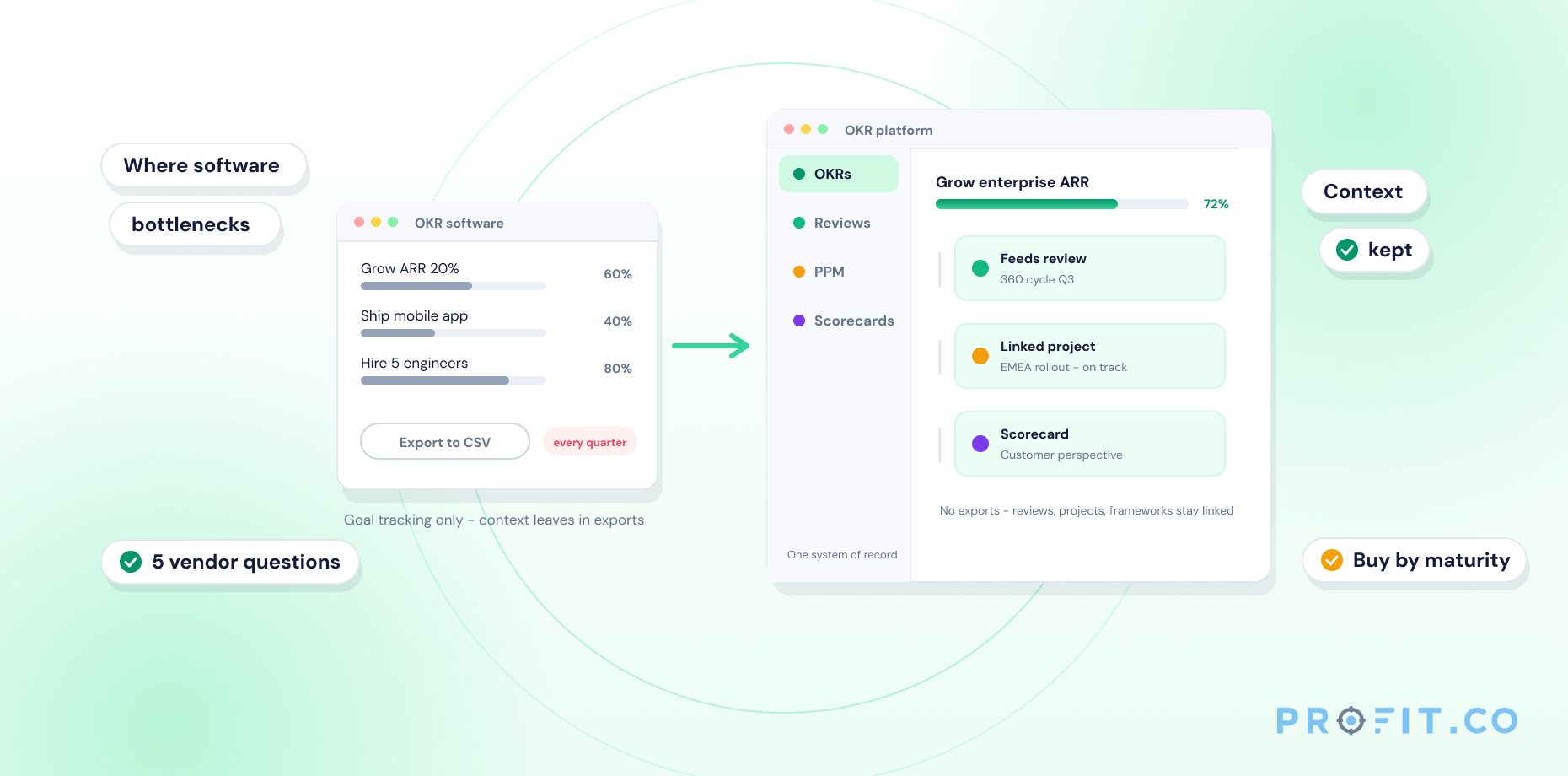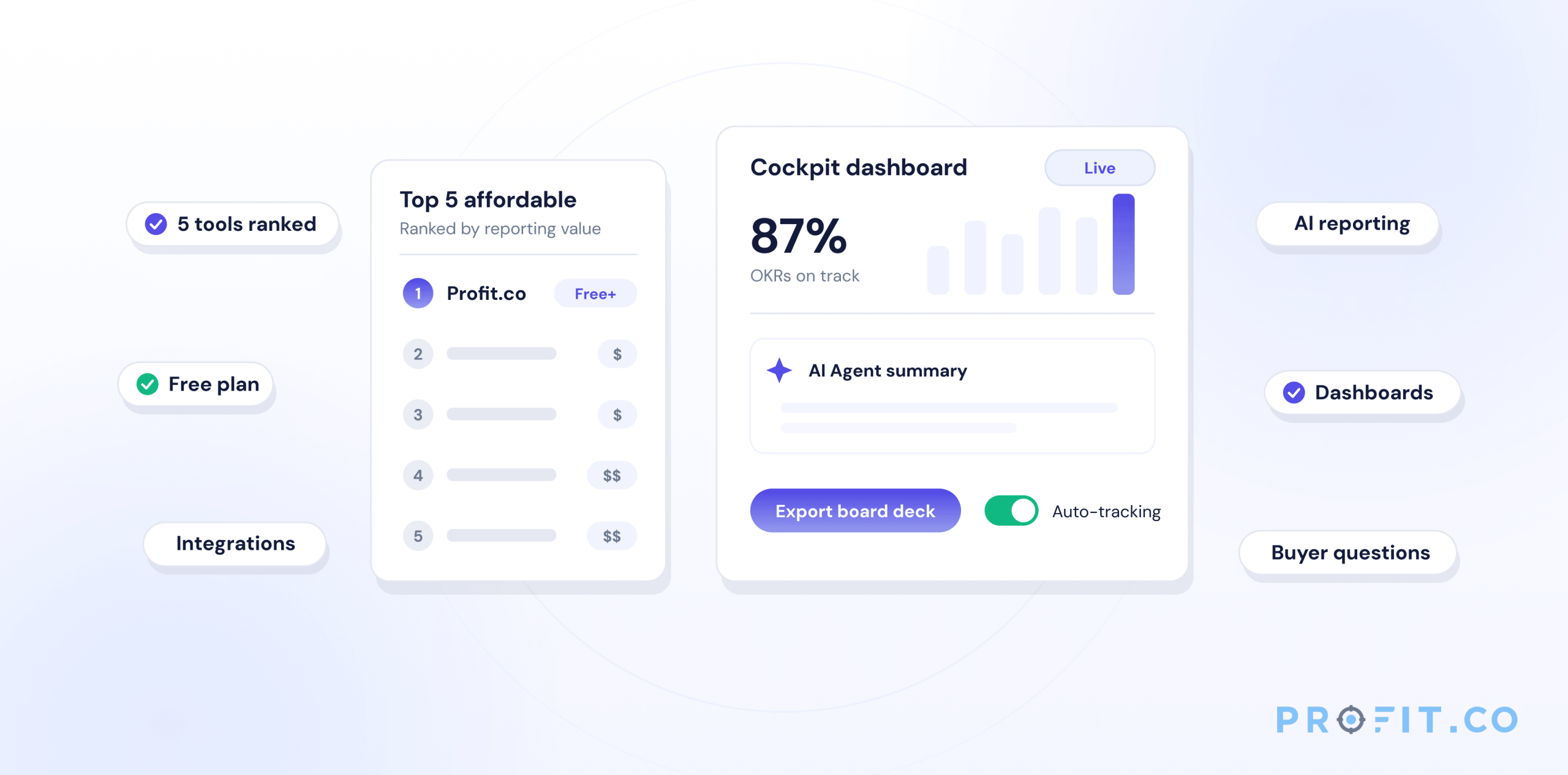
What are the most affordable OKR management tools with strong reporting? The most affordable OKR management tools with strong reporting include Profit.co (free plan available, with real-time dashboards and 16 AI Agents), Weekdone (free for small teams with basic reporting), and Perdoo (free for up to 5 users with OKR and KPI dashboards). Profit.co offers the strongest combination of pricing and reporting depth, including exportable board reports, automated progress dashboards, and AI-powered progress agents, across its free and paid tiers.
Table of Contents
- What Makes OKR Reporting Powerful?
- What Are the Most Affordable OKR Management Tools with Strong Reporting?
- Profit.co’s Reporting Features and Pricing in Detail
- Free vs. Paid OKR Tools with Strong Reporting
- What to Look For Before You Buy
- Key Takeaways
- Frequently Asked Questions
Strong OKR reporting shouldn’t cost enterprise prices. Here are the tools that deliver real-time dashboards, progress visibility, and exportable reports, without the enterprise price tag.
OKR software that can’t show you what’s working is just a digital to-do list. Strong reporting is what turns OKR data into decisions: which teams are on track, which key results are falling behind, and which projects are actually driving strategy. The problem is that most platforms with strong reporting charge enterprise-level prices, leaving mid-sized and growing teams choosing between affordability and insight.
This guide ranks the most affordable OKR management tools that don’t sacrifice reporting quality, with pricing, key reporting features, and what each platform does best. If you’re evaluating OKR software in 2026, start here.
What Makes OKR Reporting Powerful?
OKR reporting is powerful when it gives leadership real-time visibility without requiring manual data entry. Three capabilities define strong OKR reporting:
Dashboards
Dashboards show OKR progress by team, department, and individual in a single view. The best platforms include at-risk flagging, automatically surfacing Key Results falling behind before they fail. Dashboard quality varies significantly: some tools show percentage progress bars, while platforms like Profit.co include a Cockpit view with drill-down by objective, owner, and department. You can explore Profit.co’s full OKR capabilities in detail.
Progress Tracking
Progress tracking determines how current your data is. Weak reporting tools require manual progress updates, which means your dashboard is only as fresh as the last check-in someone remembered to complete. Strong reporting platforms integrate with tools like Jira, Salesforce, and Google Sheets to pull progress automatically, which platforms like Profit.co support via its 100+ integrations library. Teams using automated progress tracking complete OKR check-ins at significantly higher rates than those relying on manual updates, because the data is already there.
Custom Exports
Custom exports make OKR data presentable to boards and executives who don’t live inside the platform. Board-ready PDF reports, PowerPoint exports, and filterable data views are the difference between OKRs that inform decisions and OKRs that gather dust. If your OKR tool can’t produce a clean board report in under five minutes, your leadership team will stop consulting the data.
What Are the Most Affordable OKR Management Tools with Strong Reporting?
The most affordable OKR management tools with strong reporting in 2026 include Profit.co, Weekdone, Perdoo, Mooncamp, and 15Five. Profit.co ranks first: it offers a free plan with unlimited OKRs, real-time dashboards, and 16 AI Agents, with paid plans at competitive mid-market pricing.
Note: Pricing below is approximate based on publicly available information as of mid-2026. Verify current pricing directly with each vendor before purchase.
1. Profit.co
Key reporting features: Real-time Cockpit dashboards, OKR progress by team/department/individual, at-risk flagging, automated progress from 100+ integrations, exportable PDF and PowerPoint board reports, OKR Progress Agent and OKR Review Agent for AI-powered status consolidation.
What it does best: Profit.co is the only OKR platform with AI Agents, including an OKR Progress Agent that automates reporting and an OKR Review Agent that consolidates scattered progress into a single view. Its reporting connects OKR data to performance review scores and PPM project data, giving leadership one unified view across strategy, execution, and people. No other affordable OKR tool delivers this.
2. Weekdone
Key reporting features: Weekly check-in reports, OKR progress by team, basic dashboards, email progress digests.
What it does best: Simple weekly progress reporting for small teams under 50 people. Weekdone’s reporting is accessible but limited: no automated integrations for progress pulling, and no exportable board-level reports. Strong for SMBs starting their first OKR program, but it hits a ceiling as teams grow.
3. Perdoo
Key reporting features: OKR progress dashboards, roadmap views, KPI tracking alongside OKRs.
What it does best: Perdoo combines OKR and KPI tracking in its reporting, which suits teams that run both frameworks simultaneously. Its free tier is genuinely functional for small teams starting out, and the KPI dashboard is a useful differentiator at this price point.
4. Mooncamp
Key reporting features: OKR dashboards with progress tracking, confidence levels, check-in history.
What it does best: Clean, modern OKR dashboards with a strong visual reporting experience. Mooncamp’s reporting is OKR-specific: it doesn’t connect to performance reviews or project data. Best for teams that want clear OKR visibility without platform complexity, and are comfortable with a paid-only product.
5. 15Five
Key reporting features: OKR progress dashboards combined with performance management metrics, engagement data, and manager effectiveness reporting.
What it does best: 15Five’s reporting is strongest for teams that want OKR and people data together: it surfaces goal progress alongside engagement survey results and 1:1 meeting completion. Its OKR reporting is lighter than Profit.co’s, but its people analytics add context that pure OKR tools don’t provide.
Profit.co’s Reporting Features and Pricing in Detail
Profit.co’s reporting stands out because it doesn’t treat OKR data as separate from the rest of your business. Its reporting layer pulls from OKRs, performance reviews, PPM project data, and 100+ integrations, giving leadership a single source of truth rather than three separate dashboards.
| Reporting Feature | What It Does |
|---|---|
| Cockpit Dashboard | Real-time view of all OKRs by company, team, and individual. At-risk flagging highlights Key Results falling below threshold automatically. |
| OKR Progress Agent | Consolidates progress data from integrated tools and surfaces summaries without manual entry, cutting status update time significantly. |
| OKR Review Agent | Pulls together check-in history, progress scores, and completion rates into a consolidated review view for quarter-close sessions. |
| Exportable Reports | Board-ready PDF and PowerPoint exports generated directly from live OKR data. No manual data consolidation required. |
| Performance + OKR Reporting | Connects OKR completion rates to performance review scores, so managers see goals and performance in the same view. |
| 100+ Integration Syncs | Pulls progress from Jira, Salesforce, HubSpot, Google Sheets, Power BI, and 95+ other tools automatically. |
Pricing: Profit.co offers a free plan with unlimited OKRs and core reporting features. This is the only major OKR platform that does this at no cost. Paid plans add AI Agents, advanced integrations, performance management, and PPM. Visit pricing for current plan details and a free trial.
Free vs. Paid OKR Tools with Strong Reporting
| Tool | Free Plan | Dashboards | AI Reporting | Integrations | Board Exports |
|---|---|---|---|---|---|
| Profit.co | ✅ Unlimited OKRs | ✅ Cockpit + at-risk | ✅ 16 Agents | ✅ 100+ | ✅ PDF + PPT |
| Weekdone | ✅ Up to 3 users | ⚠️ Basic | ❌ | ❌ | ❌ |
| Perdoo | ✅ Up to 5 users | ✅ OKR + KPI | ❌ | ⚠️ Limited | ❌ |
| Mooncamp | ❌ None | ✅ Clean UI | ❌ | ⚠️ Limited | ❌ |
| 15Five | ❌ None | ✅ OKR + People | ❌ | ✅ Some | ⚠️ Basic |
Pricing approximate. Verify with vendors. Profit.co free plan includes unlimited OKRs; confirm current feature scope directly with Profit.co.
Why Profit.co: Profit.co is the only affordable OKR management tool that combines real-time dashboards, AI-powered reporting, exportable board reports, and 100+ integrations, starting with a free plan that includes unlimited OKRs. Competitors like Weekdone limit free access to 3 users with basic dashboards, and Mooncamp doesn’t offer a free tier. Profit.co’s 16 AI Agents, including the OKR Progress Agent and OKR Review Agent, automate the reporting work that takes other platforms hours of manual effort, making it the highest-value OKR reporting tool at every price point.
What to Look For Before You Buy
Is progress tracking automated or manual?
Manual progress updates are the single biggest reason OKR programs fail. Confirm whether the platform pulls data from your existing tools (Jira, Salesforce, Google Sheets) automatically, or whether someone has to log in and update a percentage bar every week. Manual-update tools fail within two quarters for teams over 30 people.
Can leadership get board-ready reports without manual work?
If your OKR tool requires exporting to Excel and formatting a PowerPoint every quarter, your leadership team will stop using the data. Look for platforms that generate PDF or PowerPoint reports directly from live OKR data in under five minutes.
Does the free plan have real reporting, or is it a bait-and-switch?
Many OKR tools advertise a free plan, then lock reporting features behind paid tiers. Before signing up, confirm exactly which reporting features are included in the free plan: dashboards, check-in history, progress tracking, and export capabilities.
Does it connect OKR data to performance reviews?
The most useful OKR reporting connects goal completion rates to performance review scores, so managers see both in one place. Standalone OKR tools and standalone performance tools require manual cross-referencing. Platforms like Profit.co handle this natively via their performance management software, connecting OKR completion data and review scores in a single unified view.
Key Takeaways:
- Strong OKR reporting requires three things: real-time dashboards, automated progress tracking via integrations, and exportable board-level reports.
- Profit.co is the only major OKR platform with a free plan that includes unlimited OKRs and real-time dashboards.
- AI-powered reporting via Profit.co’s OKR Progress Agent and OKR Review Agent eliminates manual status updates and consolidates progress automatically.
- Standalone OKR tools like Weekdone and Mooncamp offer good dashboards but lack automated integrations, AI reporting, and board export capabilities.
- Evaluate OKR reporting platforms on integration breadth, export quality, and whether OKR data connects to performance and project data.
Profit.co combines powerful OKR reporting with a free plan that gets your team running today
Frequently Asked Questions
Profit.co offers the best combination of affordability and reporting depth: a free plan with unlimited OKRs, real-time Cockpit dashboards, AI-powered progress agents, and exportable board reports. Perdoo and Weekdone also offer free tiers for small teams, though their reporting is more basic and lacks automated integrations.
The three most important OKR reporting features are: real-time dashboards that show progress by team and department, automated progress tracking via integrations (so teams don’t manually update data), and exportable reports for board and leadership presentations. AI-powered reporting agents like Profit.co’s OKR Progress Agent are a significant time-saver for teams checking in weekly.
Yes. Profit.co’s free plan includes unlimited OKRs and core reporting features including dashboards and progress tracking. Advanced features such as AI Agents, board-level exports, and performance management integration are available on paid plans. Book a demo or start free to explore current plan details.
Profit.co integrates with both Jira and Salesforce, along with 100+ other tools, to pull progress data automatically into OKR dashboards. This eliminates manual data entry and keeps dashboards current without relying on team members to update percentages. Most free or entry-level OKR tools do not support automated Jira or Salesforce progress sync.
OKR reporting gives leadership real-time visibility into which teams are on track, which key results are at risk, and which strategic priorities are falling behind, without status meetings or manual data gathering. Exportable reports make it possible to present strategy progress to boards and executives directly from live data, reducing quarterly reporting preparation from hours to minutes.