













A Rewards Program Manager is the role in Profit.co responsible for funding, pricing, and curating your organization's gift card program.
Table of Contents
- What Is a Rewards Program Manager?
- Why Does the Rewards Program Manager Role Matter?
- How Does a Rewards Program Manager Manage the Gift Card Program?
- What Happens When a Rewards Program Manager Updates the Gift Card Program?
- What Are the Best Practices for the Rewards Program Manager Role?
- Related Articles
- What Are Some Frequently Asked Questions About the Rewards Program Manager Role?
What Is a Rewards Program Manager?
A Rewards Program Manager is the role responsible for managing the gift card side of Recognition in Profit.co. This covers funding the organization's gift card wallet, setting the points-to-currency exchange rate, and curating which gift cards employees can redeem by location and preference.
The role also reviews and approves redemption requests for any custom gift card added to the organization, marking each one Completed before the employee can redeem it.
Why Does the Rewards Program Manager Role Matter?
Centralizing these tasks in one role keeps the points economy consistent: the wallet stays funded, the exchange rate stays uniform across the organization, and the gift card catalog reflects what's actually relevant to each location. Without a single owner, redemptions could stall for lack of funds or run on a rate nobody agreed on.
How Does a Rewards Program Manager Manage the Gift Card Program?
How can a Rewards Program Manager add money to the wallet?
Step 1
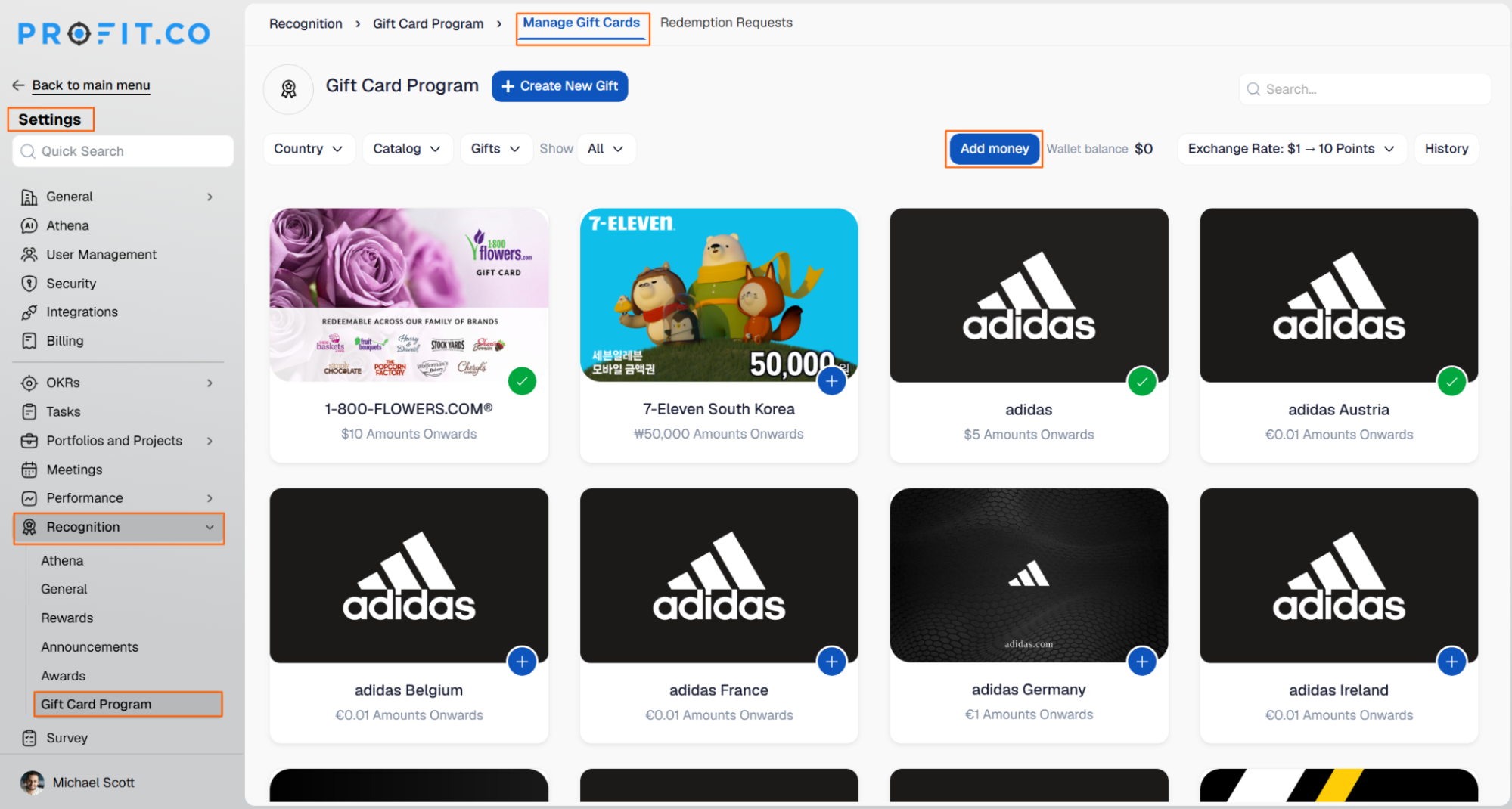
- Go to Recognition → Gift Card Program
- Click Add Money
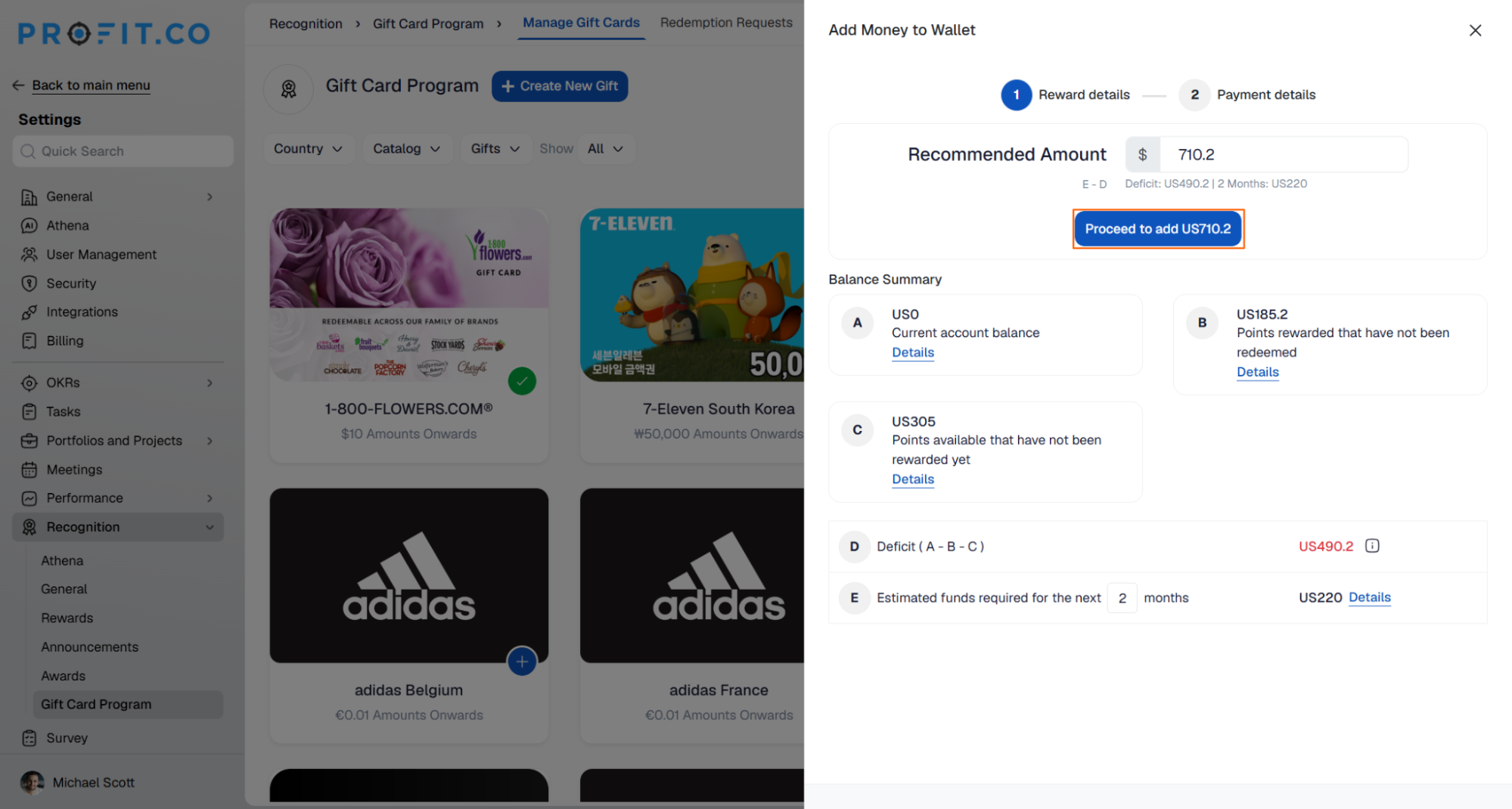
- Enter the amount and click Proceed to add
- Click Pay
- On the transaction page, enter the card information and billing address
How can a Rewards Program Manager set the Exchange Rate?
Step 1
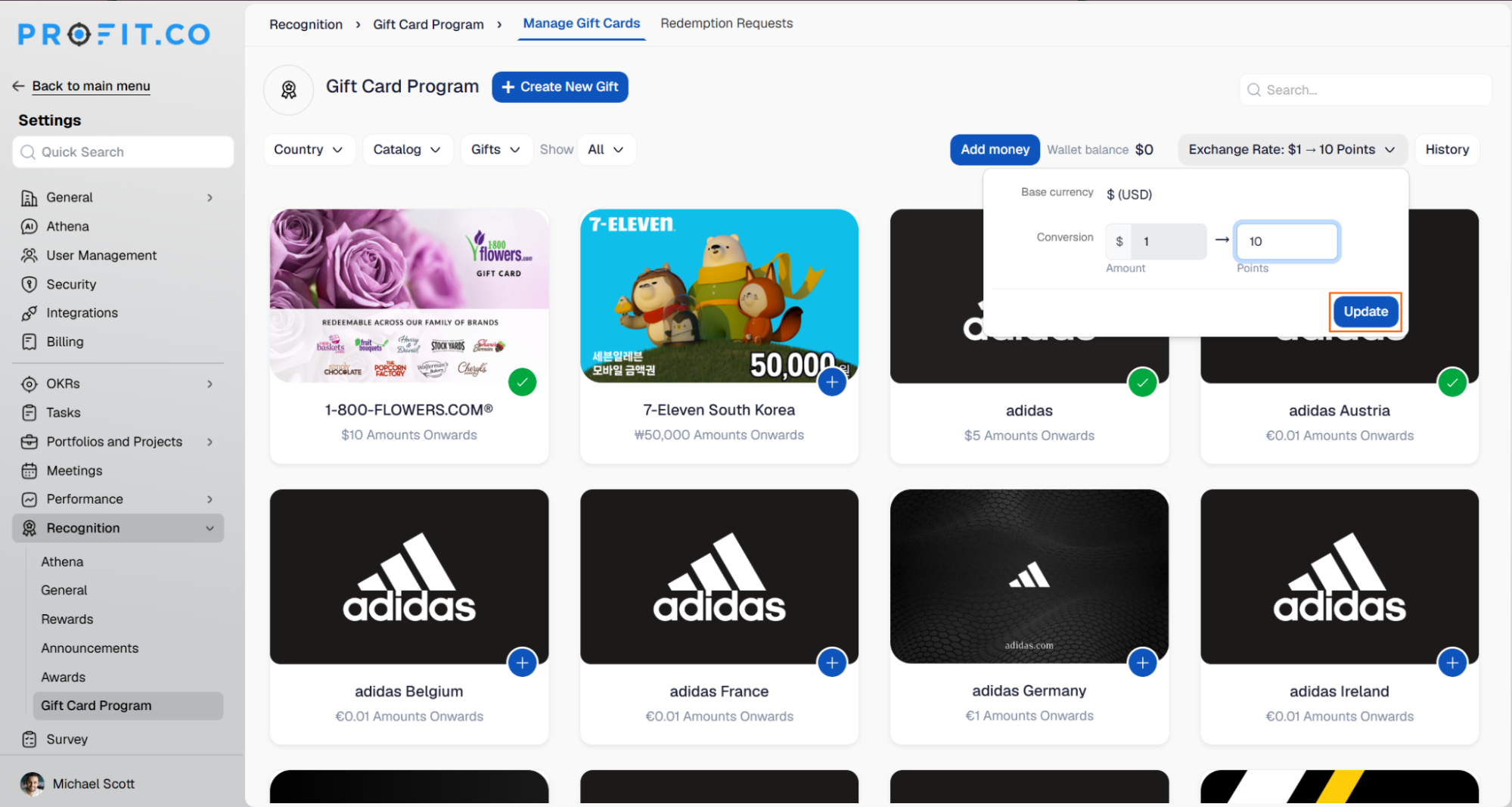
- Under the Gift Card Program menu, click the Exchange Rate input box
- Enter the points value
- Click Update
How can a Rewards Program Manager select Gift Cards?
Step 1
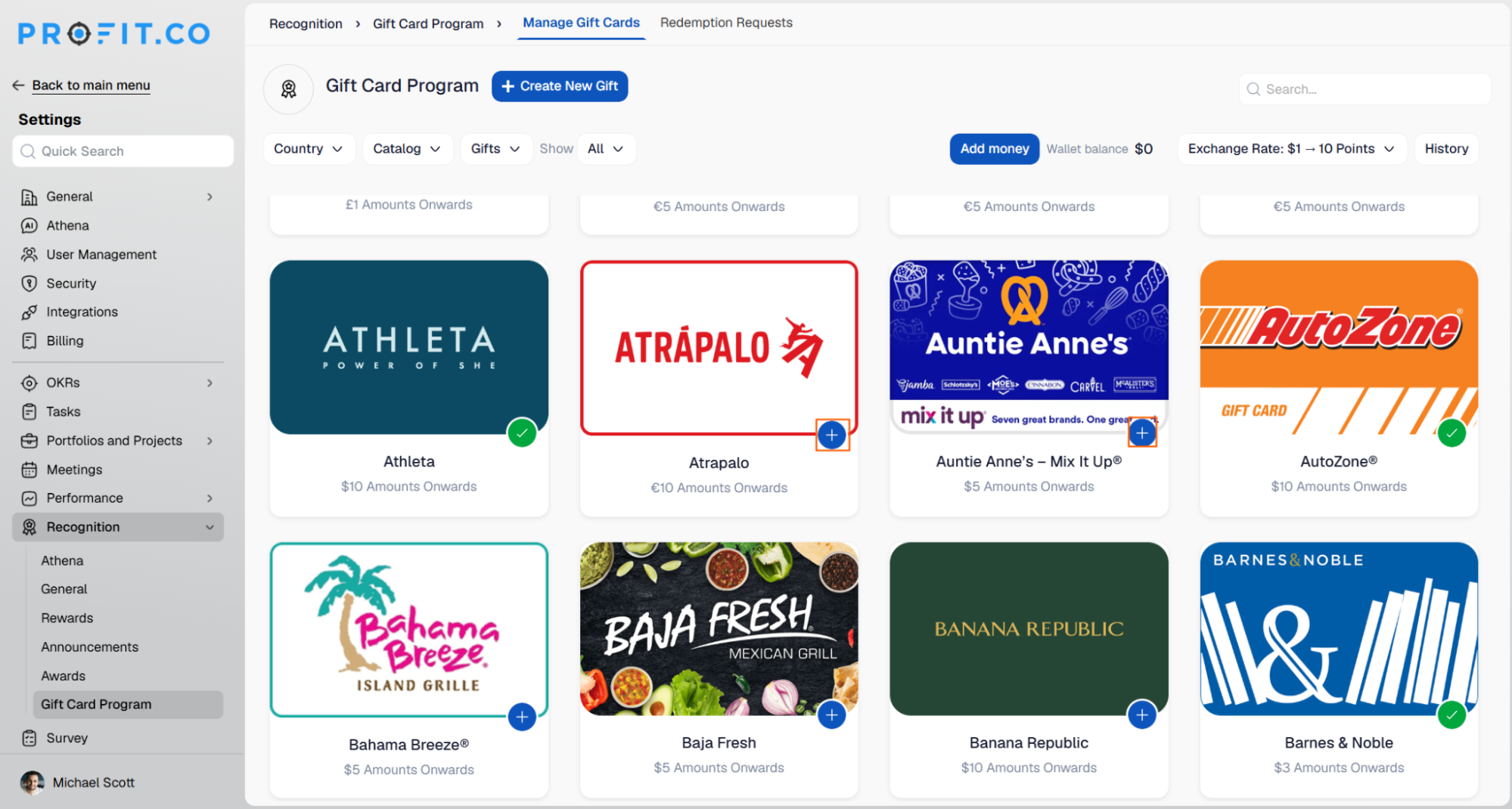
- Under the Gift Card Program menu, click the + icon
- Select the gift cards you want to make available
What Happens When a Rewards Program Manager Updates the Gift Card Program?
| Scenario | What Happens |
|---|---|
| The Rewards Program Manager changes the Exchange Rate. | Profit.co applies the new rate retroactively, changing the redemption value of points employees already hold. |
| The Rewards Program Manager changes the Exchange Rate or adds money to the wallet. | Profit.co makes the change silently, without notifying employees or other admins. |
| The Rewards Program Manager removes a gift card from the catalog. | Profit.co leaves any redemption requests already in progress for that card unaffected. |
| The Rewards Program Manager completes the Add Money payment. | Profit.co credits the organization's gift card wallet, separate from any individual employee's Redeemable points balance. |
What Are the Best Practices for the Rewards Program Manager Role?
- Keep the wallet funded ahead of major Recognition pushes, since redemptions draw directly from it and a low balance could stall gift card fulfillment.
- Change the Exchange Rate deliberately and rarely, since Profit.co applies a new rate retroactively to points employees already hold, immediately changing what their existing balance is worth.
- Tell employees directly when you change the Exchange Rate, since Profit.co doesn't send any notification on its own.
- Review the gift card catalog by location periodically, since employees only see the cards selected under the + icon.
- Coordinate with whoever manages custom gift cards before changing settings here, since the Rewards Program Manager also approves those redemption requests separately.
Related Articles
- How to set Exchange Rate for points?
- How to add a new gift card to the organization?
- How a user can redeem their points?
What Are Some Frequently Asked Questions About the Rewards Program Manager Role?
Not necessarily. The responsibilities described here are specific to the Gift Card Program menu; the steps don't say this role requires full Settings-level access beyond that menu.
The steps don't describe an automatic low-balance alert, so whoever holds this role must monitor the wallet balance.
The steps don't specify whether this role can be assigned to more than one person in an organization.
Execute your strategy with confidence
Connect OKRs, tasks, and teams in one place with Profit.co
