











Lean practitioners are rightly wary of replacing physical boards with screens. Boards create focus and conversation at the point of work. They also forget everything, can’t be seen from another site, and don’t connect to the strategy. The answer is a division of labor.
In this guide
Key Takeaways
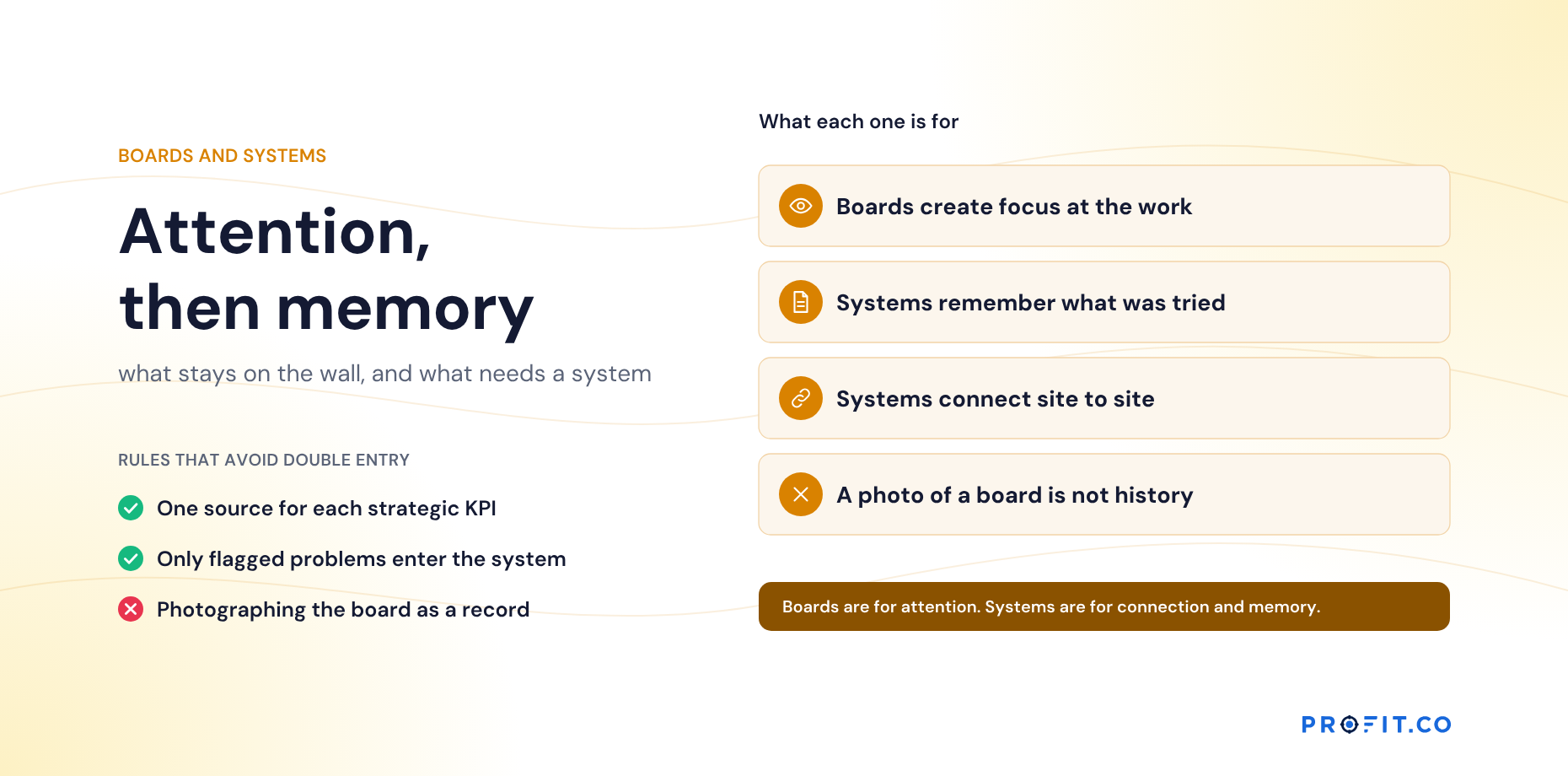
- →Boards are for attention. Systems are for connection and memory. Lean needs all three.
- →A board forgets everything once it is wiped, and cannot be seen from another site.
- →Tier 1 keeps today’s SQDC on the board; the system holds the strategic KPI values.
- →Each strategic KPI has one source, entered once at the tier closest to the data.
- →Only flagged problems enter the system; everything solved locally stays on the board.
- →Photographs of a board are not history, and will not be read again.
What each does best
The honest comparison is not board versus system. It is a list of six jobs, each of which one of them does well and the other does badly.
The last row is the one that decides most arguments. A board is cheap to update for today and expensive to keep consistent across twenty teams; a system is the reverse. Neither cost shows up until you have been running for a few months.
| Physical board | Digital system | |
|---|---|---|
| Focus and conversation | Excellent | Weaker |
| At the point of work | Yes | Depends on screens |
| History | None once wiped | Kept |
| Across sites and tiers | No | Yes |
| Connection to strategy | By hand | Built in |
| Effort to update | Low for today; high to keep consistent | Low once set up |
Boards are for attention. Systems are for connection and memory. Lean needs all three.
A division by tier
The division is not the same at every level, which is why a single rule for the whole organization never holds for long.
Work each tier out separately and the answer falls out of one question: who else needs to see this, and when?
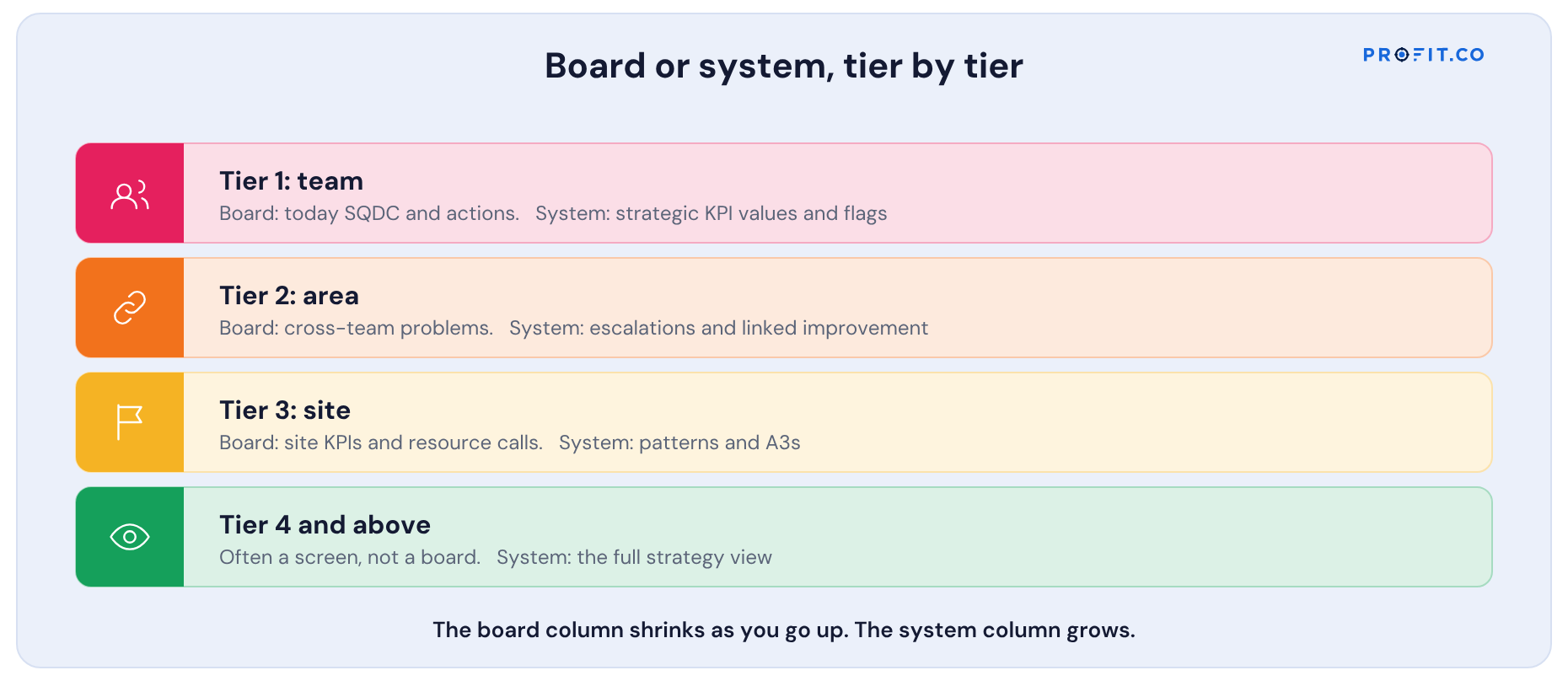
| Tier | On the board | In the system |
|---|---|---|
| Tier 1: team | Today’s SQDC, problems, actions | Strategic KPI values; flagged escalations |
| Tier 2: area | Cross-team problems | Flagged escalations; improvement linked to KPIs |
| Tier 3: site | Site KPIs, escalations needing resources | Site strategic KPIs; patterns; A3s |
| Tier 4 and above | Often a screen, not a board | The full strategy view |
Read the board column downward and it shrinks; read the system column downward and it grows. That taper is the design. The further you are from the work, the less there is to see in a room and the more there is to see across rooms.
Rules that avoid double entry
- One source for each strategic KPI. The board shows it; the system holds it.
- Enter strategic numbers once, at the tier closest to the data.
- Only flagged problems go into the system. Everything solved locally stays on the board.
- Photographs aren’t history. If it matters later, it belongs in the system.
The third rule is the one that keeps the system usable. A team that is asked to log every problem will log none within a month; a team asked to log only the ones that affect a strategic bet is being asked for perhaps one entry a week.
A worked example: one site’s hybrid setup
Here is a hypothetical site and what it keeps on a physical board and what it keeps in a system, with the reason for each:
| Element | Where | Why |
|---|---|---|
| Line SQDC boards | Physical, at each line | Conversation at the point of work |
| On-time delivery, scrap rate | System; shown on a screen at tier 3 | Strategic KPIs shared across sites |
| Supplier parts problem | Board for containment; system once flagged | It affects a strategic bet |
| Kaizen ideas | Board for this week; system for those linked to strategic KPIs | Effort by KPI visible above the site |
| A3 on supplier reliability | System, printed for the board | Linked to the bet; reviewed by those committed |
Notice the last row: the A3 lives in the system and is printed for the board. Direction of travel matters. A document that starts on paper and is photographed later is a document nobody will search for next year.
What the board-only option costs
Boards are the cheapest thing in the building, which is exactly why the cost of staying board-only is invisible. It shows up as the same problem being solved independently at four sites, as a strategic KPI that means three different things depending on which room you read it in, and as a year of improvement history that exists only in people’s memories and leaves when they do. None of that appears on a budget line, and all of it is paid.
Among published alternatives for the system side, OnStrategy lists $200 per month for unlimited users, which matters here because board replacements tend to need wide, shallow access rather than a few power users. i-nexus publishes a free Starter tier for up to five users and $28 per user per month at its Standard tier. For either, the test is narrow: can a tier 1 supervisor enter today’s number and flag one problem in under a minute, standing up? If not, the board will quietly win and the system will hold stale data.
Profit.co publishes two plans, Essentials and Enterprise, quoting against modules and scale rather than a public seat rate, which suits the wide-and-shallow shape of tier 1 access. Hoshin Kanri, OKRs and Goals and Balanced Scorecard sit in Essentials, and the 30-day free trial is long enough to run a real tier 1 huddle against it daily and see whether the minute holds.
Built for the system side
Profit.co is designed for the system side: strategic KPIs, huddles at every cadence on those KPIs, escalations, improvement ideas linked to KPIs, and A3s, with physical boards staying where they work. See the lean strategy software page, and Obeya Rooms and Visual Boards in Hoshin Kanri for the leadership-level equivalent.
Where this split usually gets decided alongside an idea system, the comparison is in Lean Strategy Software vs Continuous-Improvement and Idea-Management Software, and the tests to run on any candidate are in How to Evaluate Lean Strategy Software.
Free Product Demo
Design your board and system split
A 30-minute walkthrough, tailored to your team.
Book a free demo
What happens in the call
How your teams set goals, track progress and review results.
Strategy, performance, projects and engagement on one platform, with AI.
A practical path to align teams, execute faster and drive results.
Questions this article answers
Usually not entirely. Physical boards create focus at the point of work. Strategic KPIs, escalations, linked improvement and history belong in a system.
Today’s safety, quality, delivery and cost, and this week’s problems and actions with names on them.
Hold each strategic KPI in one place, enter it once at the tier closest to the data, and move only flagged problems into the system.
No. A photograph cannot be searched, compared across sites or read beside a KPI. If something matters later, it belongs in the system when it happens.
The tier closest to the data, once. Every tier above it reads the same number, which is what stops the same KPI meaning different things in different rooms.