

Service principals are dedicated identities created for use with automated tools, jobs, scripts, and applications. This guide provides step-by-step instructions for managing and configuring service principals within your Databricks environment.
Note
Account admins and workspace admins can create an OAuth secret for a service principal.
Generate an OAuth Secret
- Click your username in the top bar and select Settings.
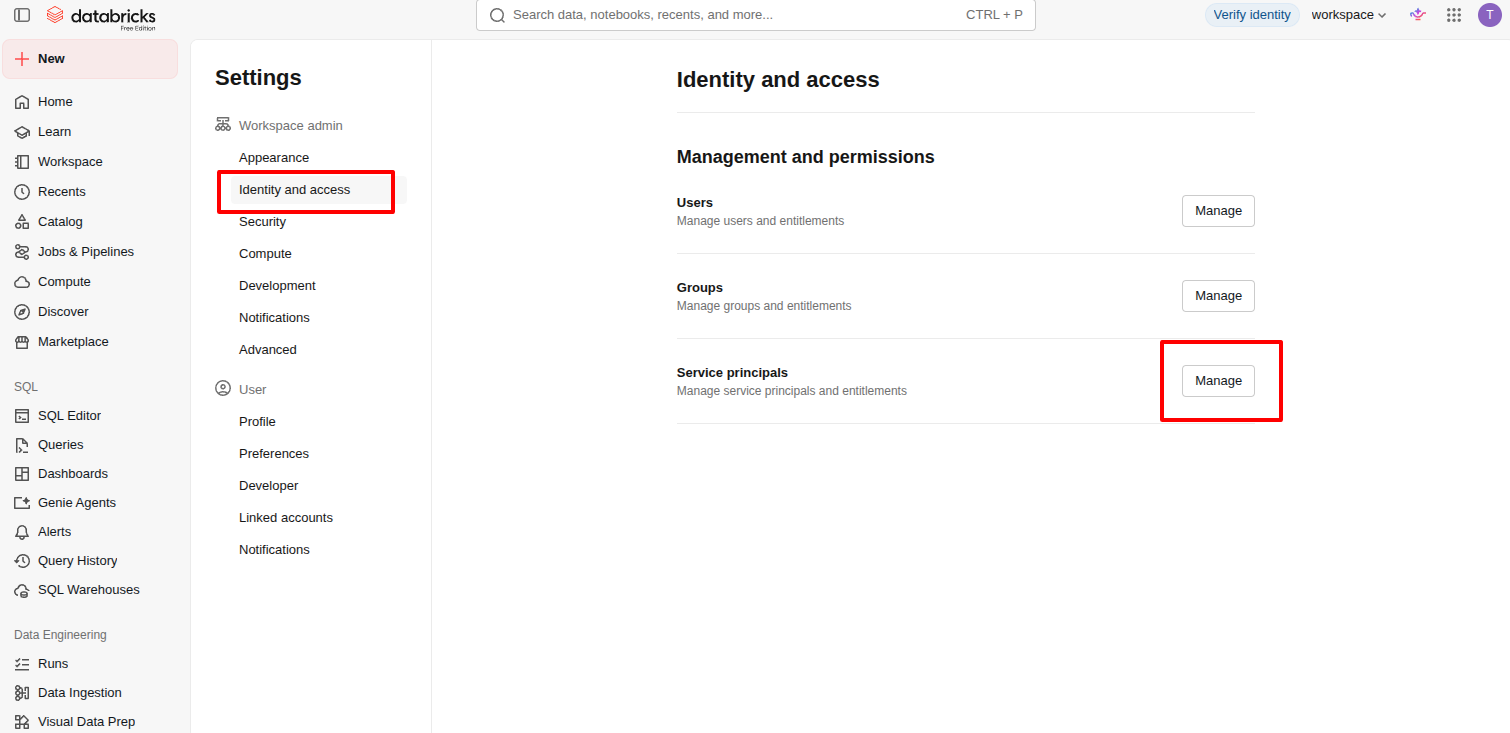
- Click the Identity and access tab.
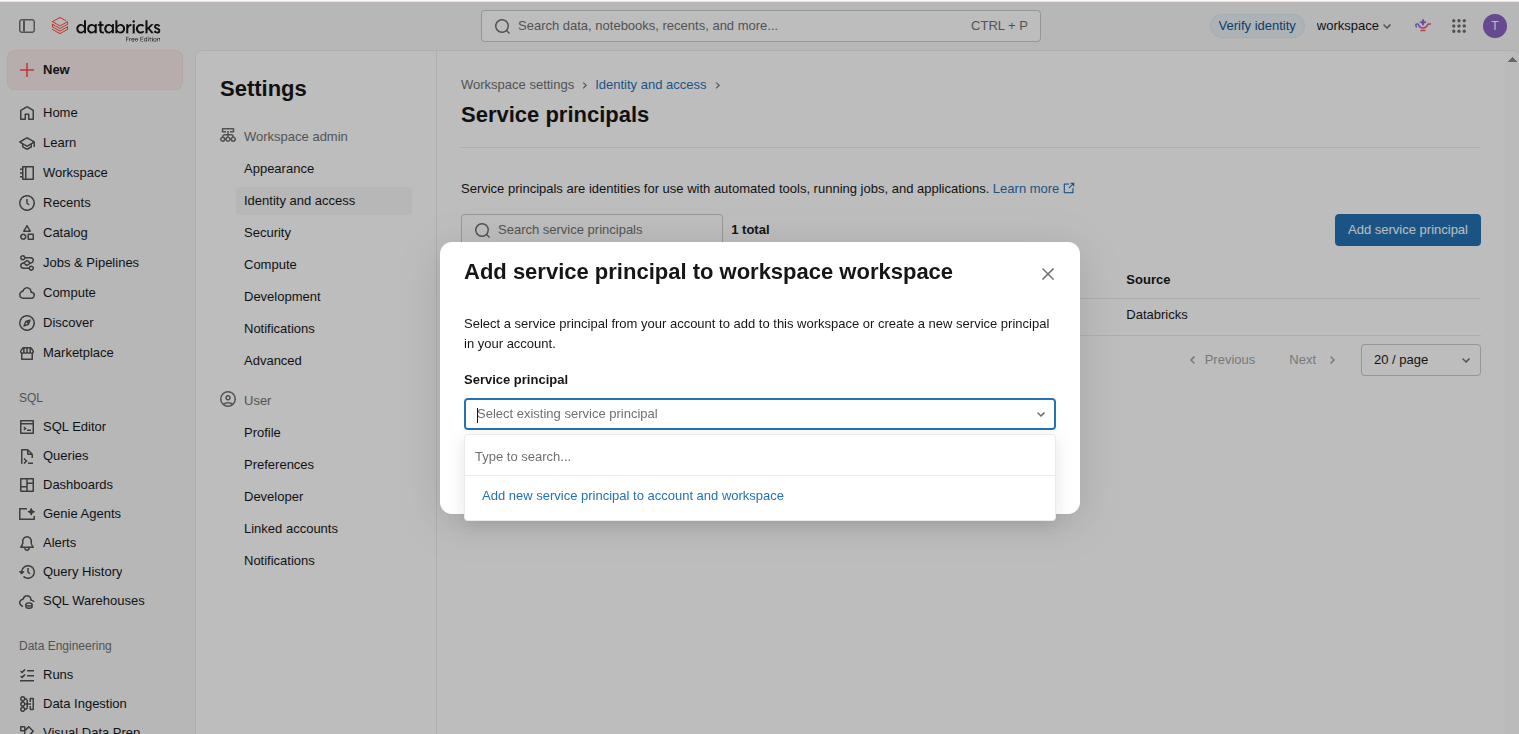
- Next to Service principals, click Manage.
- Select the service principal.
- Click the Secrets tab.
- Click Generate secret.
- Set the secret's lifetime in days (maximum 730 days).
- Under Scopes, select the API scopes the secret can use:
- To restrict the secret, search for and select one or more scopes, such as sql or jobs.
- To let the secret access every API the service principal is authorized for, select all APIs (not recommended).
- Click Generate.
- Copy the displayed client secret and client ID, then click Done.
Note
The secret is shown only once. The client ID is the same as the service principal's application ID.
Result
Once these steps are complete, you will have the client ID and client secret for the service principal.
Reference
Execute your strategy with confidence
Connect OKRs, tasks, and teams in one place with Profit.co
