




The superuser can control the time frame for setting up of OKRs. Some objectives may have been planned quarterly while some objectives would have been set annually by the organization. If the superuser wants to restrict the time frame for an OKR, he can enable the toggle to set up the time frame for objectives.
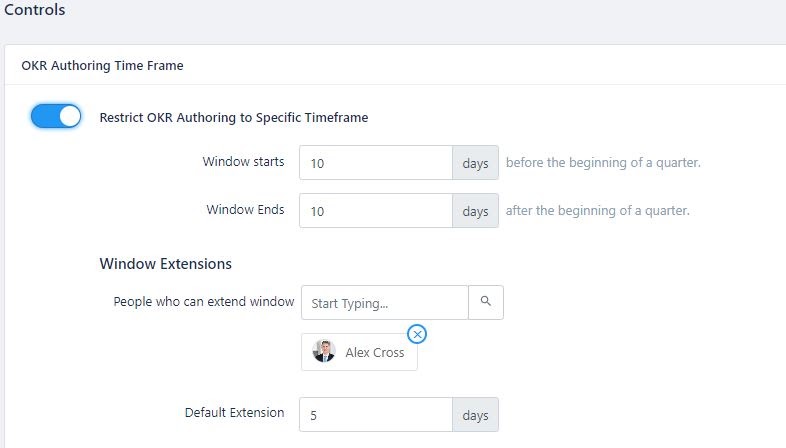
The default settings consist of the window starting time 10 days before the beginning of a quarter and ending time 10 days after the beginning of a quarter. The superuser can customize these settings as needed.
The superuser can also enable approval flows for users to create and edit their individual OKRs.
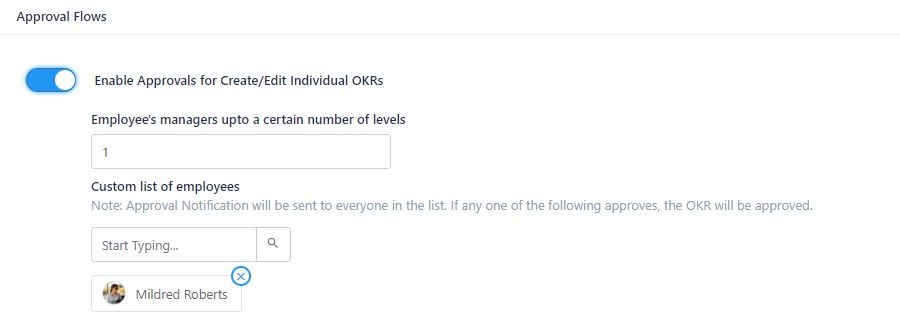
To set approval flows, the superuser needs to enable the toggle. The default number of employees managers entitled to approve the OKRs would be 1. But, this setting can be extended for any number of employees. Though the approval notification would be sent to everyone in the list, approval from anybody in the list is sufficient for creating or editing OKRs by the employee. The approval status would be visible under the ‘pending OKR approvals’ menu for the user.
To know more on how to restrict users from creating OKRs, click here. To learn more about approval flows, click here.
The superuser can also assign weightage to each key result under OKRs in order to rank them in the order of importance. The assigned weightage will affect the total average score of the OKR. To know more about how to define weights for key results, click here.
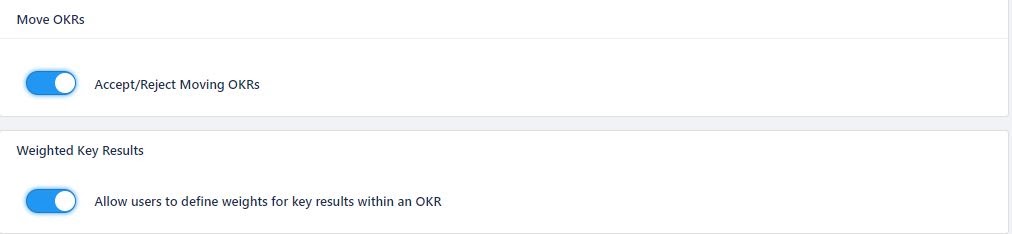
The superuser can also monitor and accept or reject the movement of OKRs from one department/team to another by enabling the toggle. To learn more about controlling the movement of OKRs, click here.
