
Keka HR is a comprehensive HR and payroll platform designed to simplify and automate the entire employee lifecycle, from hiring and onboarding to attendance tracking, performance management, and payroll processing, all within a single, intuitive system.
What can you do with Keka HR and Profit.co integration?
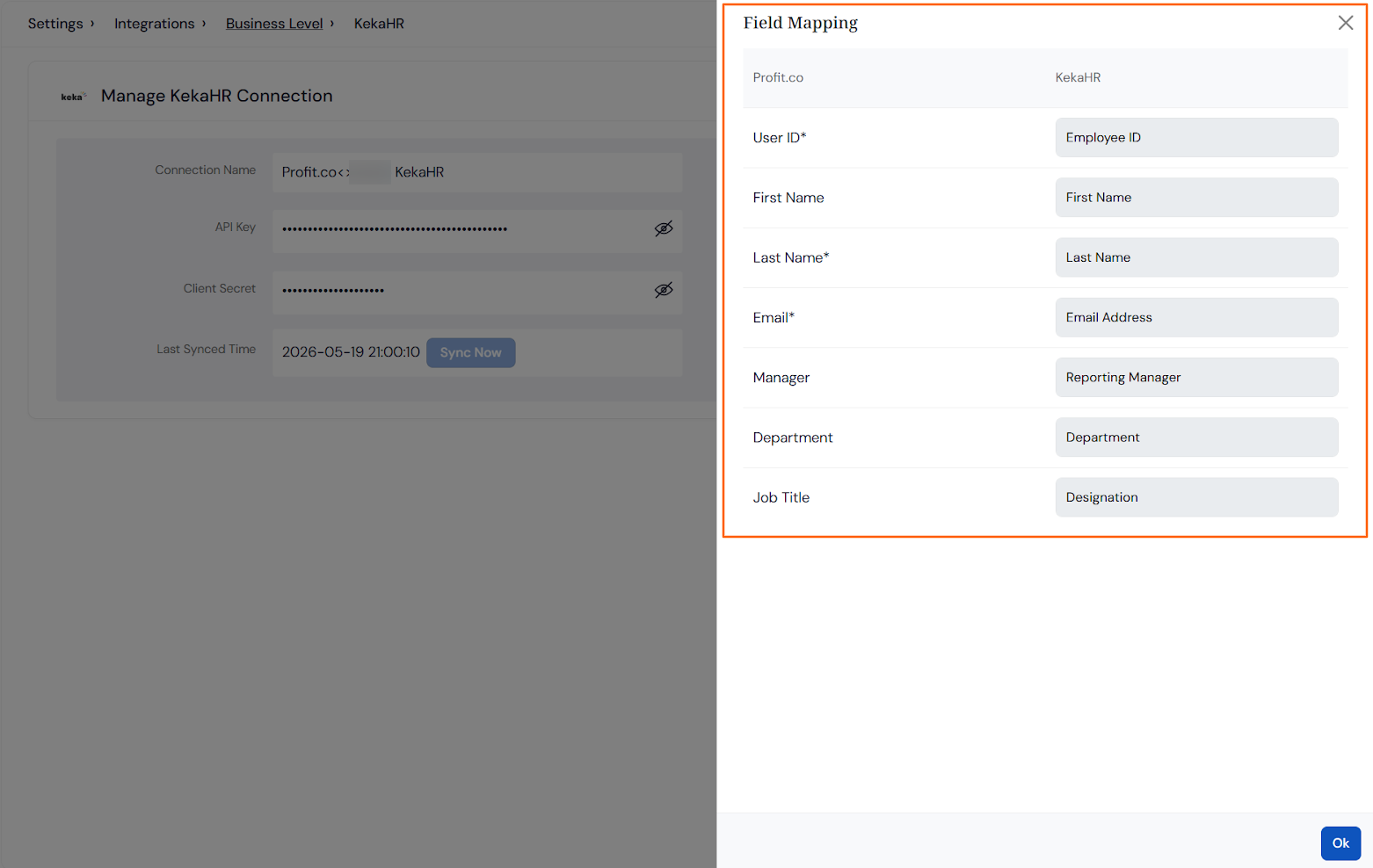
- You can import Users, First Name, Last Name, Email, Date of Joining, Department, Job Title, Grade, Date of Birth, and Reporting Manager from your Keka HR account to Profit.co.
Configure Keka HR Integration in Profit.co
Note: Super Users can only configure the Keka HR integration in Profit.co
Step 1
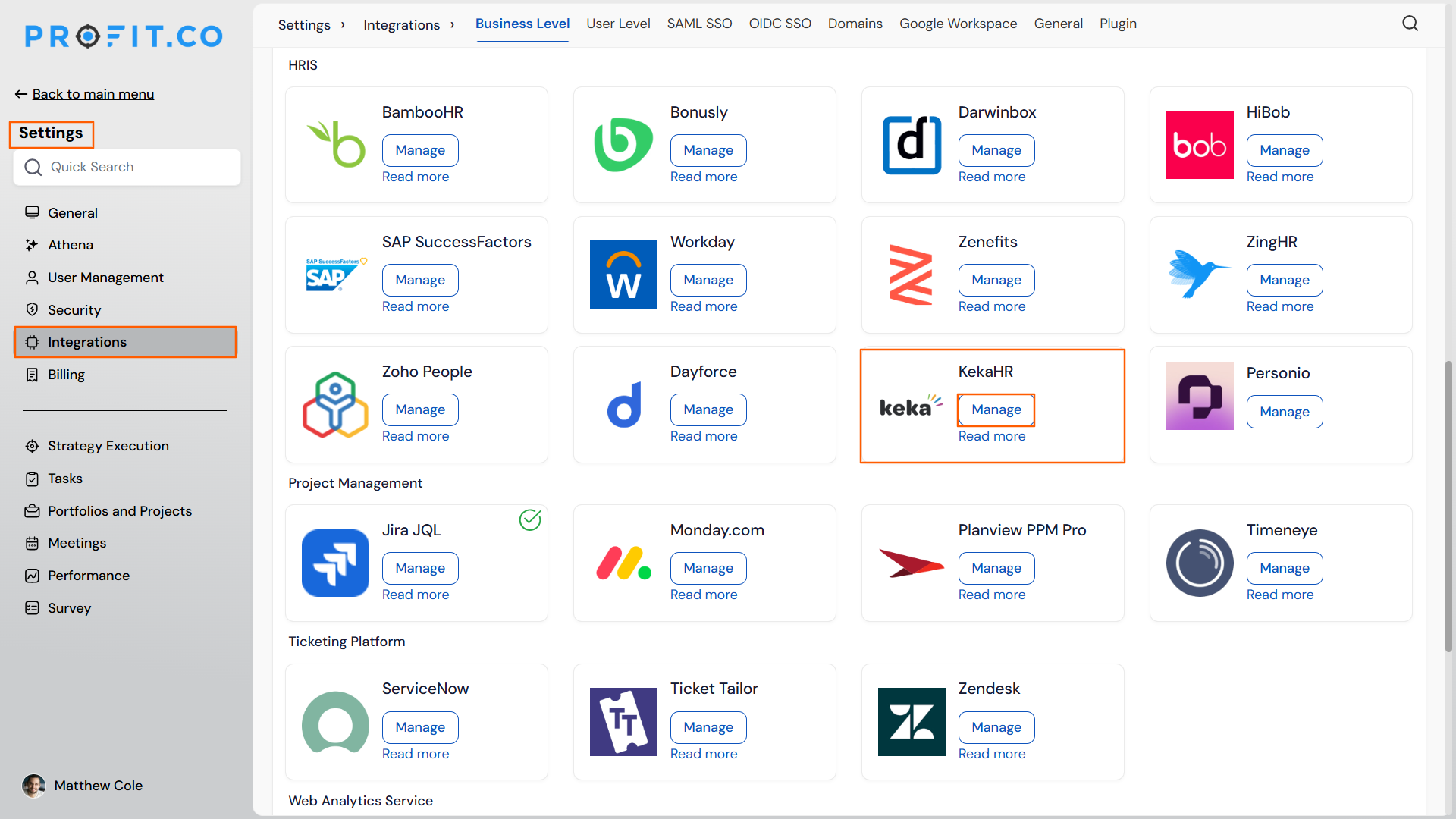
Navigate to Settings → Integrations from the left navigation panel.
On the Business Level tab, locate the Keka HR and click on the Manage button.
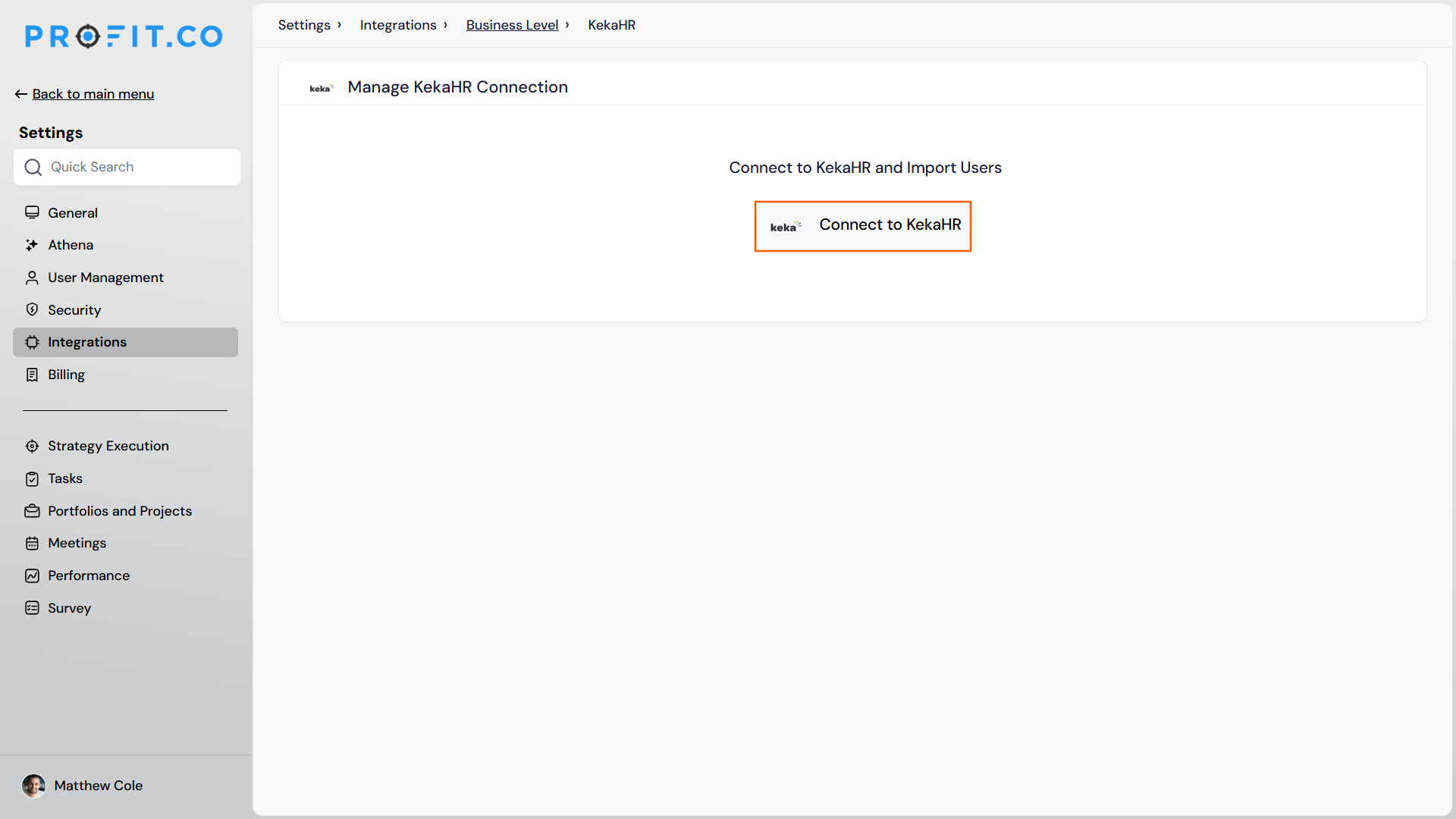
Then, click the Connect to Keka HR button
Step 2
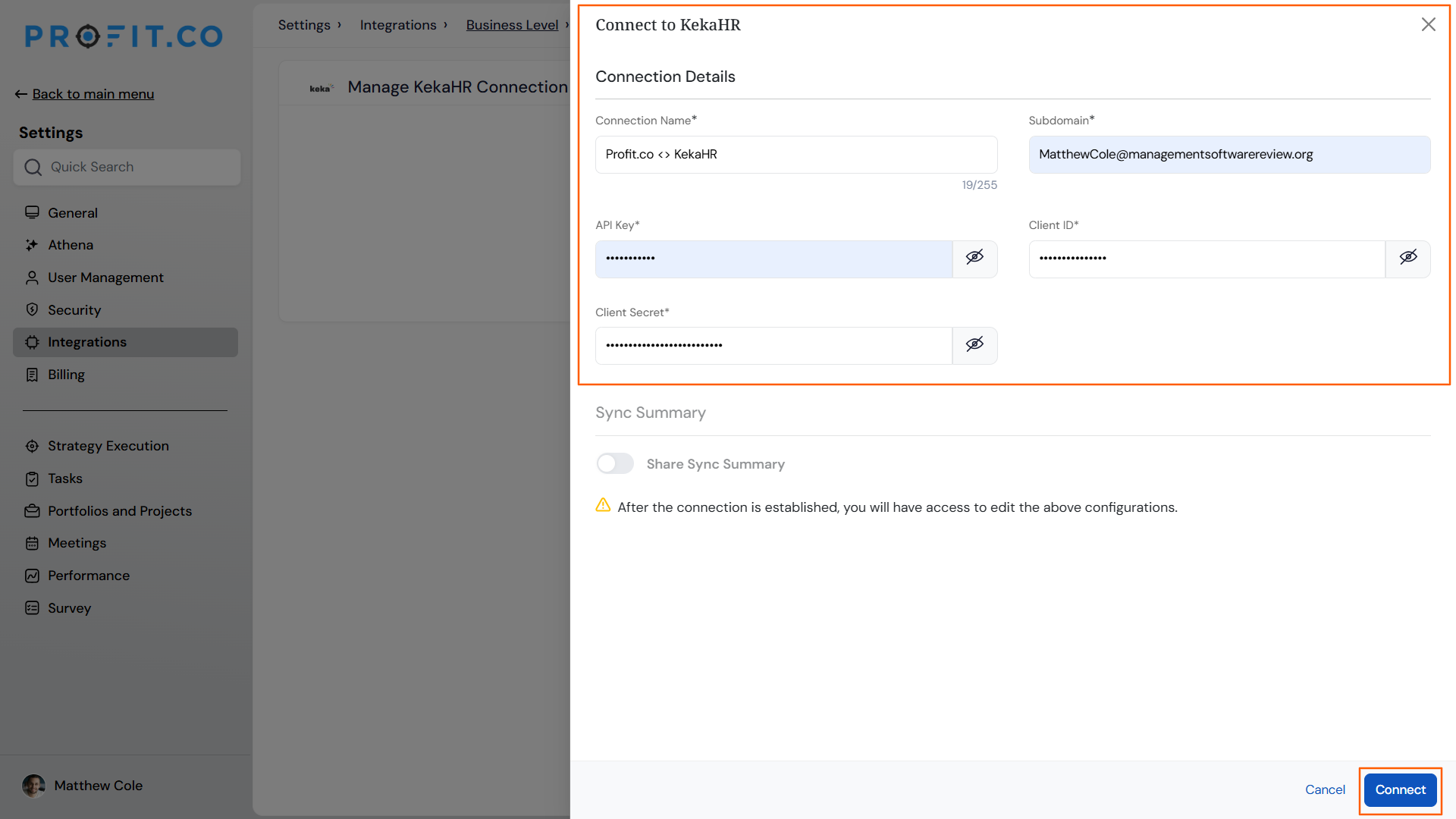
Enter the following details to configure the Keka HR integration:
- Connection Name
- Sub Domain
- API Key
- Client Secret
Step 3
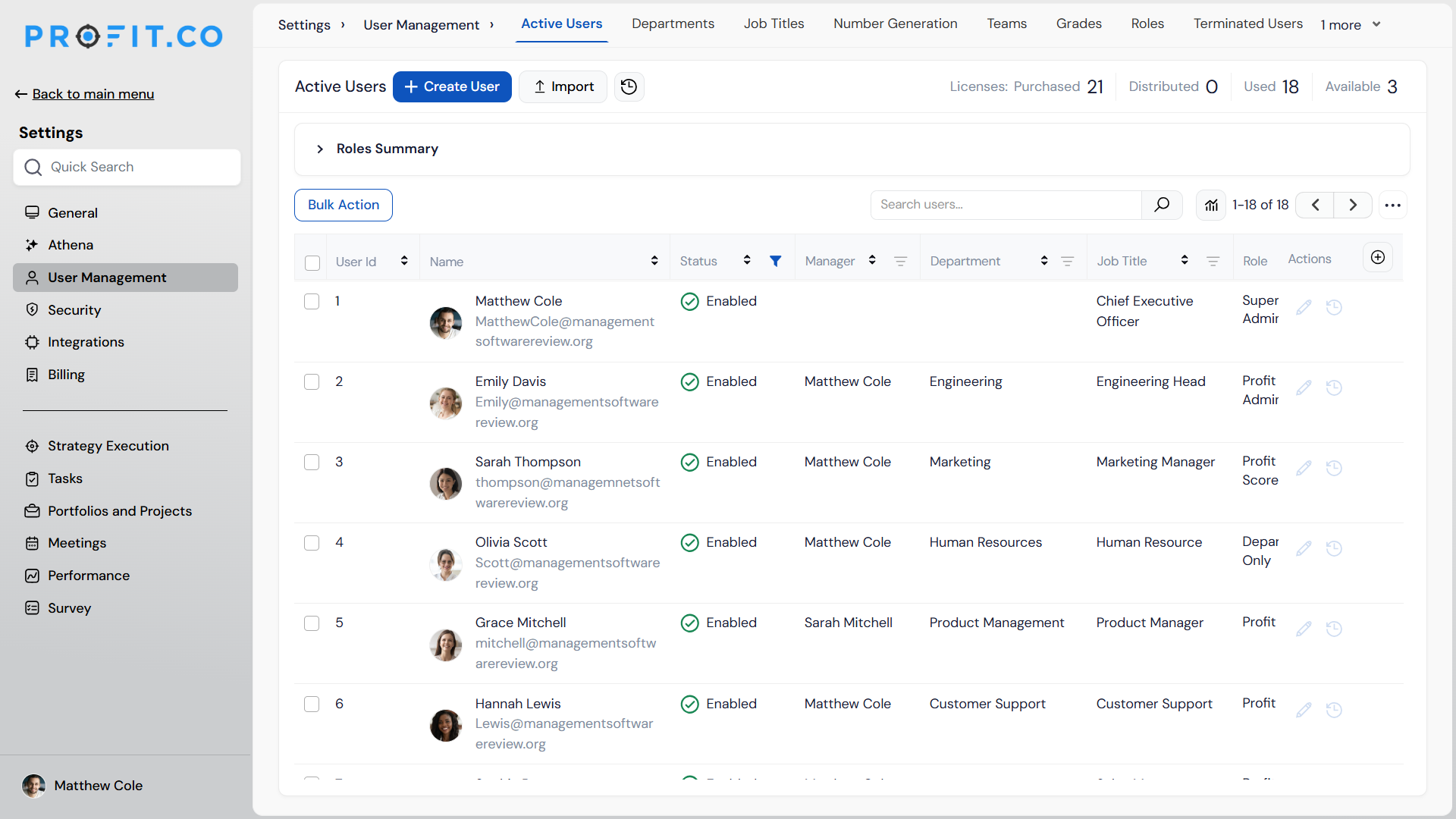
Once the connection is established, The Initial Sync will start after 30 mins to import users from your Keka HR account to Profit.co for the first sync.
Step 4
At any stage, if you do not want to synchronize the user details for a particular period of time, you can enable the Pause Connection toggle. Users will not be synchronized until you disable the toggle.
If you want to know the summary of imported users, you can enable the Share Summary toggle. After sync, you will receive an email with the user’s information.
You will also have the option to do the Field mapping. It shows records of Keka HR and Profit.co
Note:
- The first sync will happen only after 30 mins once the sync is done, and other syncs will happen every day at 9 PM local time.
- All users will be given Profit.co user access permissions. You can change it later for the users you want.
- The user login access in Profit.co will be based on the Employee Status field synced from Keka HR.